
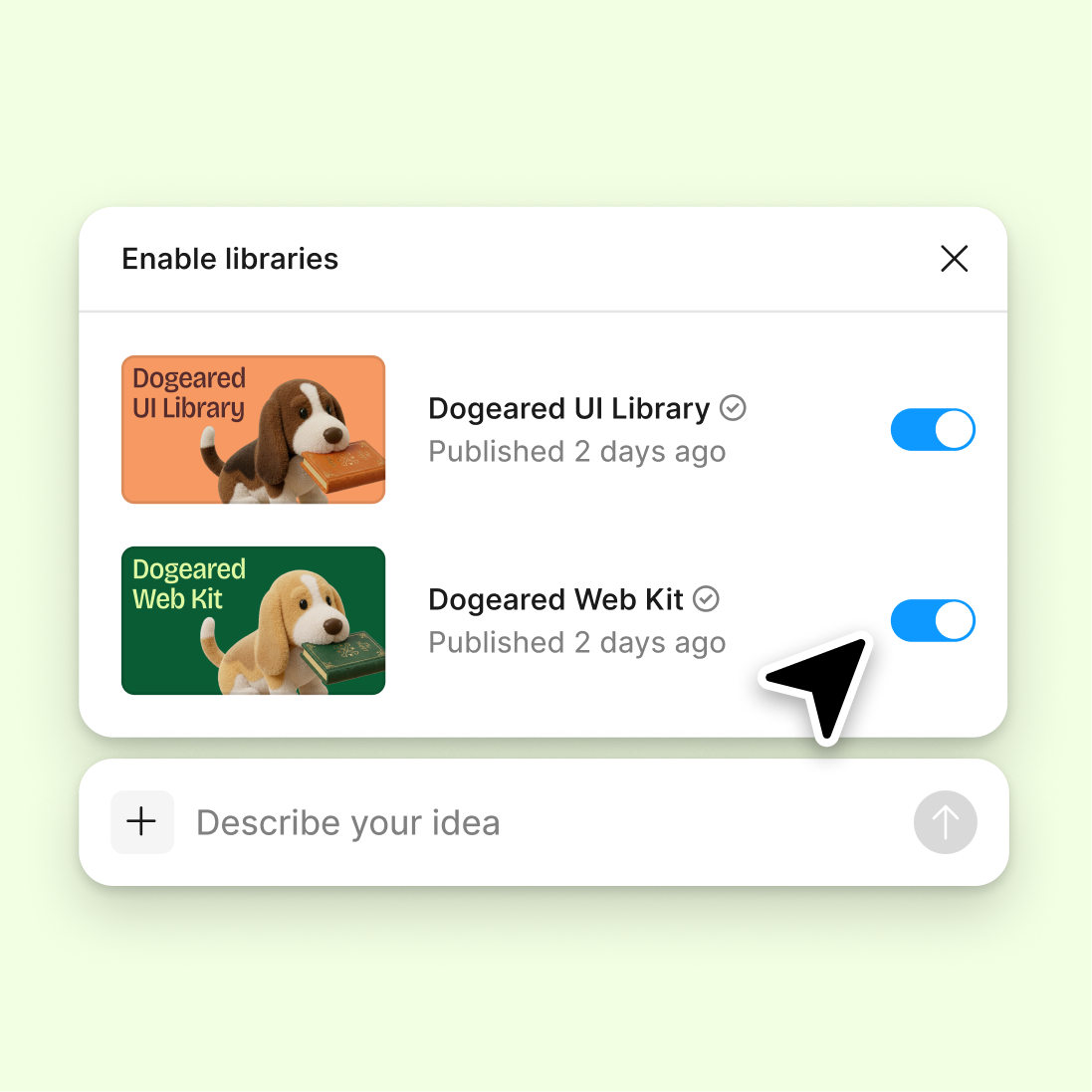
Connect to a design library
Generate and refine using your actual components, tokens, and variables—not placeholder UI you'll have to swap out later.
Skip to main content
Surface blind spots, check alignment with best practices, and get structured feedback on your designs—directly in Figma Design. No scheduling a review, no switching tools, no waiting for input.











Figma's agent reviews your designs in context, catching issues and suggesting improvements while your work is still in progress.

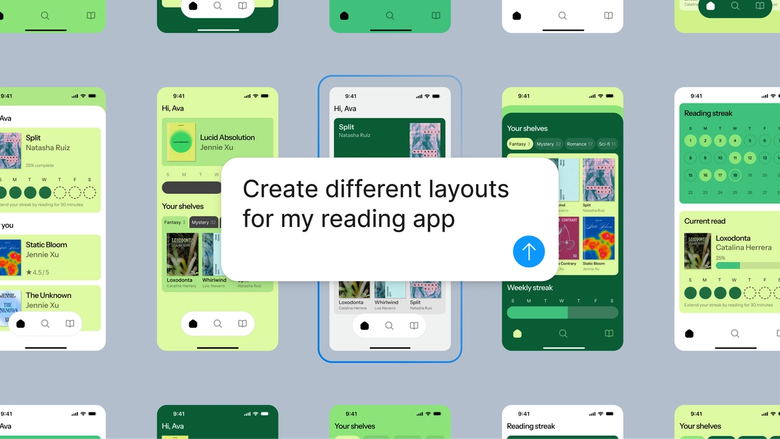
Get feedback on your actual layers and frames in Figma Design, so you can act on suggestions immediately. No exporting screenshots or rebuilding after the review.

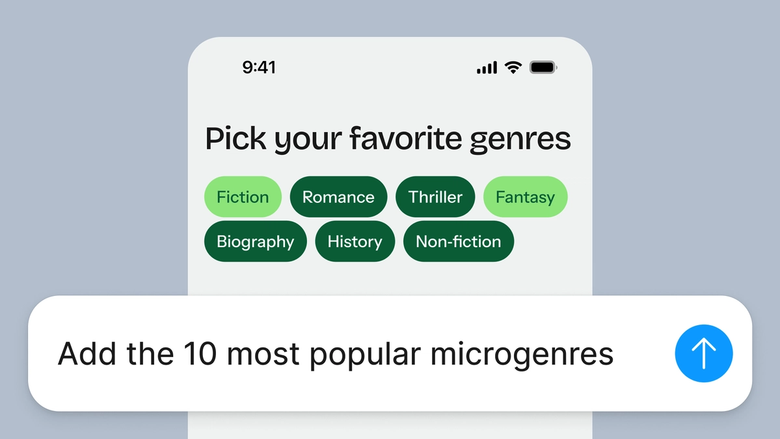
Skip the scheduling and back-and-forth. Ask for a crit whenever you need one—during early exploration or right before handoff—and keep moving without losing flow.

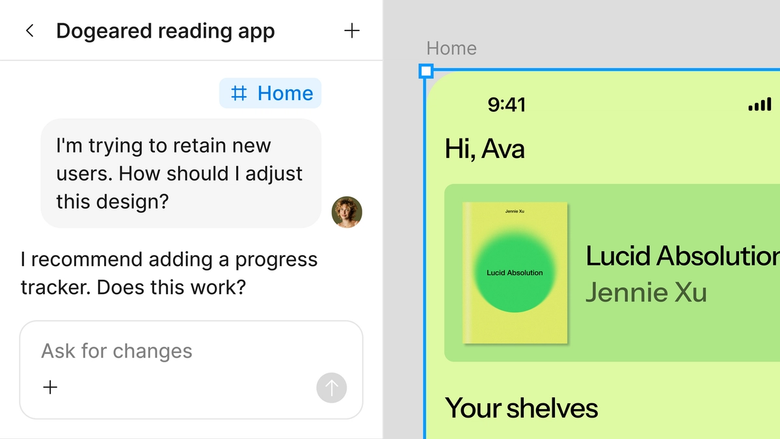
Critiques happen in the same file your team works in, so everyone sees the reasoning and can build on it together. Nothing gets buried in a separate thread.
A closer look at what sets Figma's agent apart, built for the way design teams actually work.
Generate and refine using your actual components, tokens, and variables—not placeholder UI you'll have to swap out later.

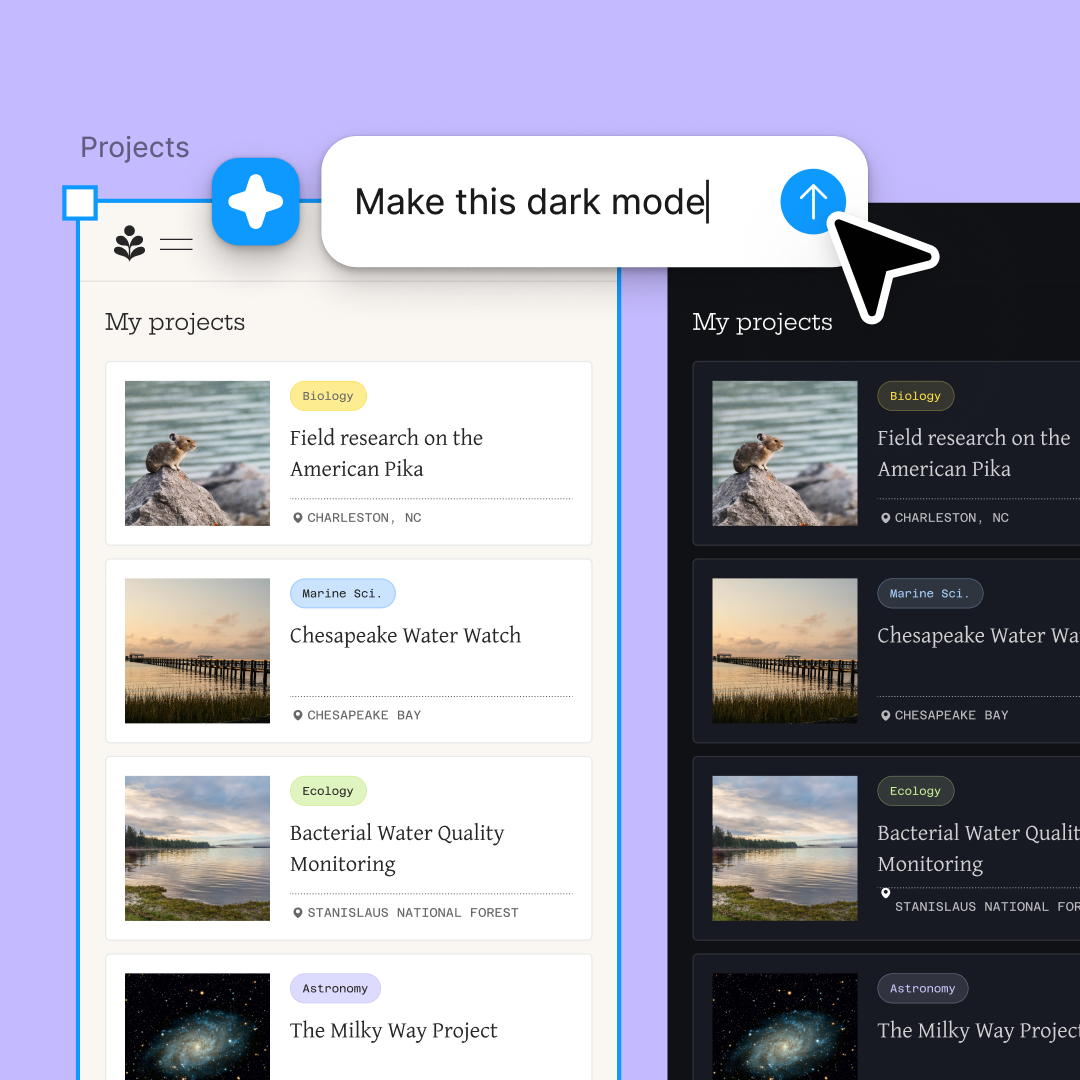
Run multiple prompts at once so you're evaluating directions in parallel, not burning time on each one in sequence.

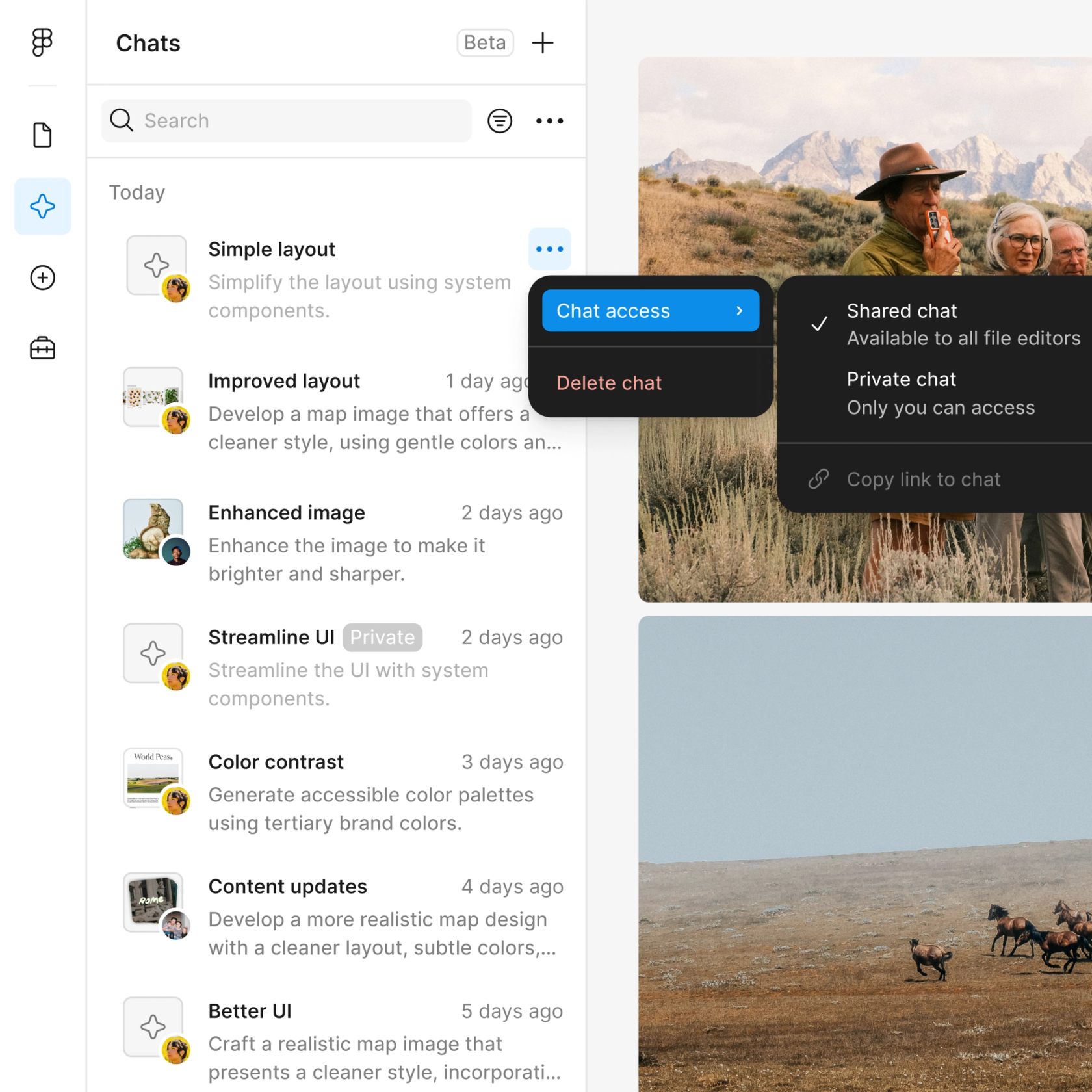
Share a thread and your team sees the full prompt, context, and iteration history behind any design. No separate handoff needed.

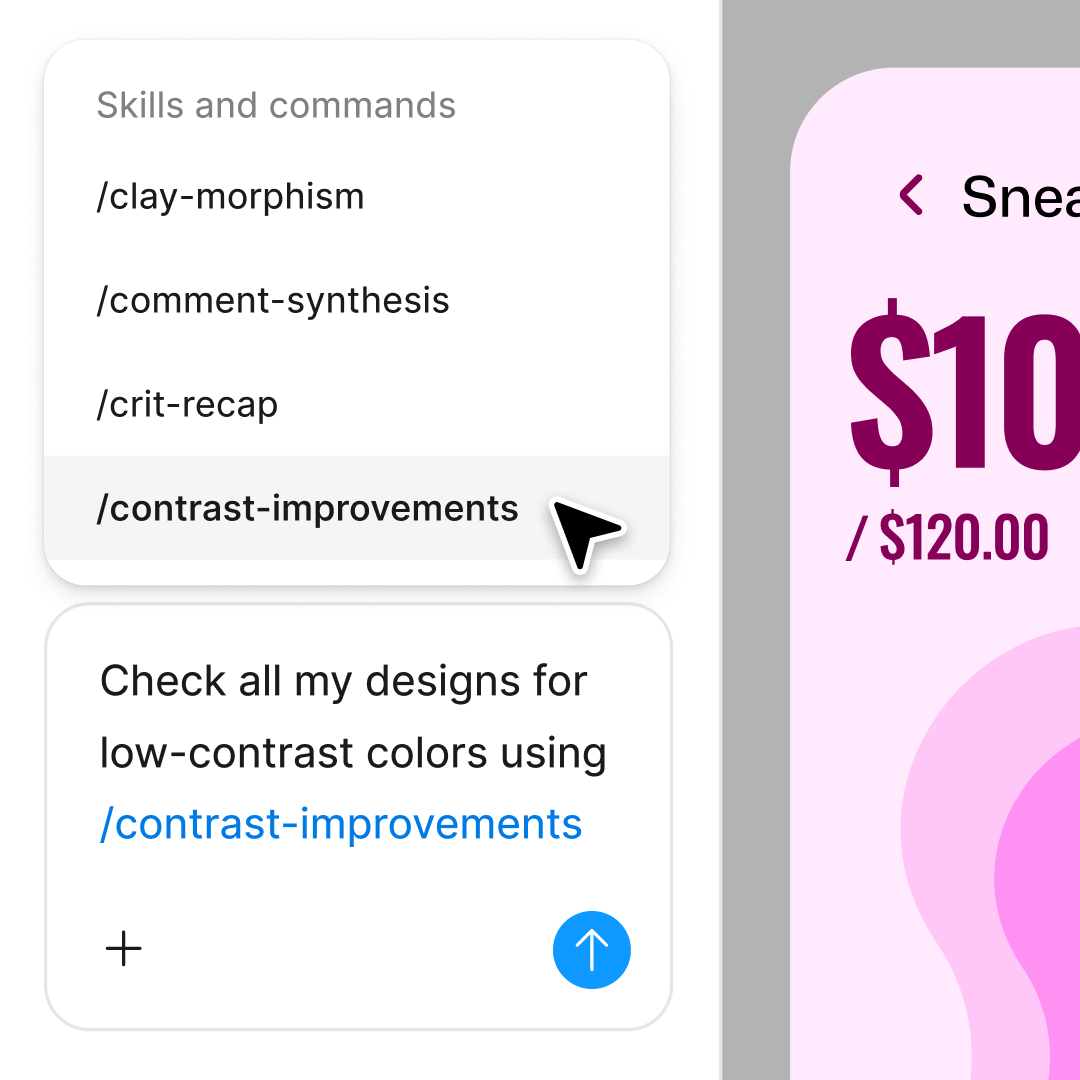
Package your team's workflows and conventions into reusable /commands anyone can run on demand.
Figma feels like a natural extension of my hand. I do my design ideation on the canvas, and now the agent takes it the last mile. With my design libraries connected, I can move from design to code faster than ever before.
Andy Madrick
Product Designer, Notion

Select Agents in the left side rail or hit CMD + Enter. Add a frame to the canvas if you want a starting point to work in.
Type your prompt—a layout, a variation, a bulk edit. Point the agent to your design library so it uses your real components and styles.
Read through the critique on your canvas. Ask follow-up questions in the same thread or start a parallel one to dig into a specific area.
Everything stays editable on the canvas, so you can fine-tune colors, effects, or details by hand or prompt again until the style is exactly right.
Watch Figma's AI Agent in action and see how to put it to work in your own workflows.

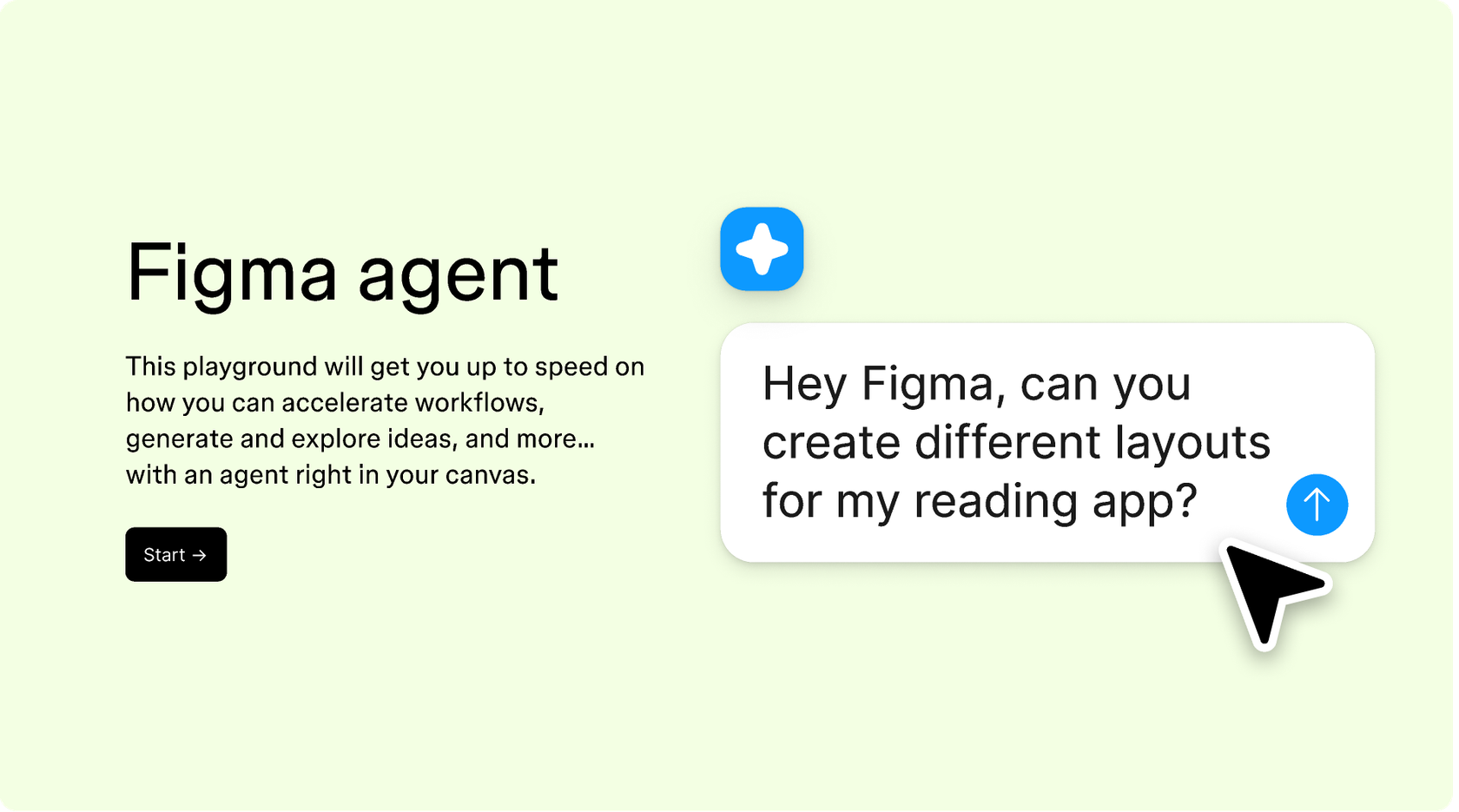
Hands-on playground to explore Figma agent's capabilities — from bulk edits to feedback implementation — with step-by-step guidance built right in.
Learn how to use Figma agent in your design workflows with a step-by-step tutorial from the Figma team.
A design crit—short for critique—is a structured review where designers get feedback on their work. The goal is to surface issues, test assumptions, and improve the design before it ships. With Figma's agent, you can run a crit anytime by prompting for feedback on selected frames or components directly in your file.
Good critique is specific, actionable, and grounded in context. It focuses on whether the design meets its goals rather than personal preference. Figma's agent helps by analyzing your work against design principles and your own system, giving you structured feedback you can act on immediately.
Be specific about the aesthetic direction in your prompt. Instead of 'make it better,' try 'shift this to a warm, retro color palette' or 'apply a clean, minimal style with lots of white space.' Adding a reference image to your canvas gives the agent visual context to work from, which often improves results.
Absolutely. Every style transformation from Figma's agent lands as editable layers on your canvas. You can undo the change entirely, refine specific elements by hand, or prompt again in the same thread to adjust. Opening a parallel thread lets you explore a different direction without losing your previous work.
Figma's agent is available on all paid Figma plans. You'll find it in the left side rail in Figma Design, or open it with CMD + Enter. During the current open beta, it doesn't consume AI credits—so it's a good time to explore, experiment, and share your feedback with us.
Build faster with Figma's agent


