
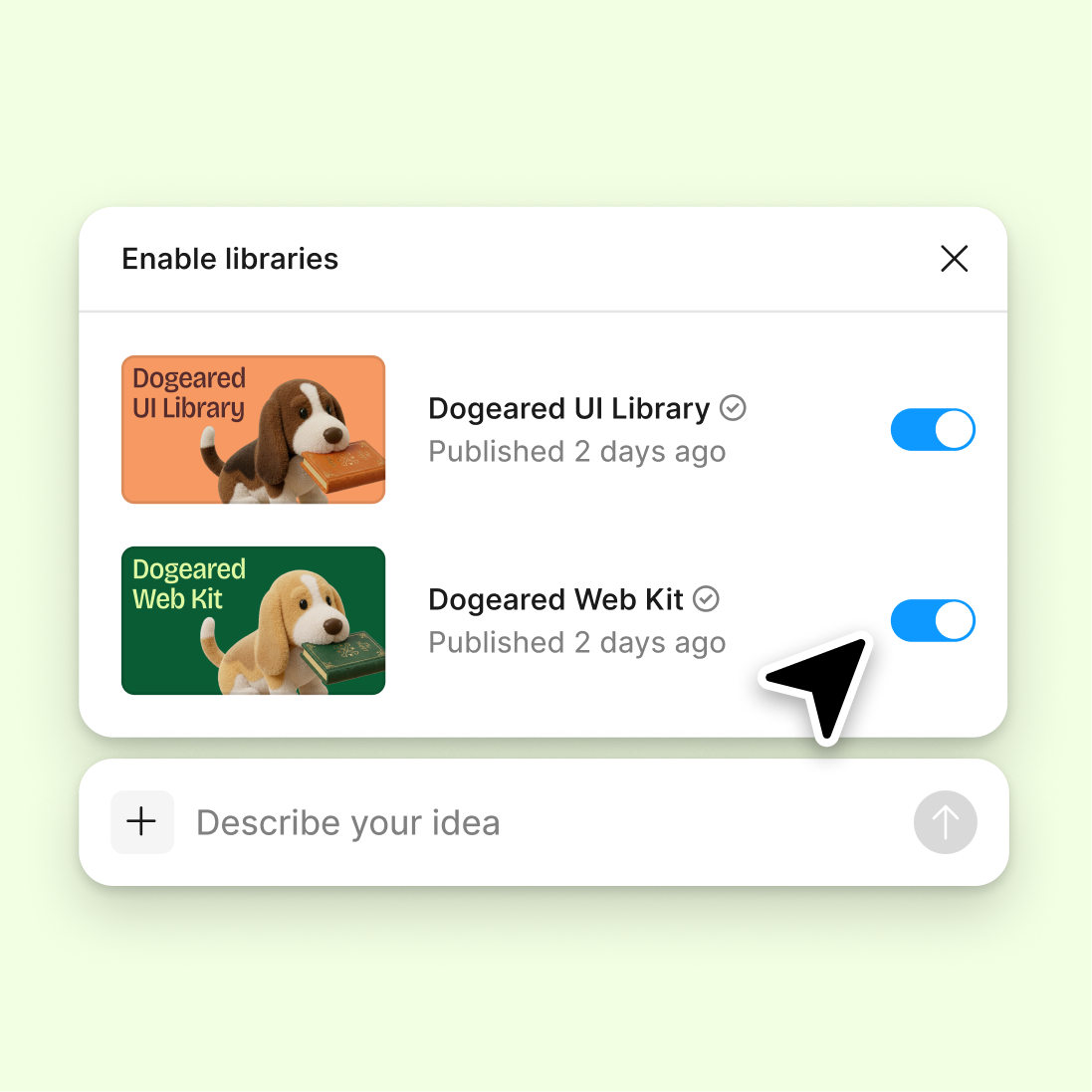
Connect to a design library
Generate and refine using your actual components, tokens, and variables—not placeholder UI you'll have to swap out later.
Skip to main content
Remove backgrounds, swap objects, retouch details, and refine visuals with AI—directly in Figma Design. No round trips to a separate editor, no breaking your flow.











Figma's agent works as an AI image editor right on your canvas, so you can fix, refine, and restyle visuals right where you are.


Hand off repetitive edits—background removal, object cleanup, batch retouching—and keep your focus on the design decisions that really matter.

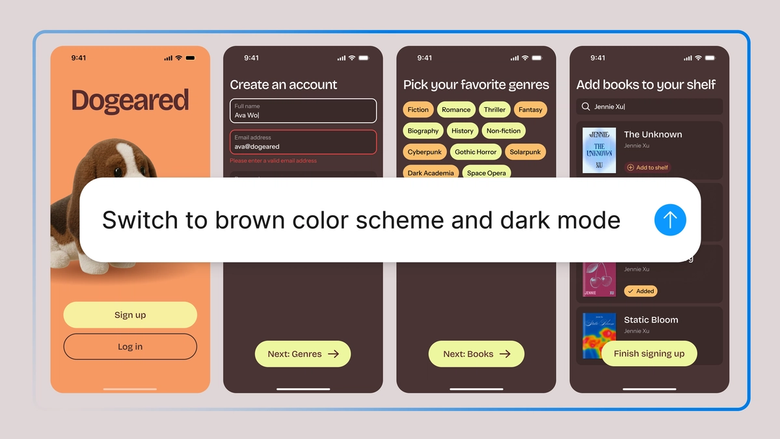
Every edit lands on your canvas as editable layers, so you can keep refining by hand—nothing gets flattened or locked away.

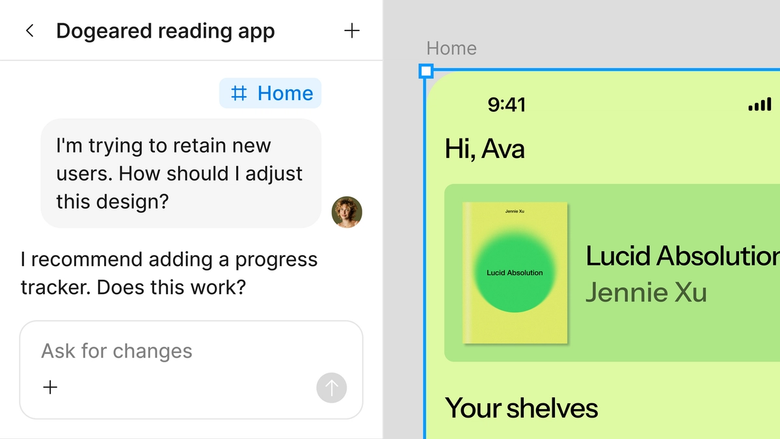
Edits happen in the same file your team works in, so everyone sees the latest version and can build on it right away. Nothing gets lost in an export.
A closer look at what sets Figma's agent apart, built for the way design teams actually work.
Generate and refine using your actual components, tokens, and variables—not placeholder UI you'll have to swap out later.

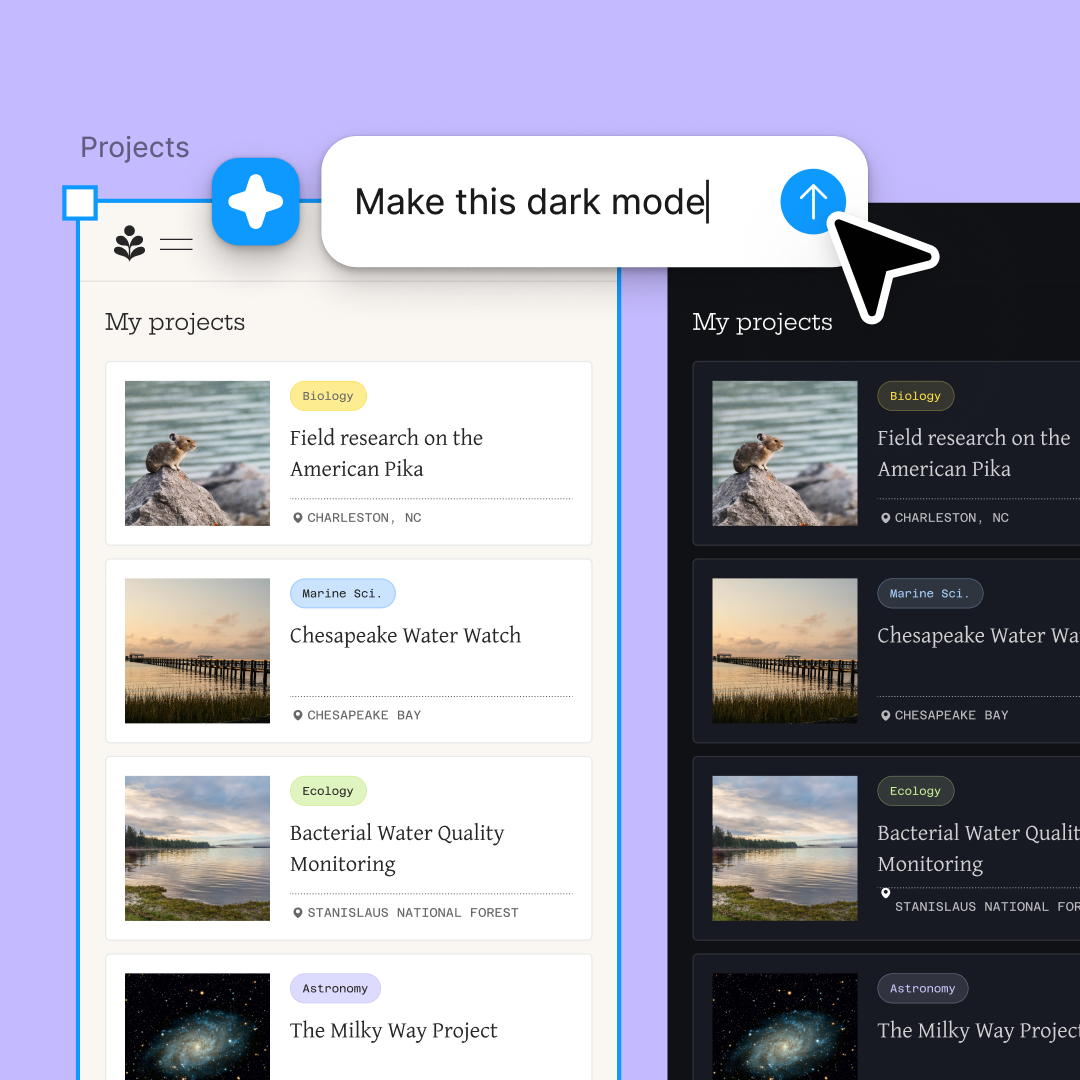
Run multiple prompts at once so you're evaluating directions in parallel, not burning time on each one in sequence.

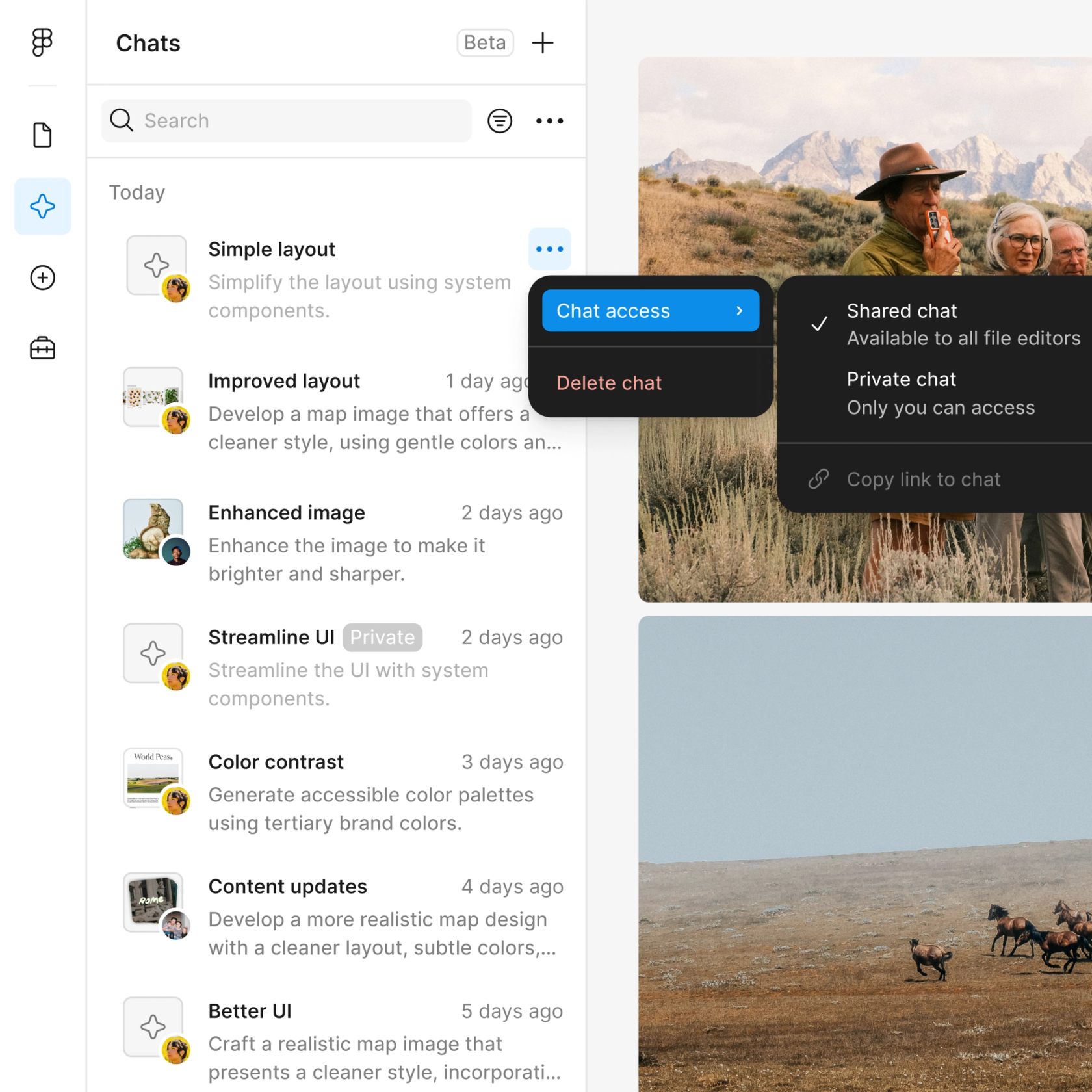
Share a thread and your team sees the full prompt, context, and iteration history behind any design. No separate handoff needed.

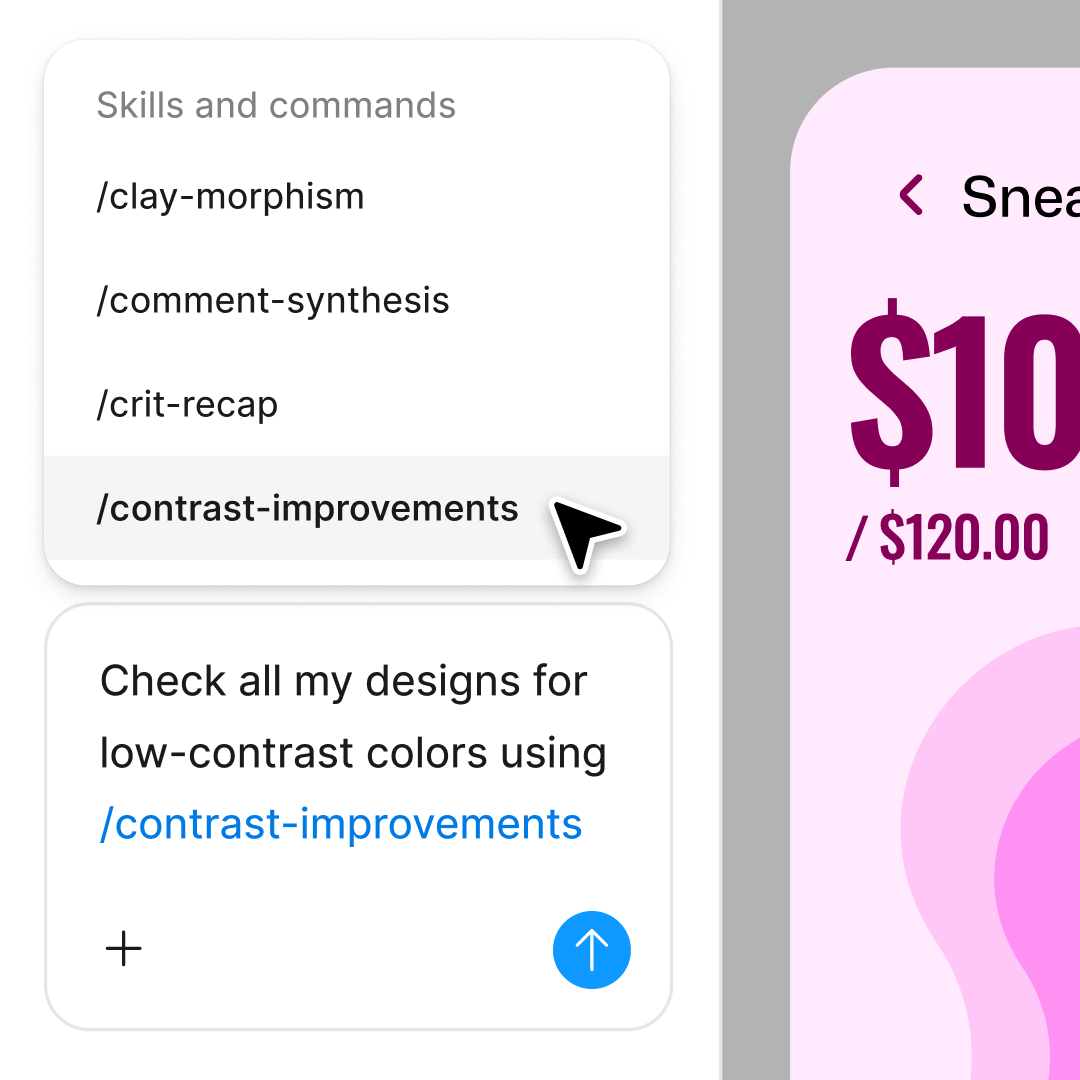
Package your team's workflows and conventions into reusable /commands anyone can run on demand.
Figma feels like a natural extension of my hand. I do my design ideation on the canvas, and now the agent takes it the last mile. With my design libraries connected, I can move from design to code faster than ever before.
Andy Madrick
Product Designer, Notion

Drop the image you want to edit onto your canvas in Figma Design, or select one that's already in your file.
Tell the agent what to change—remove the background, swap an object, retouch a detail. For more context, drop in images, PDFs, or text files, or @mention another Figma file to reference it.
Check the edit on your canvas. Not quite there? Refine in the same thread or try a different direction in a parallel one.
Happy with the result? Turn the workflow into a reusable skill so the agent can run it the same way next time—no re-prompting from scratch.
Watch Figma's AI Agent in action and see how to put it to work in your own workflows.

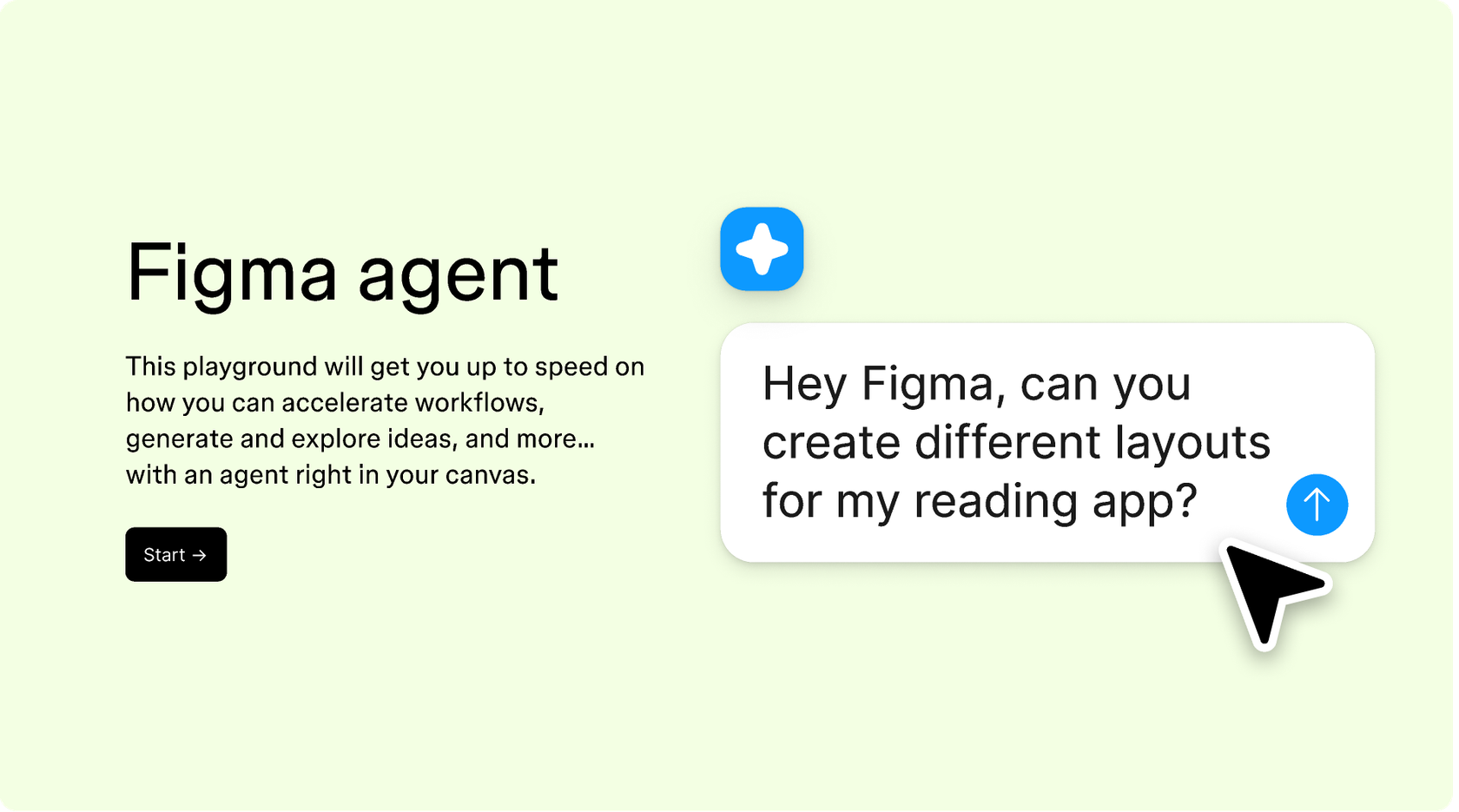
Hands-on playground to explore Figma agent's capabilities — from bulk edits to feedback implementation — with step-by-step guidance built right in.
Learn how to use Figma agent in your design workflows with a step-by-step tutorial from the Figma team.
An AI image editor helps you work faster on visual tasks that used to eat up your day: removing backgrounds, swapping or erasing objects, retouching details, and generating new imagery from a prompt. With Figma's agent, you handle these directly on your canvas in Figma Design—less back-and-forth, more building.
AI is good at repetitive, time-consuming tasks, but the best work still needs human judgment, brand instincts, and an eye for craft. We built Figma's agent to help you explore more ideas and automate the tedious parts, so you can spend more time on the decisions that matter.
Generative AI works with context and probability. It doesn’t have a precise read on your intent, so it can misjudge tricky details like hair edges, reflections, or transparent objects. Output varies based on your prompt, file context, and the model. Adding a reference image or refining your prompt can get you closer.
They can absolutely be part of a solid workflow, but it's worth a human review before anything's final—AI can invent details rather than reproduce them, especially when upscaling or filling in. Figma's use of your data is governed by our customer agreements, and you control whether your content is used to train our models in your account settings.
Figma's agent is available on all paid Figma plans. You'll find it in the left navigation bar in Figma Design. During the current open beta, it doesn't consume AI credits—so it's a good time to explore, experiment, and share your feedback with us.
Build faster with Figma's agent


