
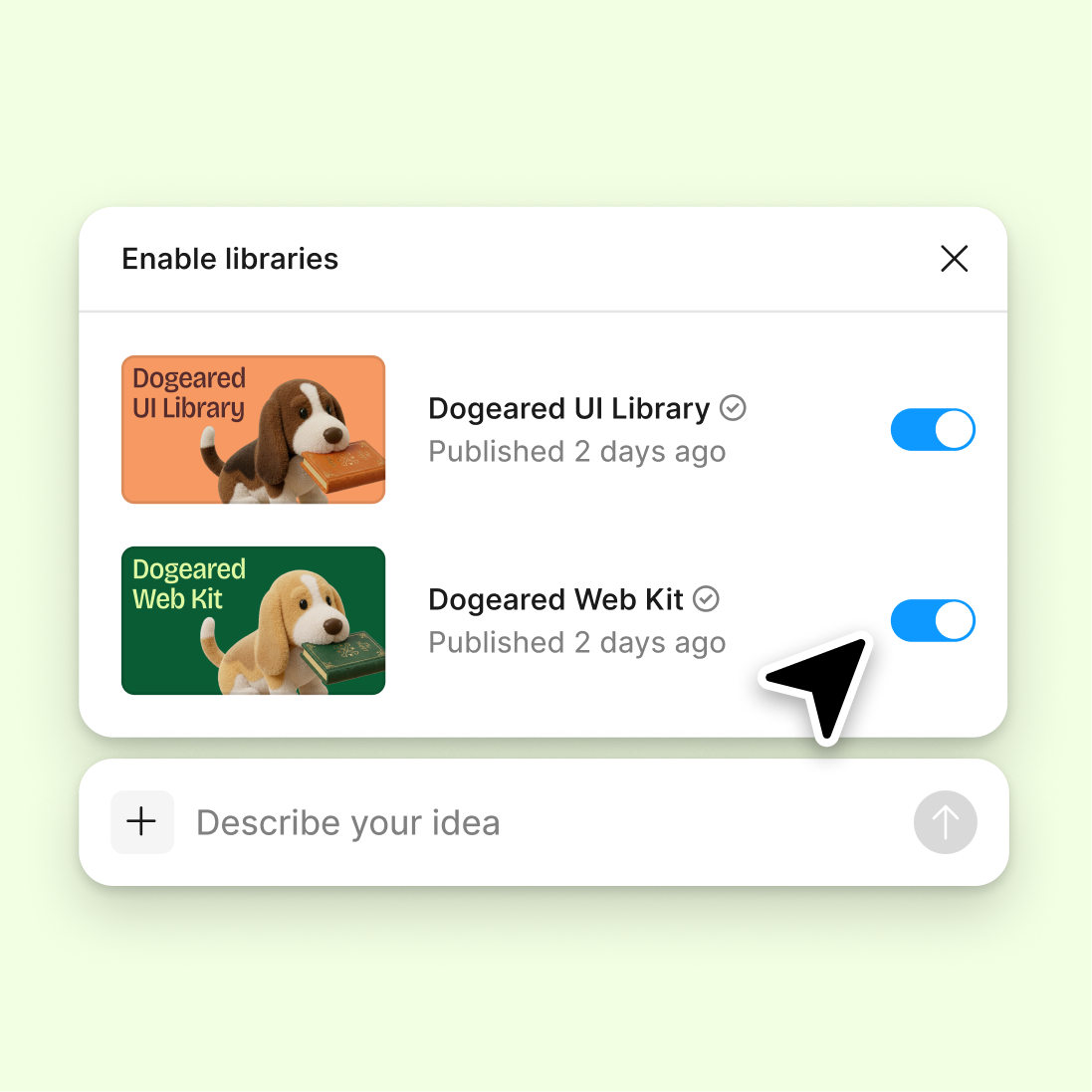
Connect to a design library
Generate and refine using your actual components, tokens, and variables—not placeholder UI you'll have to swap out later.
Skip to main content
Create adaptive layouts across breakpoints with Figma's agent—using your real components and design tokens directly in Figma Design. Explore multiple responsive directions simultaneously, not one at a time.











Figma's agent generates adaptive layouts using your actual design library, so every breakpoint stays consistent with your components, tokens, and spacing rules.

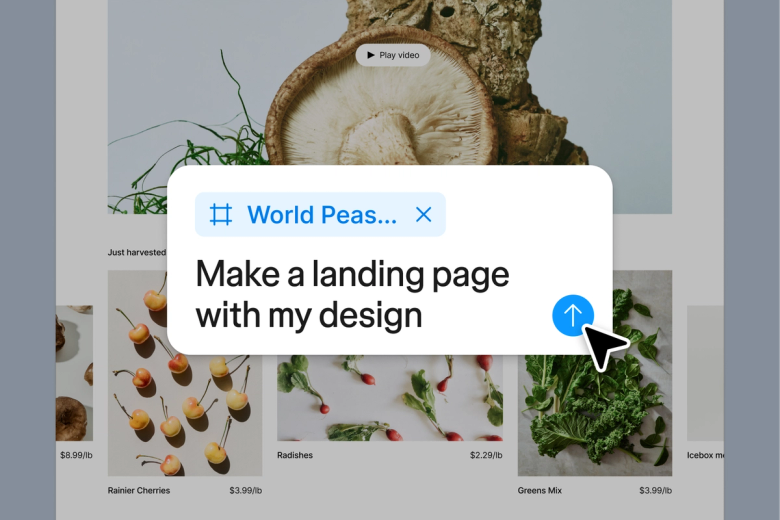
The agent generates real responsive layouts using your connected design system—not placeholder boxes. See how your actual components adapt across mobile, tablet, and desktop without rebuilding each variant by hand.

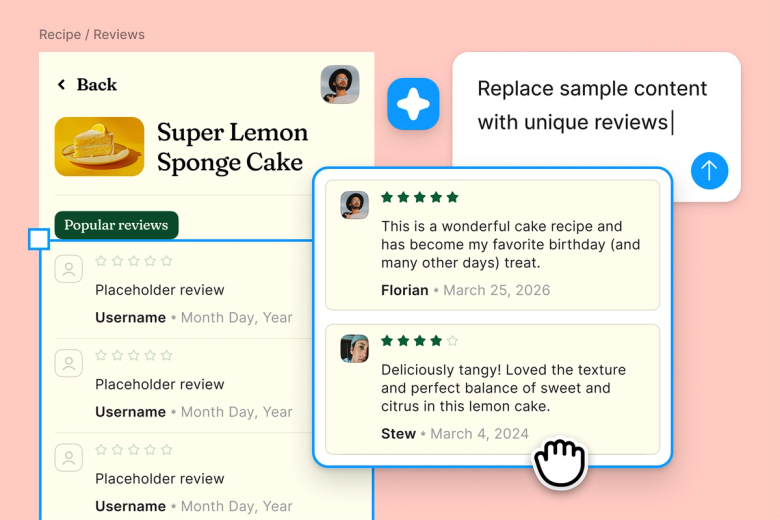
Skip the tedious work of manually adjusting layouts for every screen size. Describe the responsive behavior you need and let the agent scaffold variants while you focus on the design decisions that matter.

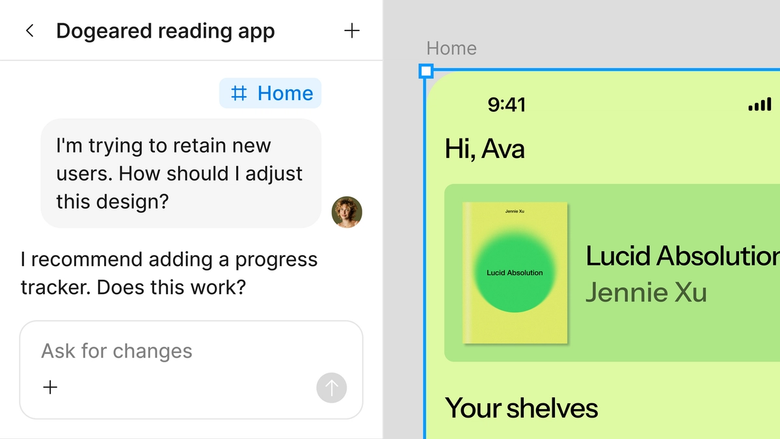
Responsive variants live in the same file your team already works in. Everyone sees how designs adapt across devices—no separate handoff documents or confusion about which breakpoint is current.
A closer look at what sets Figma's agent apart, built for the way design teams actually work.
Generate and refine using your actual components, tokens, and variables—not placeholder UI you'll have to swap out later.

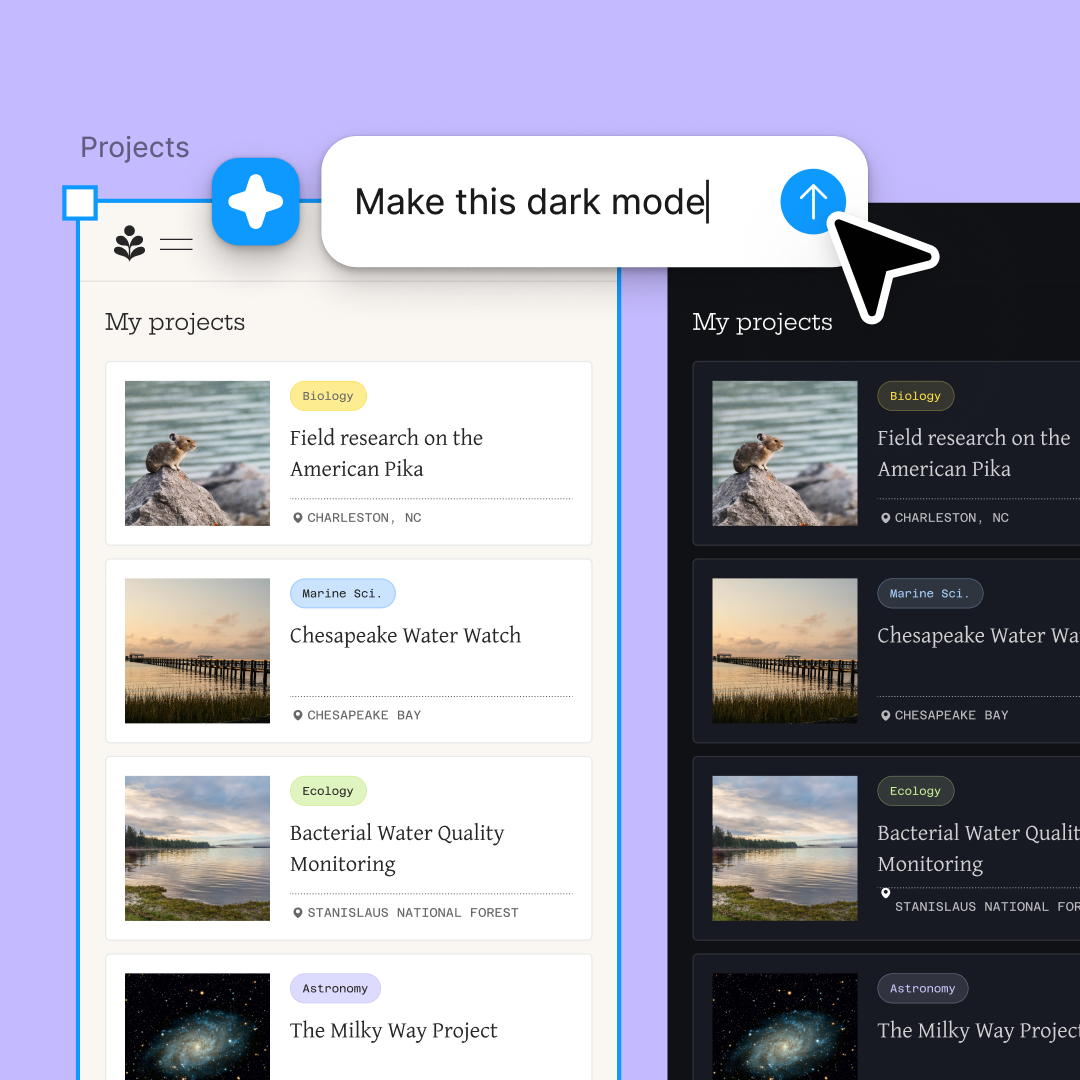
Run multiple prompts at once so you're evaluating directions in parallel, not burning time on each one in sequence.

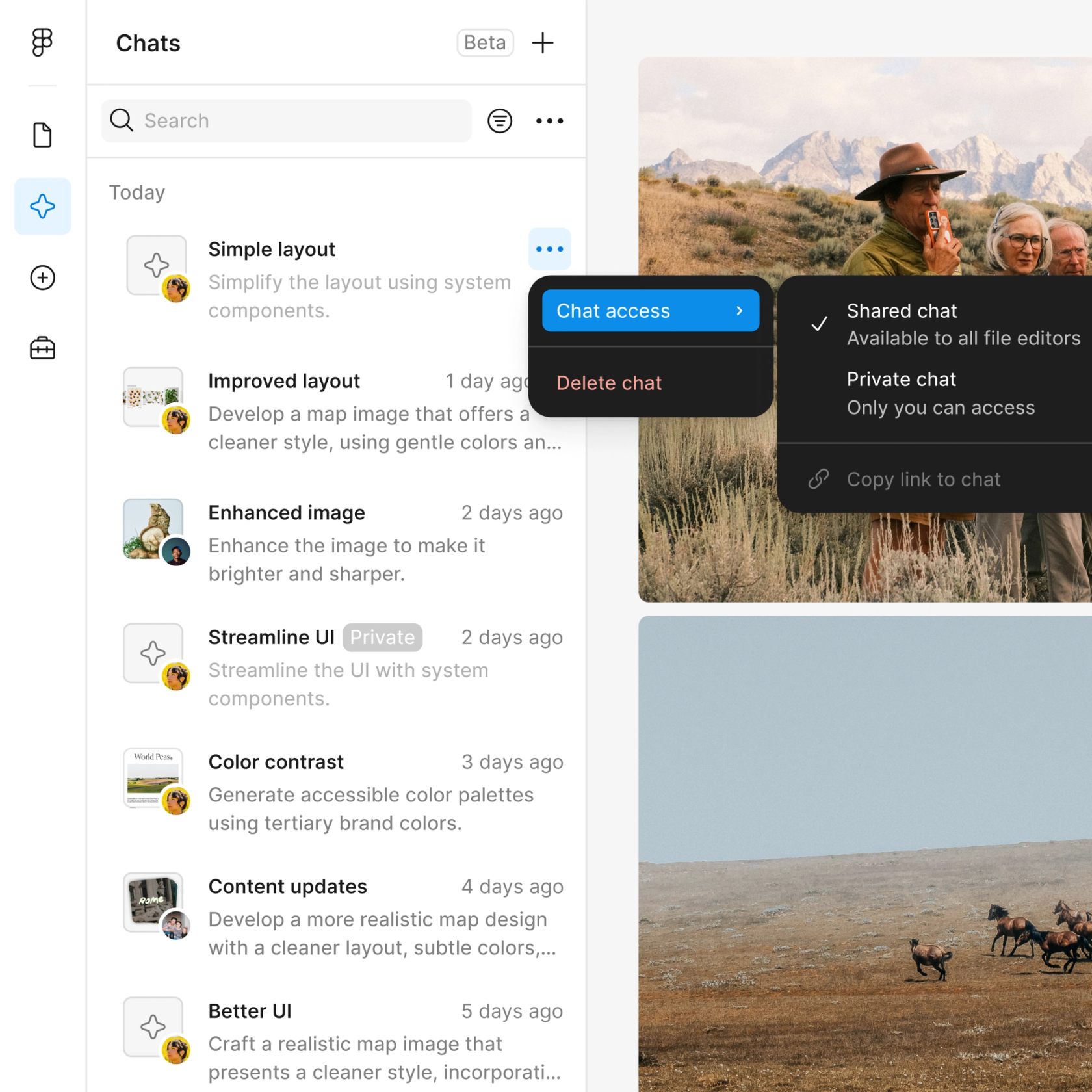
Share a thread and your team sees the full prompt, context, and iteration history behind any design. No separate handoff needed.

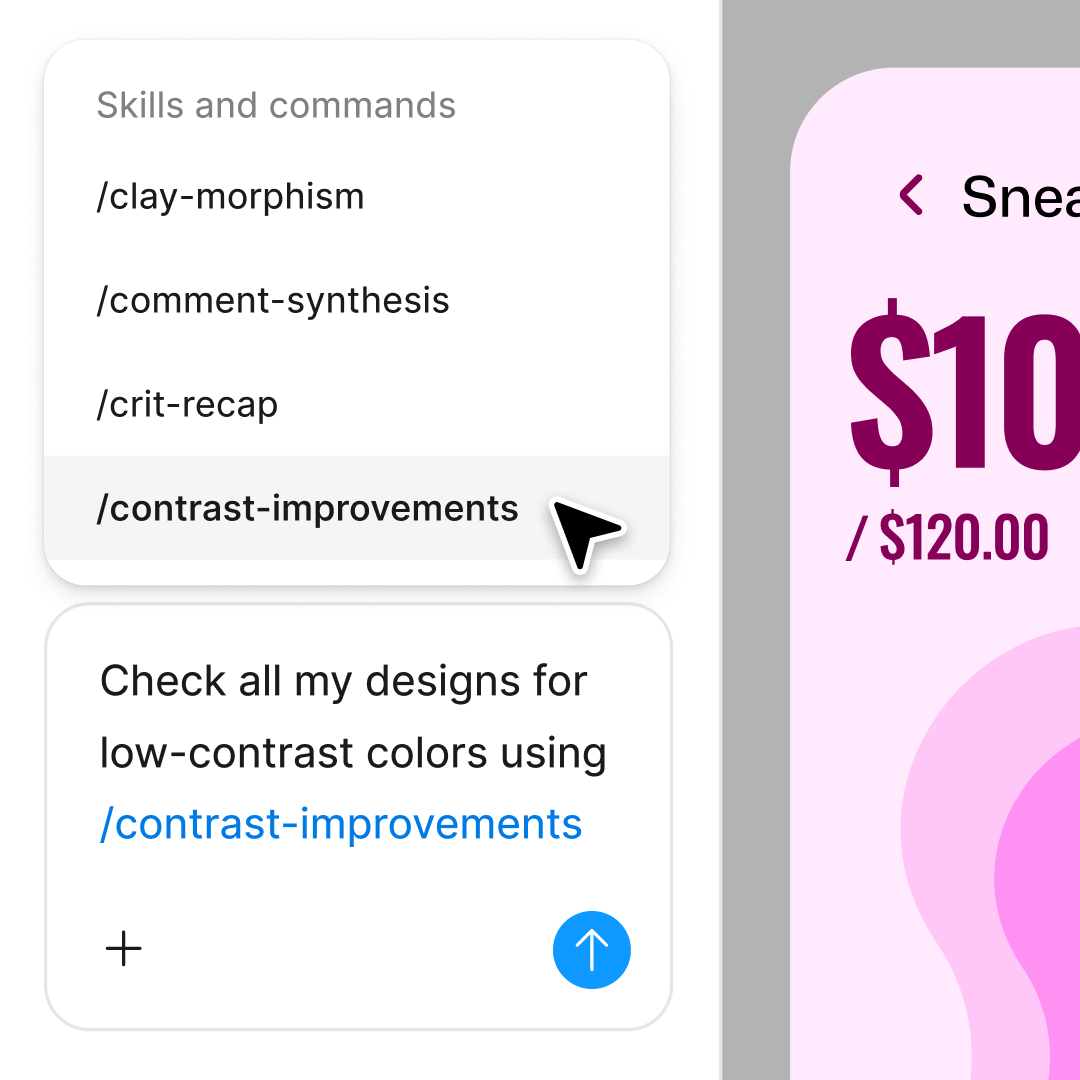
Package your team's workflows and conventions into reusable /commands anyone can run on demand.
Figma feels like a natural extension of my hand. I do my design ideation on the canvas, and now the agent takes it the last mile. With my design libraries connected, I can move from design to code faster than ever before.
Andy Madrick
Product Designer, Notion

Select Agents in the left side rail or hit CMD + Enter. Add a frame to your canvas as the starting point for your responsive layouts.
Tell the agent what breakpoints you need and how elements should adapt. Connect your design library so it uses your real components and tokens.
Check the generated layouts on your canvas. Refine in the same thread or start a parallel one to explore a different responsive approach.
Everything stays editable on your canvas. Prompt again to adjust breakpoint behavior or fine-tune layouts by hand until they work exactly right.
Watch Figma's AI Agent in action and see how to put it to work in your own workflows.

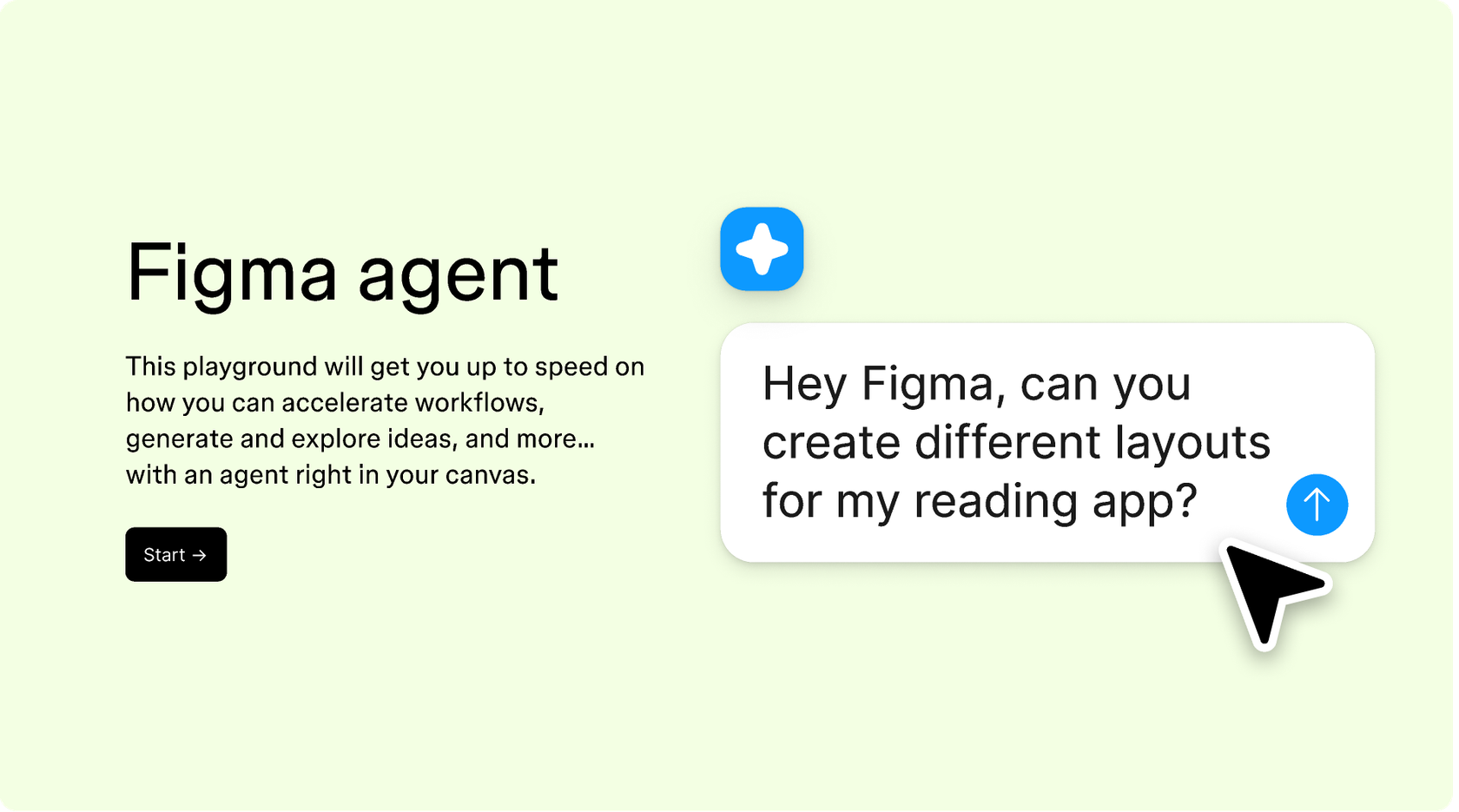
Hands-on playground to explore Figma agent's capabilities — from bulk edits to feedback implementation — with step-by-step guidance built right in.
Learn how to use Figma agent in your design workflows with a step-by-step tutorial from the Figma team.
An AI responsive design generator creates adaptive layouts that work across different screen sizes and devices. Figma's agent generates responsive variants directly on your canvas using your connected design system, so every breakpoint uses your real components and tokens. Instead of manually rebuilding layouts for mobile, tablet, and desktop, you describe the responsive behavior and the agent scaffolds the variants for you.
Figma's agent reads your design context—connected libraries, existing frames, and the components already on your canvas—then generates responsive layouts that adapt to the breakpoints you specify. You describe how elements should reflow, stack, or resize, and the agent produces real editable frames using your actual design system. The output lands directly on your canvas, ready to refine.
Figma's agent can generate responsive layout variants based on your prompts and design system. You specify the breakpoints and describe how content should adapt—whether elements stack vertically on mobile or expand horizontally on desktop. The agent produces multiple variants you can compare and refine, though you stay in control of the final design decisions.
Start by connecting your design library so the agent uses your real components and spacing tokens. Describe the responsive behavior clearly—which breakpoints matter, how elements should reflow, what stays fixed. Use parallel prompting to explore multiple approaches at once. Everything stays editable, so you can refine by hand or prompt again until the responsive behavior is exactly right.
Figma's agent is available on all paid Figma plans. You'll find it in the left side rail in Figma Design. During the current open beta, it doesn't consume AI credits—so it's a good time to explore, experiment, and share your feedback with us.
Build faster with Figma's agent


