
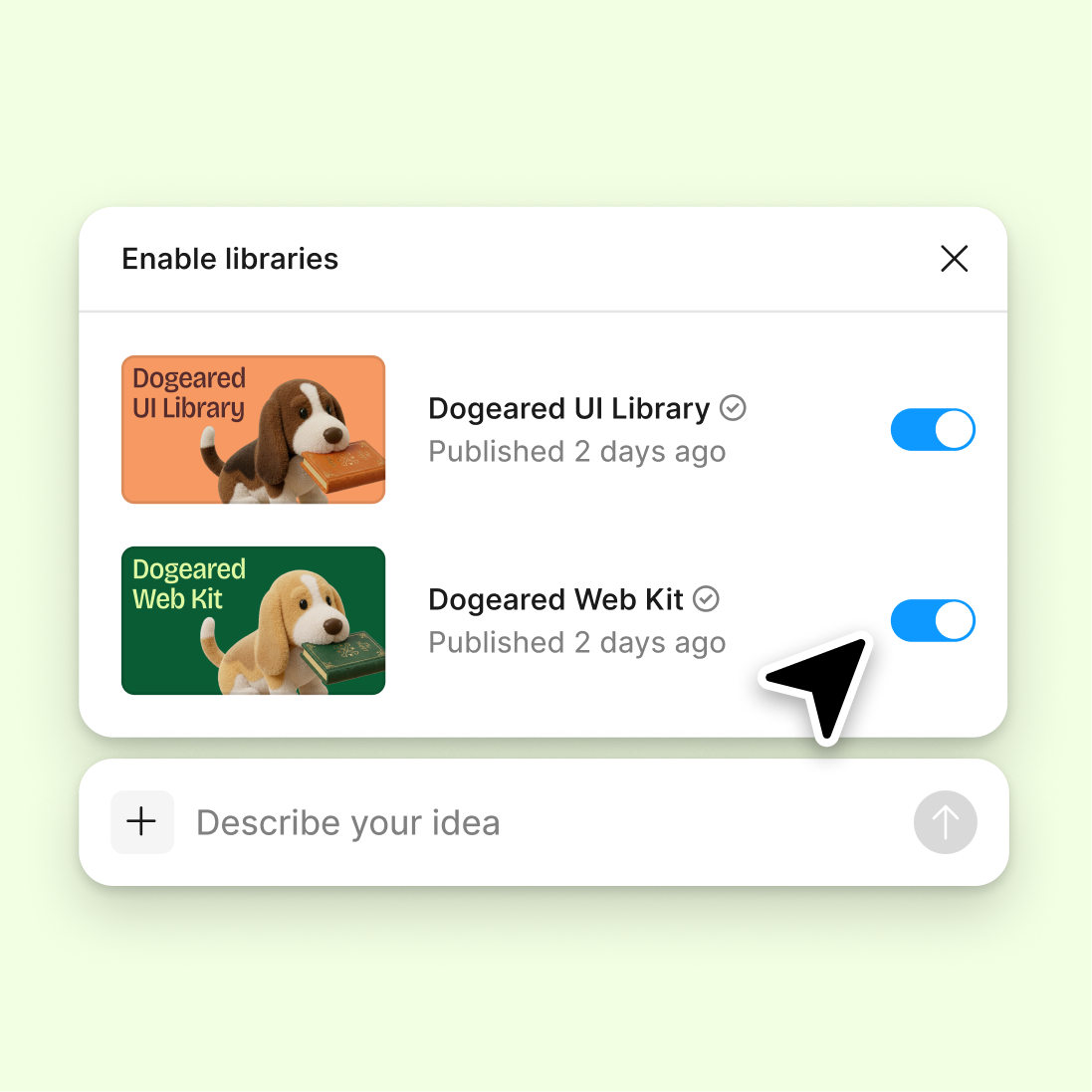
Connect your design library
Point the agent to your design system so generated copy respects your brand voice, character limits, and formatting conventions.
Skip to main content
Create compelling property and product descriptions with AI—directly in Figma Design. The agent writes copy that fits your layout, uses your brand voice, and lands where you need it. No separate writing tool required.











Generate listing copy that works with your layout, typography, and brand guidelines—all without leaving your canvas.

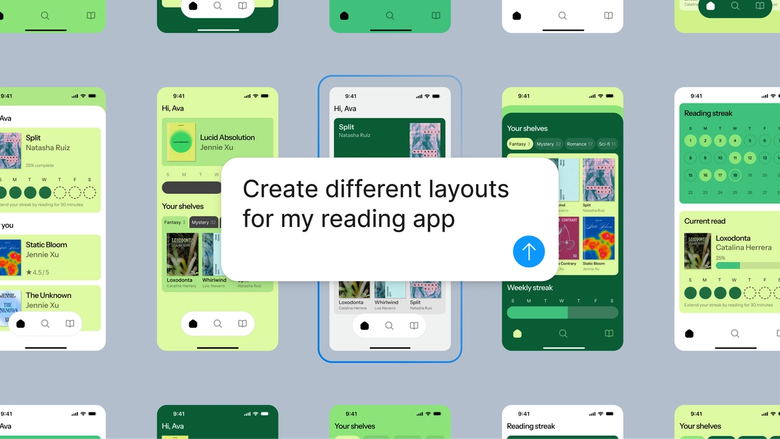
Figma's agent writes listing descriptions that understand your design. It references your typography, layout constraints, and existing content to generate copy that actually fits—not placeholder text you'll need to rewrite.

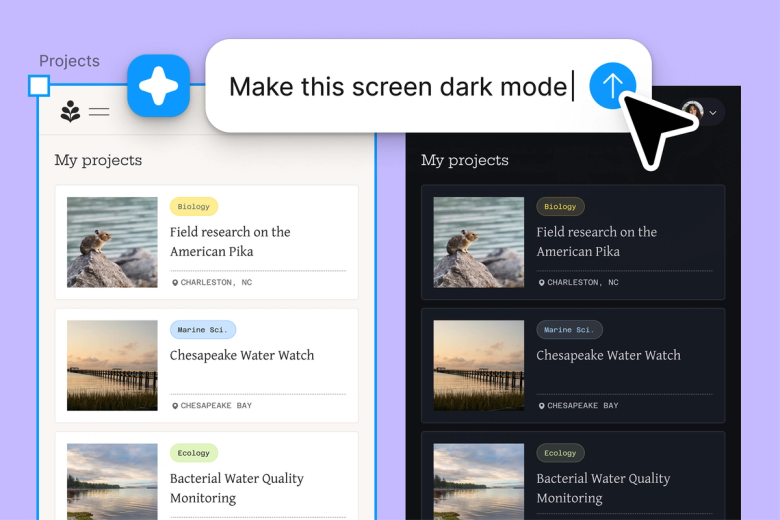
Stop switching between writing tools and your design file. Describe what you need—a property highlight, a product feature, a compelling hook—and the agent writes it directly into your layout.

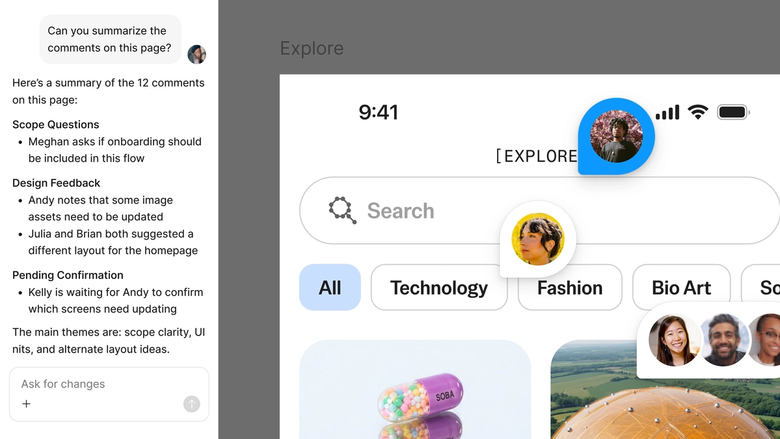
Generated descriptions live in your shared file, so copywriters, designers, and stakeholders can review, refine, and approve in one place. No more version confusion across documents.
A closer look at what sets Figma's agent apart, built for the way design teams actually work.
Point the agent to your design system so generated copy respects your brand voice, character limits, and formatting conventions.

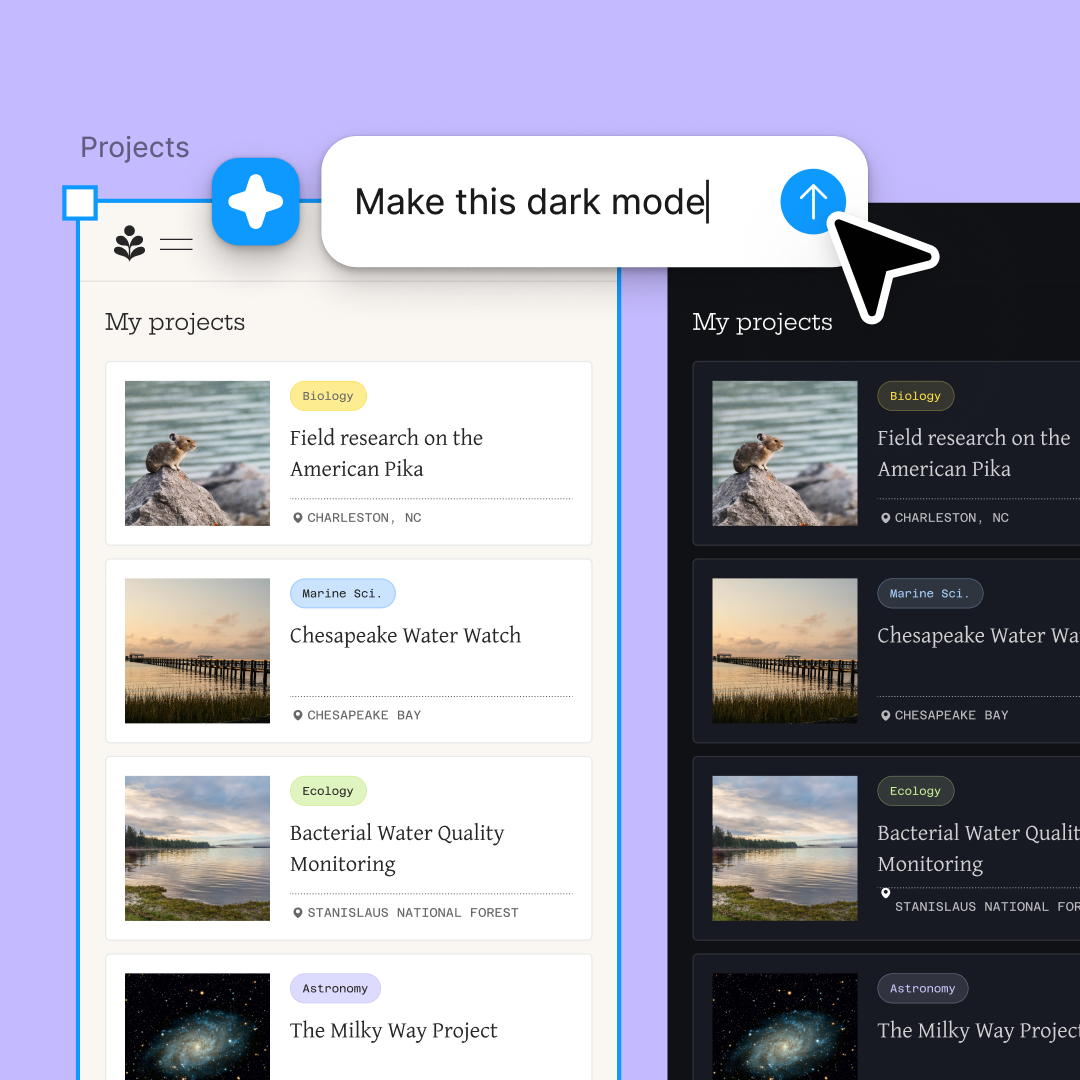
Generate multiple description variants at once—different tones, lengths, or angles—and compare them side by side on your canvas.

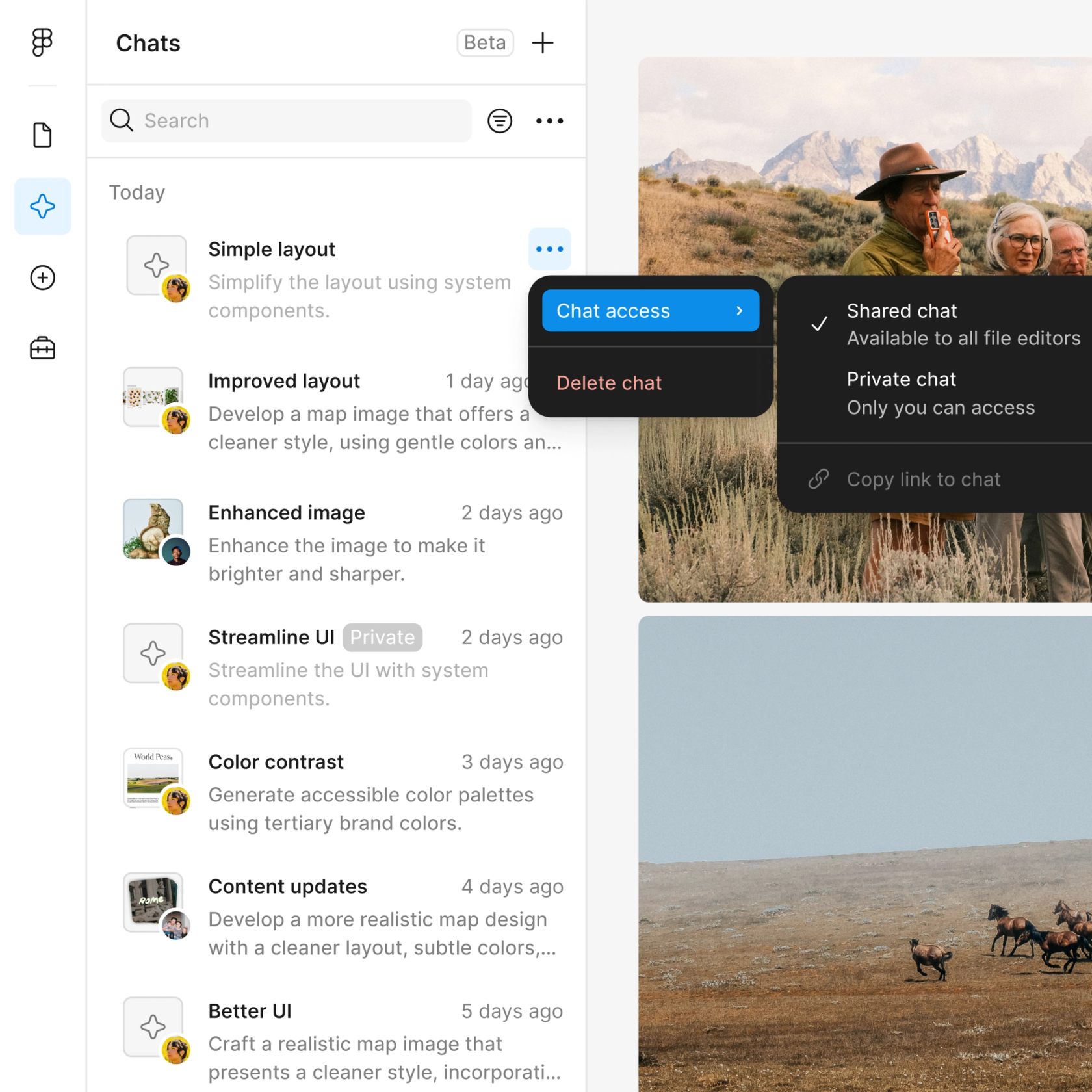
Share a thread and your team sees the full prompt, context, and iteration history. Everyone understands the thinking behind each description.

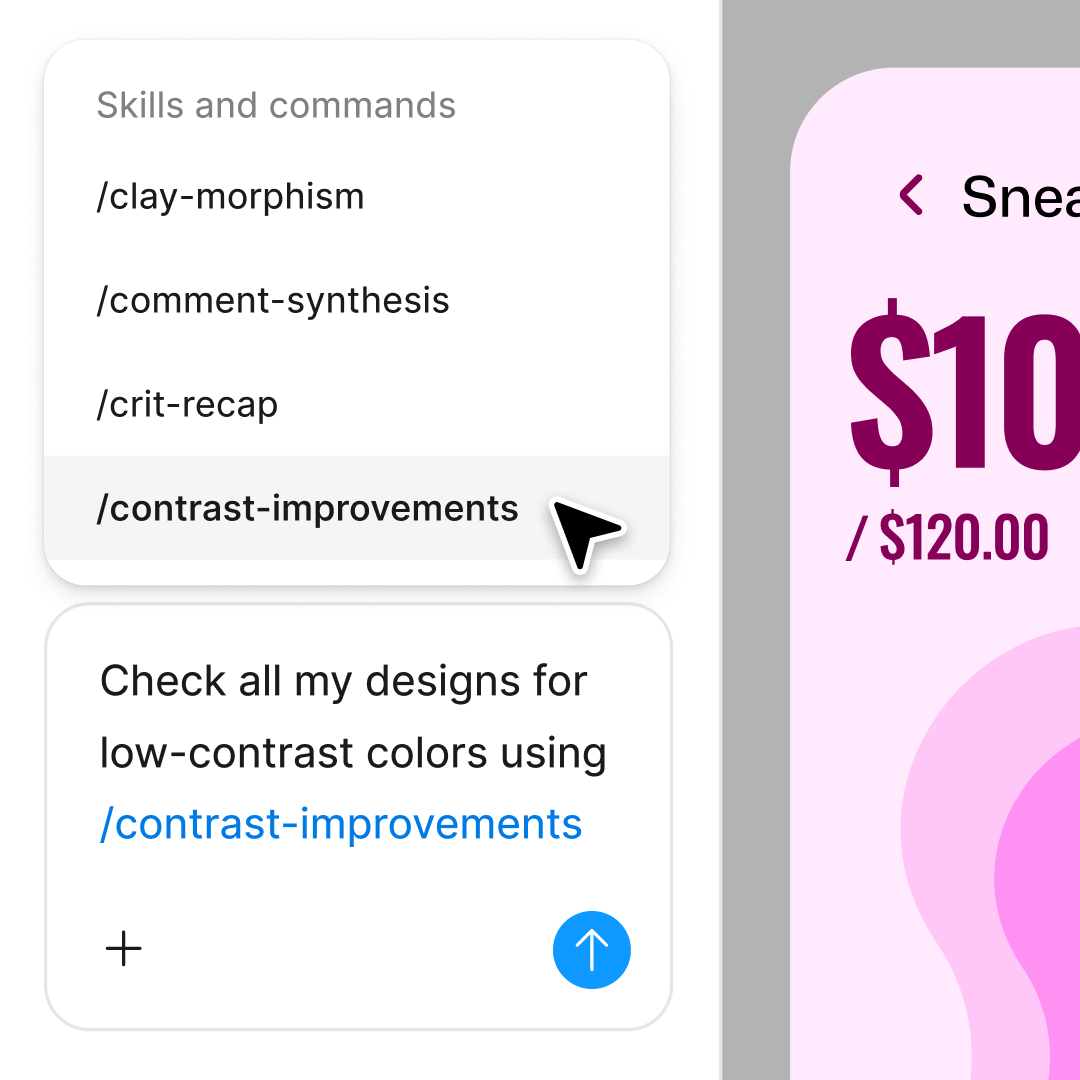
Turn your best prompts into repeatable workflows. Generate listing descriptions the same way every time with a single command.
Figma feels like a natural extension of my hand. I do my design ideation on the canvas, and now the agent takes it the last mile. With my design libraries connected, I can move from design to code faster than ever before.
Andy Madrick
Product Designer, Notion

Select Agents in the left side rail or hit CMD + Enter. Add a frame or select an existing text layer where you want the description.
Tell the agent the listing type, key details to highlight, tone, and length. Include reference text if you want a specific style matched.
Check the generated copy on your canvas. Refine in the same thread or start a parallel one to explore a different angle or tone.
Prompt again to adjust length, emphasis, or style. Everything stays editable, so you can fine-tune by hand until the copy is exactly right.
Watch Figma's AI Agent in action and see how to put it to work in your own workflows.

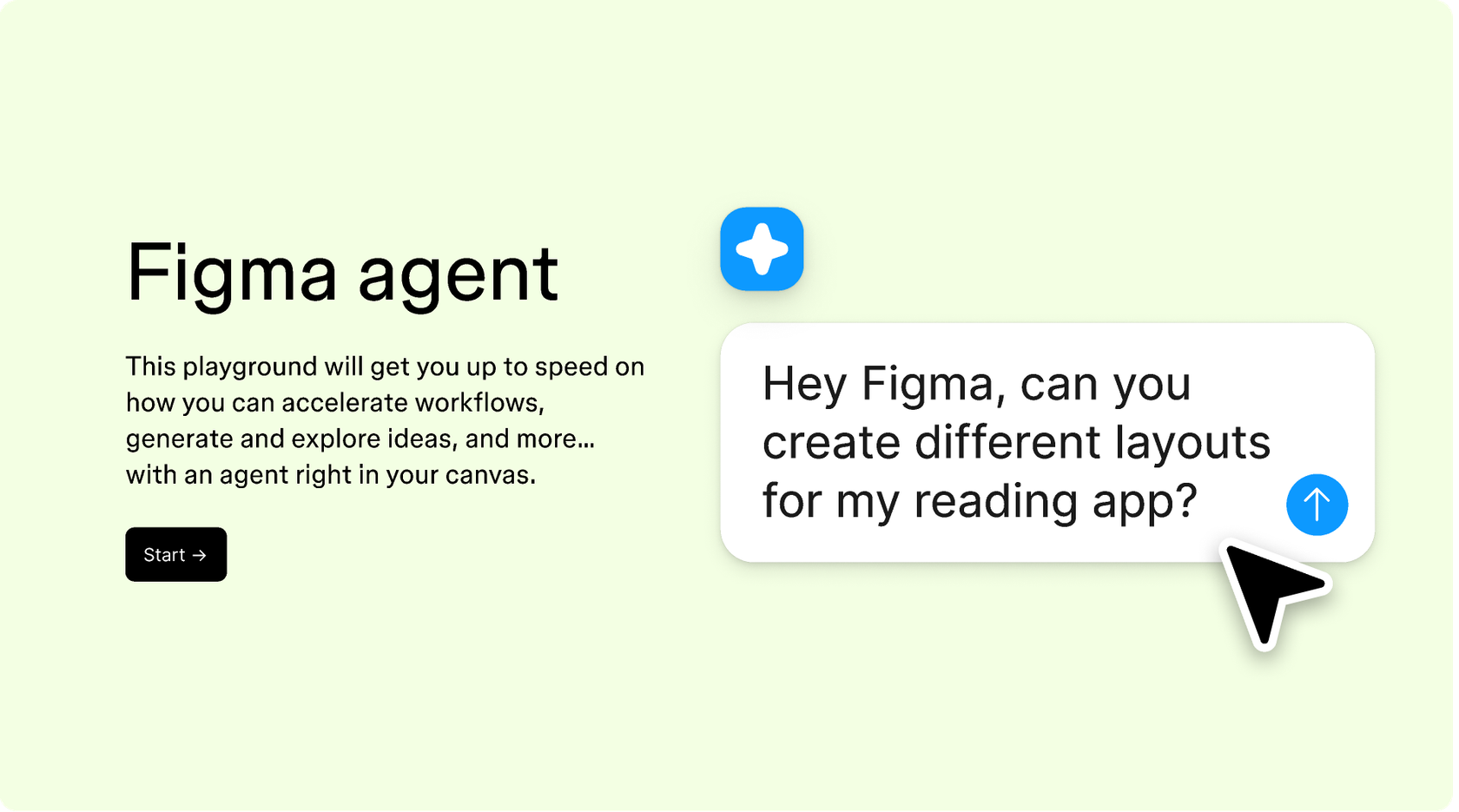
Hands-on playground to explore Figma agent's capabilities — from bulk edits to feedback implementation — with step-by-step guidance built right in.
Learn how to use Figma agent in your design workflows with a step-by-step tutorial from the Figma team.
An AI listing description generator creates written descriptions for properties, products, or services based on key details you provide. Figma's agent generates these descriptions directly on your design canvas, so the copy fits your layout and typography from the start. You describe the listing details, and the agent writes contextually aware copy you can refine in place.
Select a text layer or frame in Figma Design, then open the agent with CMD + Enter. Describe the listing—property type, key features, target audience, and desired tone. The agent generates a description that fits your design context. You can refine with follow-up prompts or try parallel directions to explore different approaches.
Include the type of listing, standout features, target audience, desired tone, and any length constraints. The more specific you are, the better the output. You can also reference existing text on your canvas so the agent matches your established voice and style.
AI-generated descriptions are a strong starting point that captures key details and compelling language, but they work best when reviewed and refined. Figma's agent keeps everything editable on your canvas, so you can adjust facts, emphasis, or phrasing until the description is accurate and on-brand.
Figma's agent is available on all paid Figma plans. You'll find it in the left side rail in Figma Design. During the current open beta, it doesn't consume AI credits—so it's a good time to explore, experiment, and share your feedback with us.
Build faster with Figma's agent


