
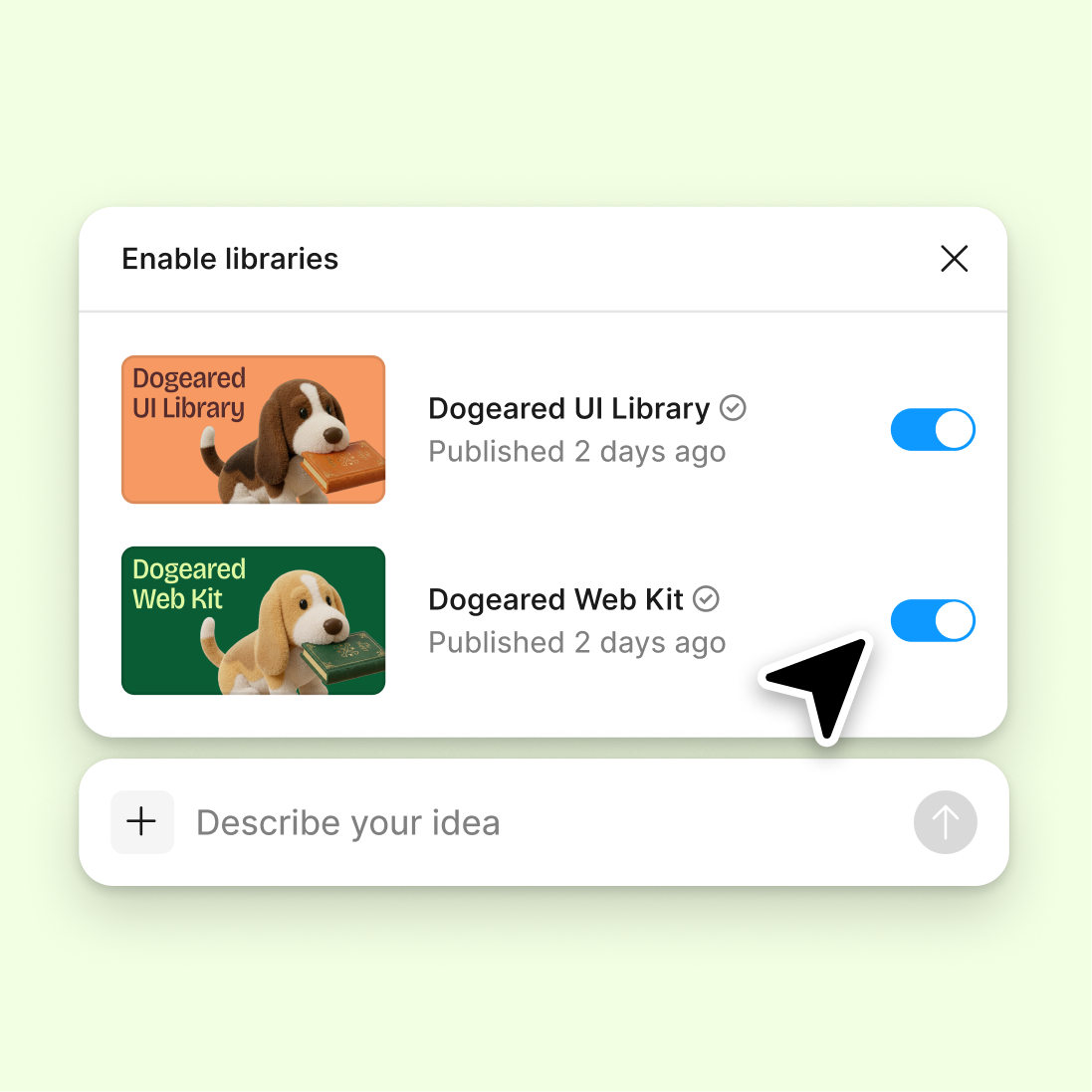
Connect your design library
Point the agent to your design system so generated copy reflects your brand's tone, terminology, and component patterns.
Skip to main content
Write headlines, taglines, product descriptions, and CTAs with AI—directly in Figma Design. Your copy lands in the same file as your layouts, ready to refine and ship together.











Figma's agent generates marketing copy that works with your layouts, components, and brand—not generic text you have to rework.

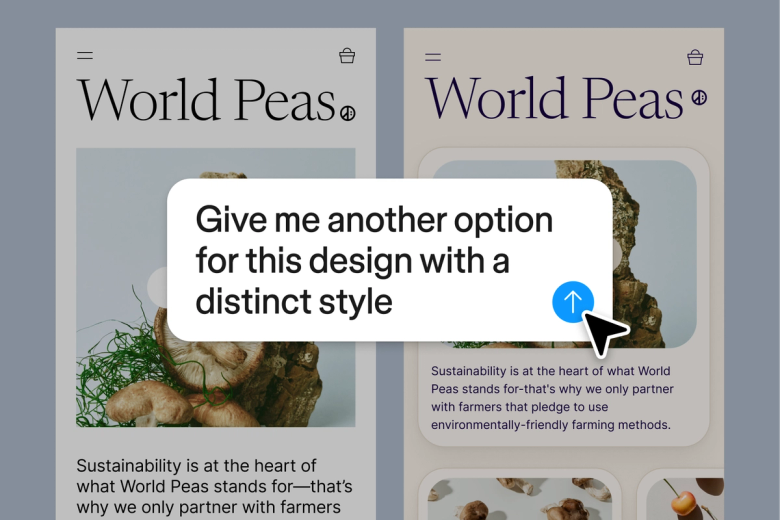
Figma's agent sees your layouts, spacing, and structure when generating copy. Headlines fit your hero sections. CTAs match your button sizes. The copy works because it's written for the design it lives in.

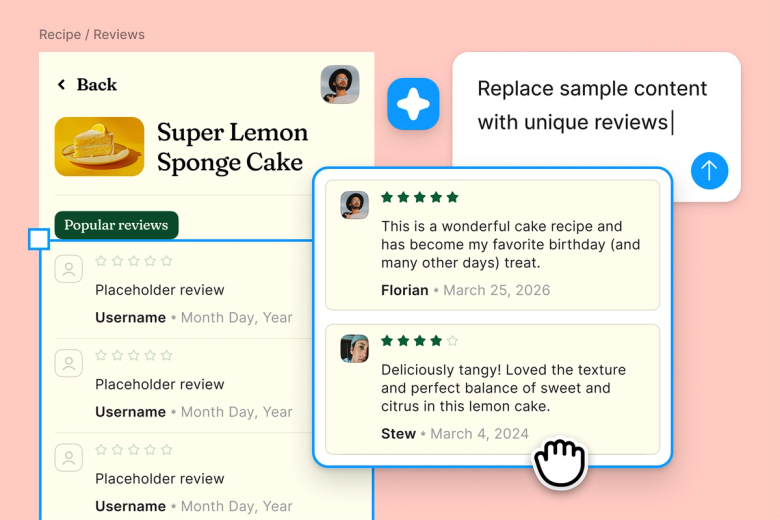
Stop copying and pasting between writing tools and design files. Generate headlines, descriptions, and microcopy right on your canvas—then refine without breaking your creative momentum.

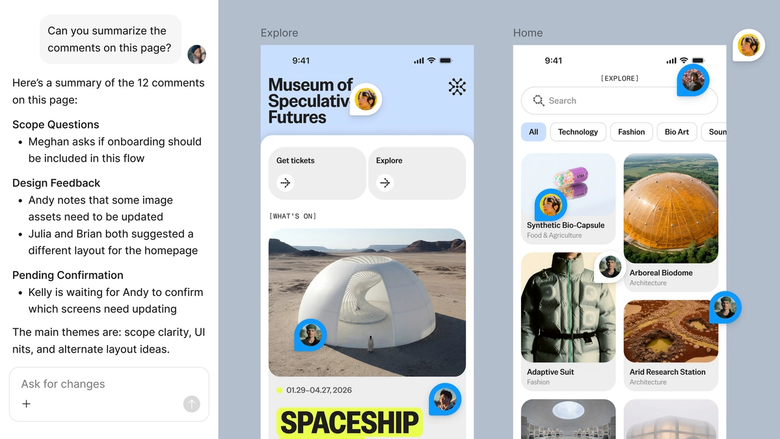
Generated copy lives in the same file your team designs in. Everyone sees the latest version, can comment directly, and builds on the same source of truth. No lost docs or outdated drafts.
A closer look at what sets Figma's agent apart, built for the way design teams actually work.
Point the agent to your design system so generated copy reflects your brand's tone, terminology, and component patterns.

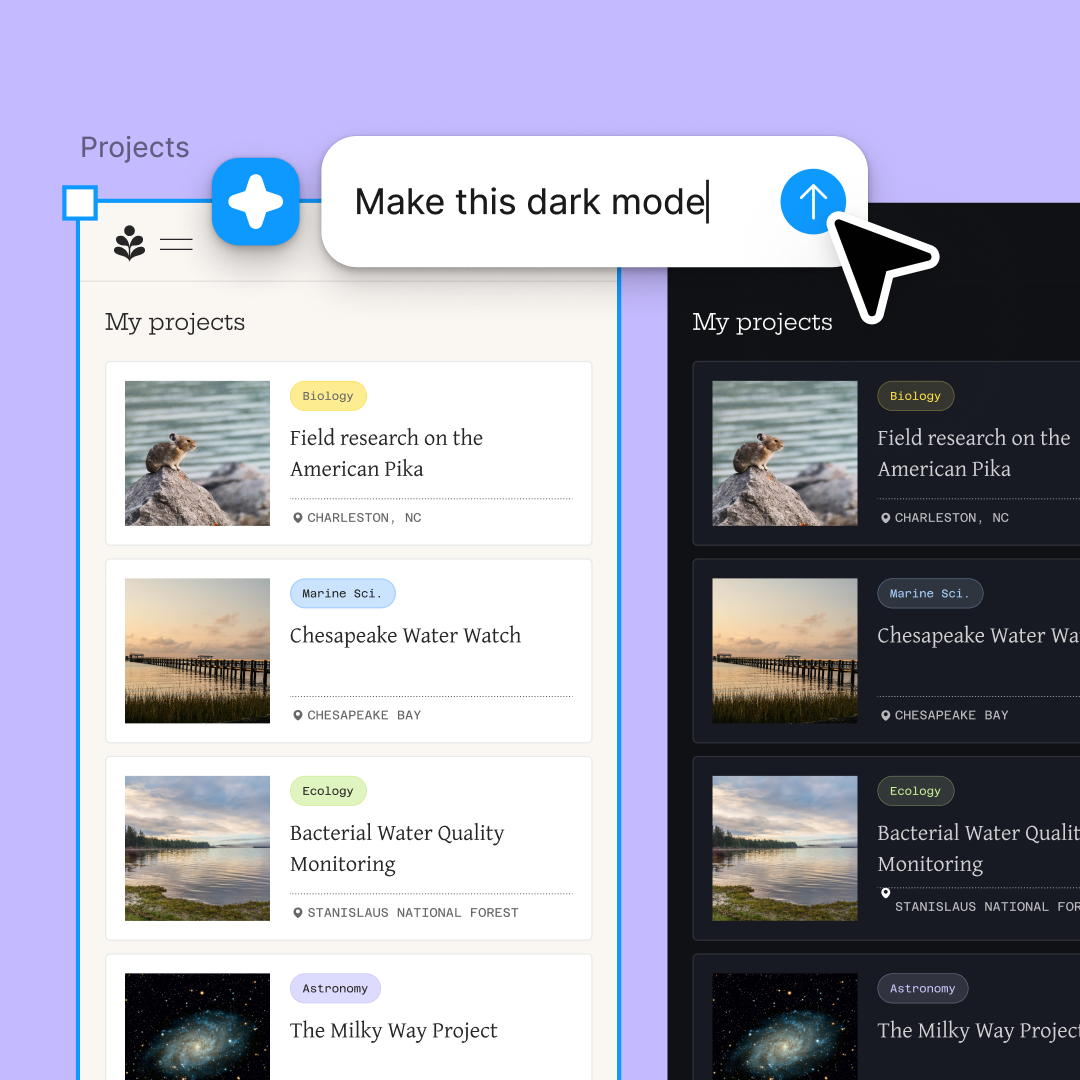
Explore multiple headline directions or tagline variations simultaneously. Compare options on canvas instead of waiting one by one.

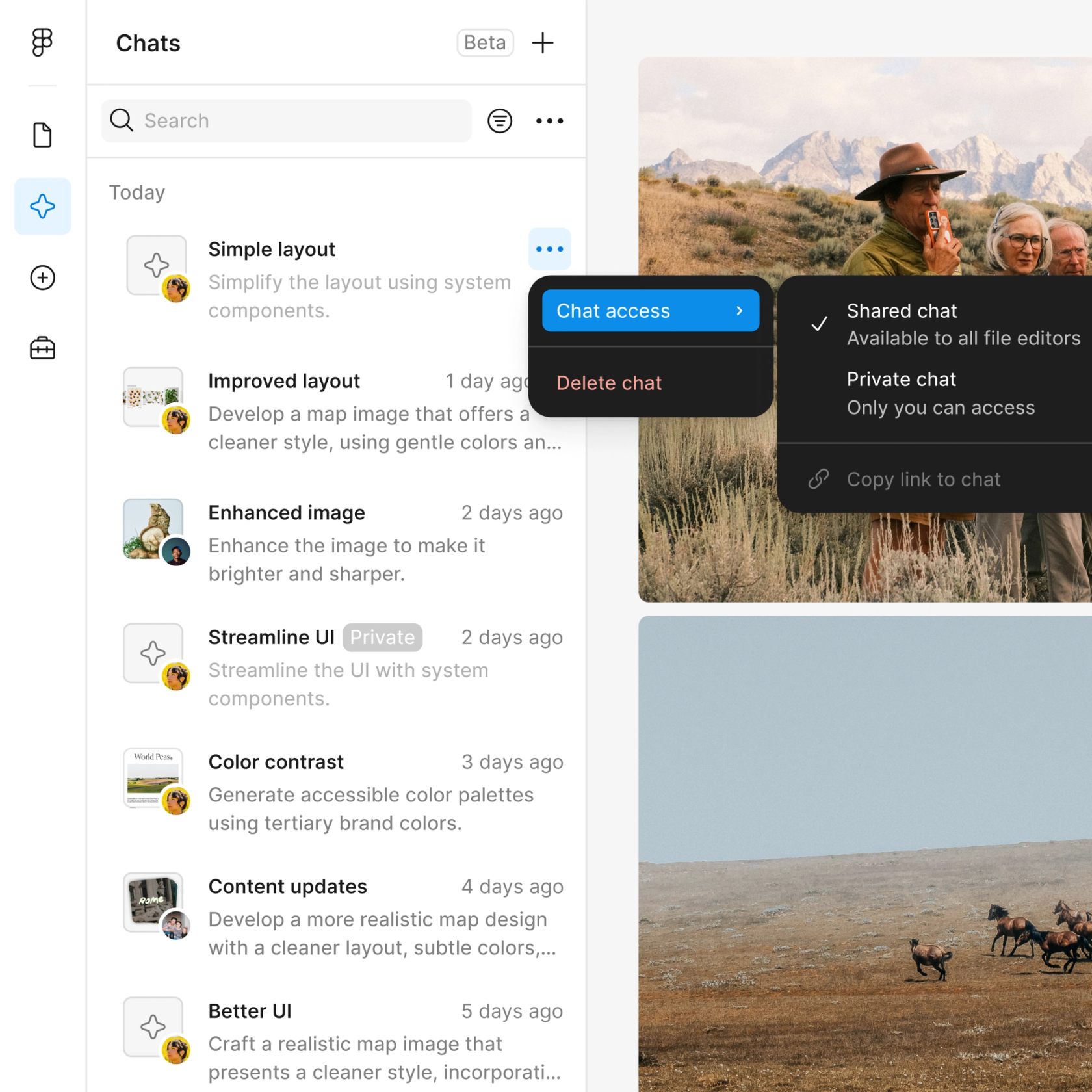
Share a thread and your team sees the full prompt, iterations, and context. Stakeholders understand the thinking behind every copy choice.

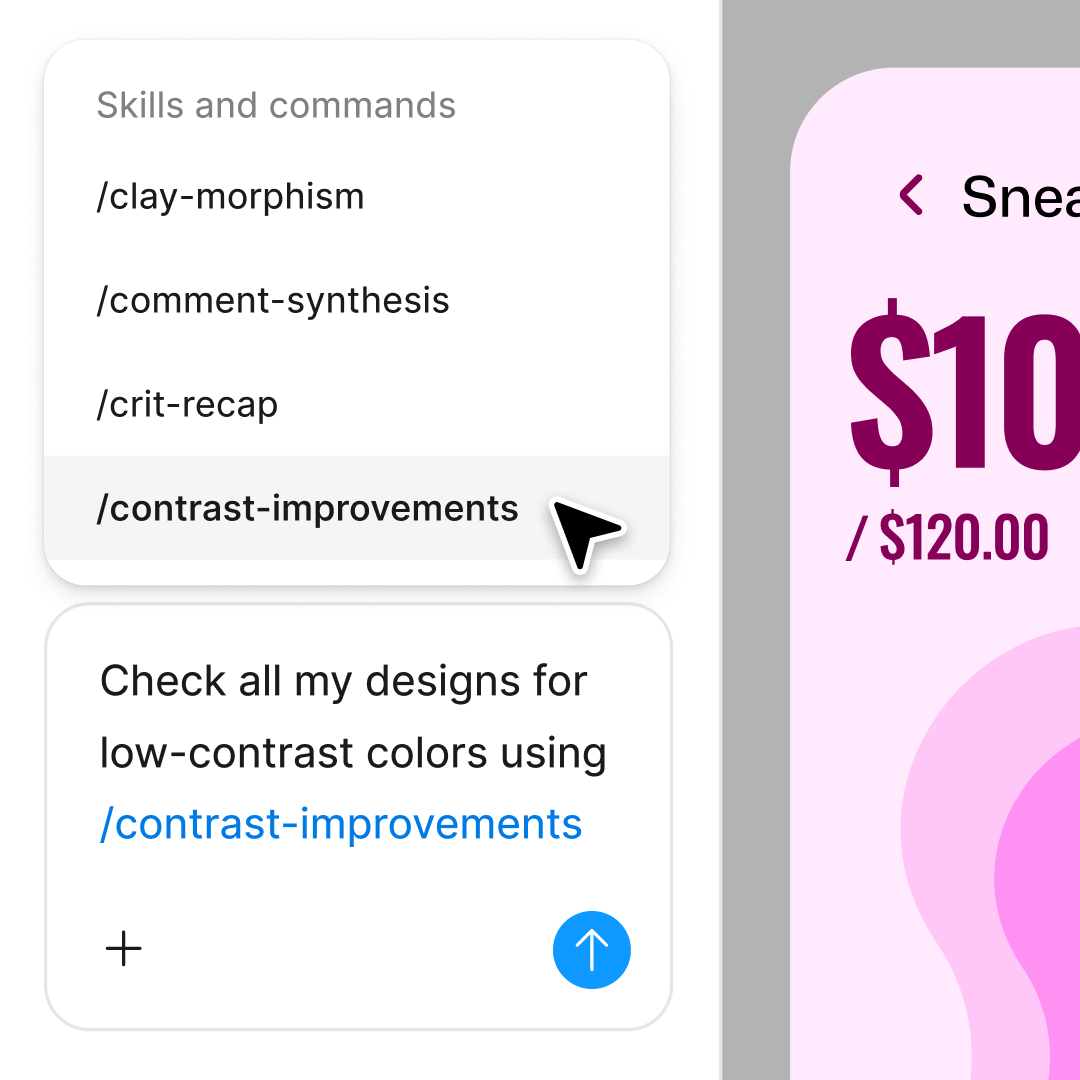
First draft not quite right? Adjust tone, length, or focus with another prompt in the same thread, or branch into a parallel direction.
Figma feels like a natural extension of my hand. I do my design ideation on the canvas, and now the agent takes it the last mile. With my design libraries connected, I can move from design to code faster than ever before.
Andy Madrick
Product Designer, Notion

Select Agents in the left side rail or hit CMD + Enter. Start with your design selected so the agent can see the context.
Tell the agent what to write—a headline, product description, CTA, or tagline. Include tone, audience, or length if it helps.
Check the generated copy in your design. Refine in the same thread or start a parallel one to try a different direction.
Prompt again to adjust tone, shorten copy, or try new angles. Everything stays editable so you can fine-tune by hand too.
Watch Figma's AI Agent in action and see how to put it to work in your own workflows.

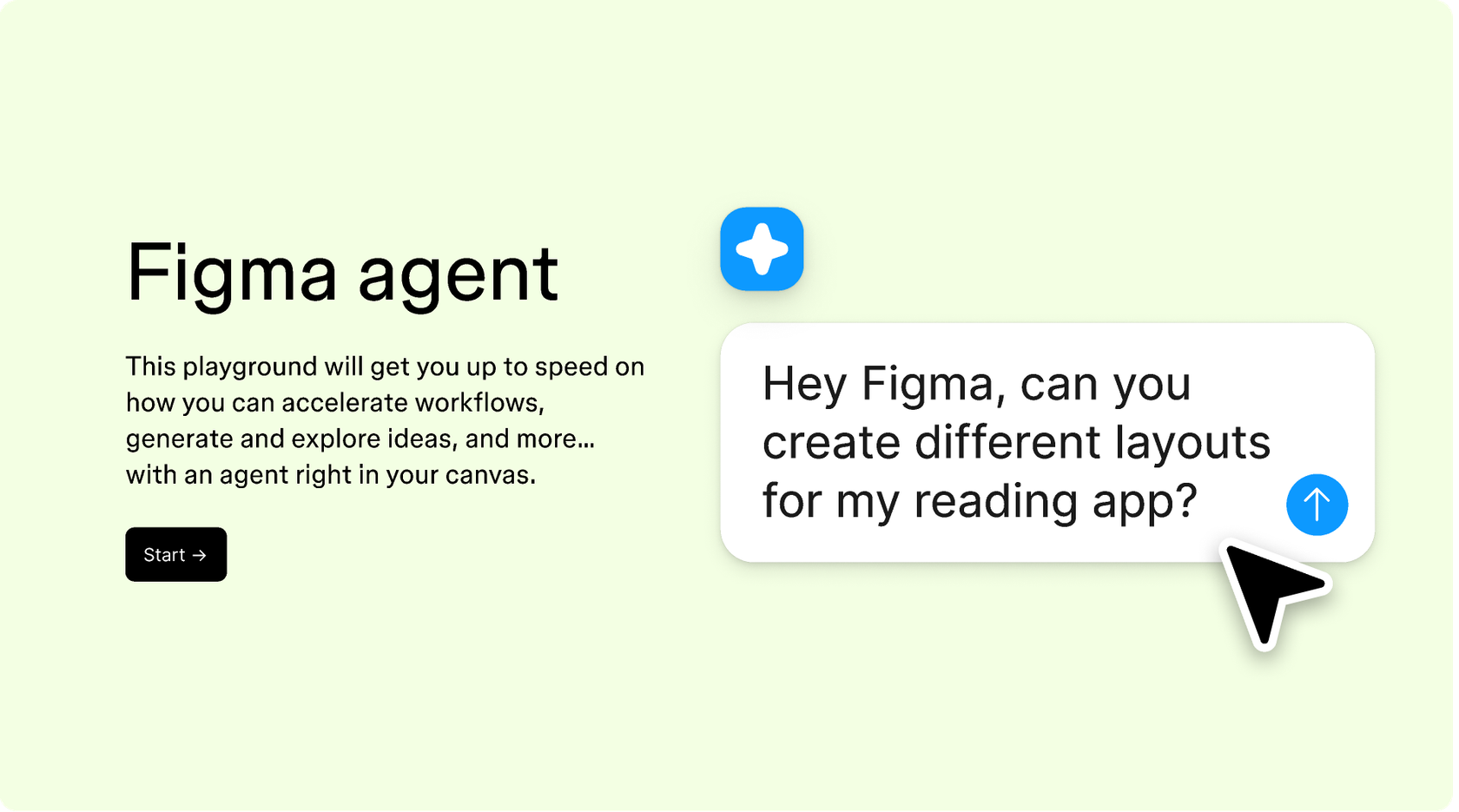
Hands-on playground to explore Figma agent's capabilities — from bulk edits to feedback implementation — with step-by-step guidance built right in.
Learn how to use Figma agent in your design workflows with a step-by-step tutorial from the Figma team.
An AI marketing copy generator uses artificial intelligence to write headlines, taglines, product descriptions, CTAs, and other marketing content. Figma's agent brings this capability directly into your design canvas, so the copy you generate lives alongside your layouts and components—ready to refine and ship without switching tools.
Figma's agent reads the context of your design—layouts, components, structure—when generating copy. You describe what you need in a prompt, and the agent writes copy that fits your design. You can refine with follow-up prompts, explore parallel directions, and edit the text directly on canvas.
AI-generated copy works best as a starting point. Figma's agent helps you move faster by generating options you can refine, not final drafts you ship untouched. The quality improves when you provide context—tone, audience, constraints—and iterate with follow-up prompts until the copy fits your needs.
Figma's agent is available on all paid Figma plans. You'll find it in the left navigation bar in Figma Design. During the current open beta, it doesn't consume AI credits—so it's a good time to explore, experiment, and share your feedback with us.
Build faster with Figma's agent


