
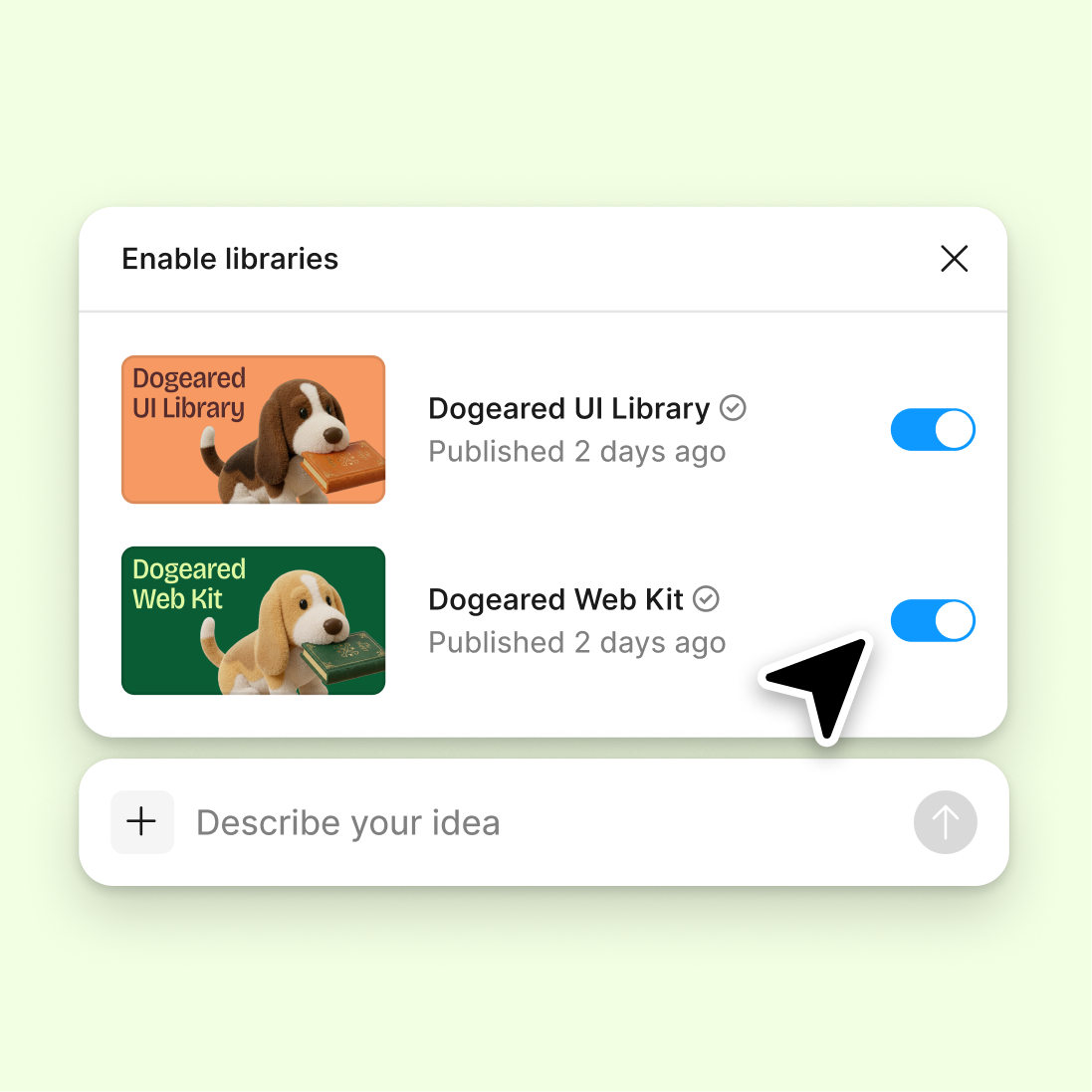
Connect a design library
Run audits and operations against your real design system. The agent references your components, tokens, and variables to check consistency across files.
Skip to main content
Figma's agent handles the operational work that slows you down—auditing assets, managing components, streamlining handoffs—directly in your design file. Describe the task, and it's done.











Figma's agent automates the repetitive operational tasks that pile up, so your team stays focused on the work that moves projects forward.


Generate component audits, asset inventories, and system reviews using your actual design library—not placeholder reports. The agent references your real tokens, variables, and components to surface actionable insights directly on your canvas.

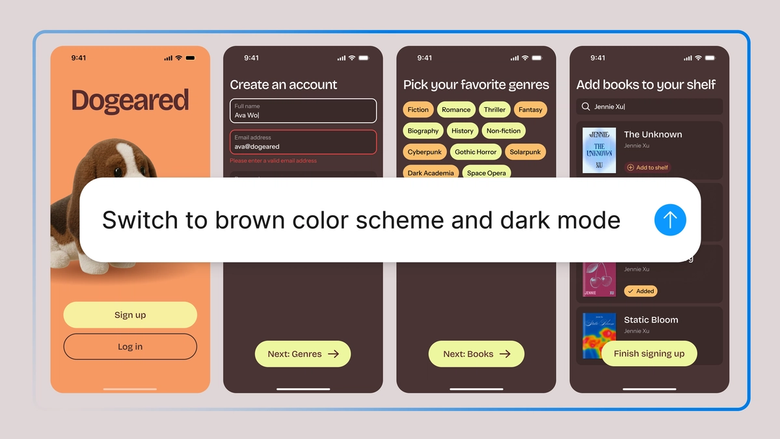
Hand off the tedious operational tasks—bulk renaming, layer cleanup, consistency checks, usage audits—and keep your focus on design decisions that actually matter. Describe the workflow once and let the agent handle the repetition.

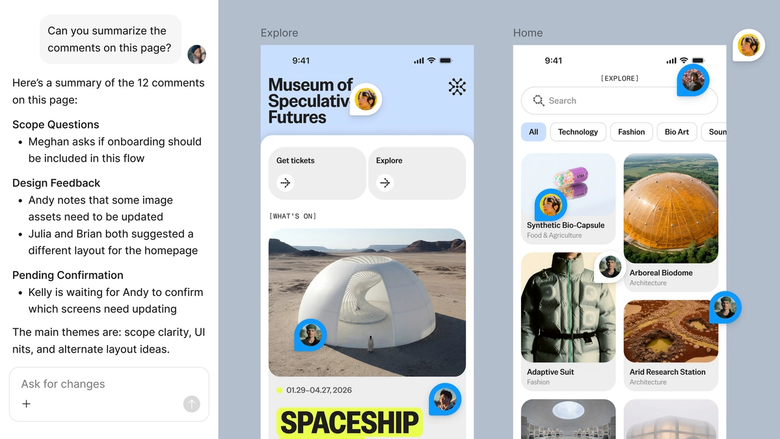
Operations happen in the same file your team already works in. Everyone sees what changed, what was audited, and what needs attention—no separate spreadsheets, no status emails, no handoff that gets lost.
A closer look at what sets Figma's agent apart, built for the way design teams actually work.
Run audits and operations against your real design system. The agent references your components, tokens, and variables to check consistency across files.

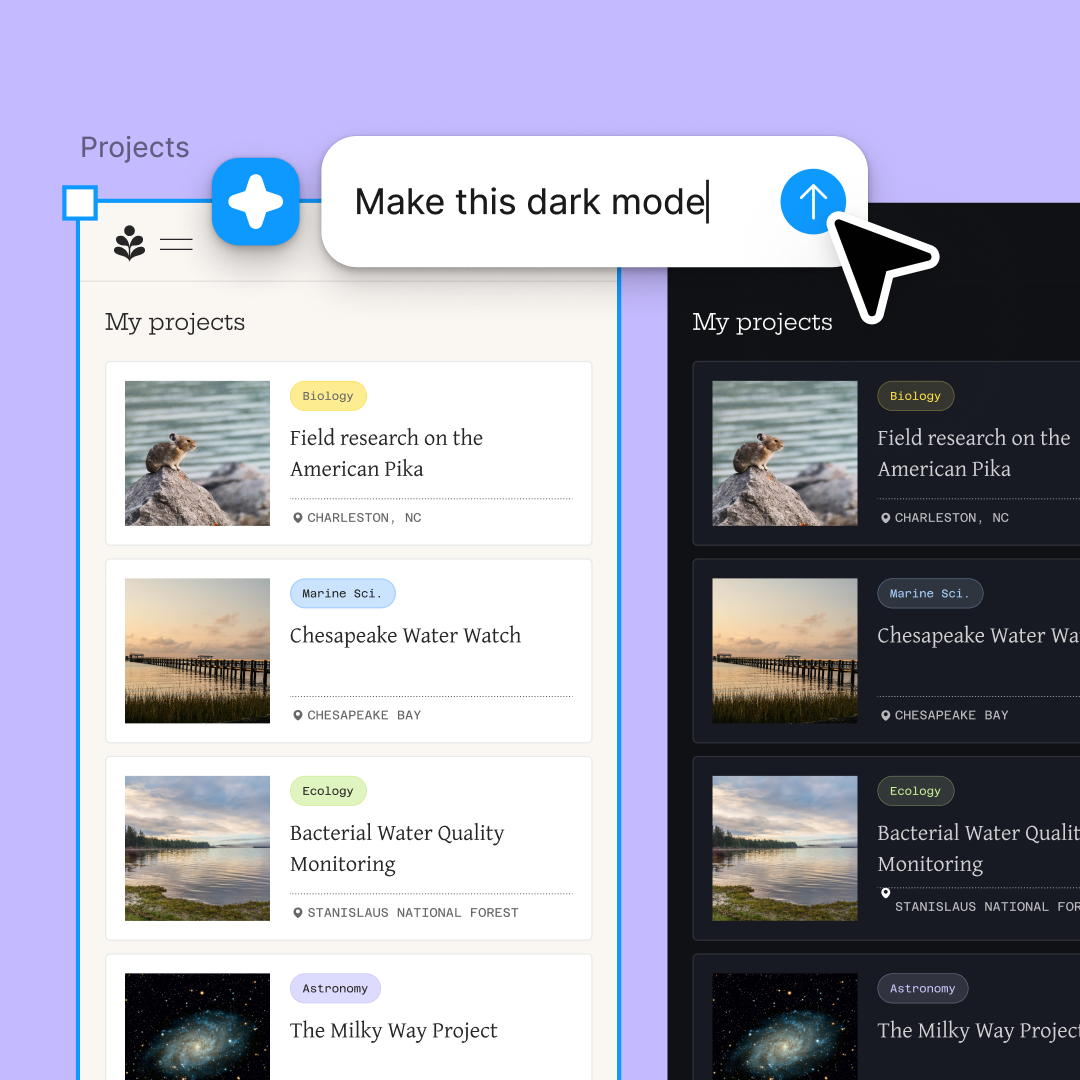
Run multiple operational tasks simultaneously—audit one file while cleaning up another. Explore different approaches without waiting for each to finish.

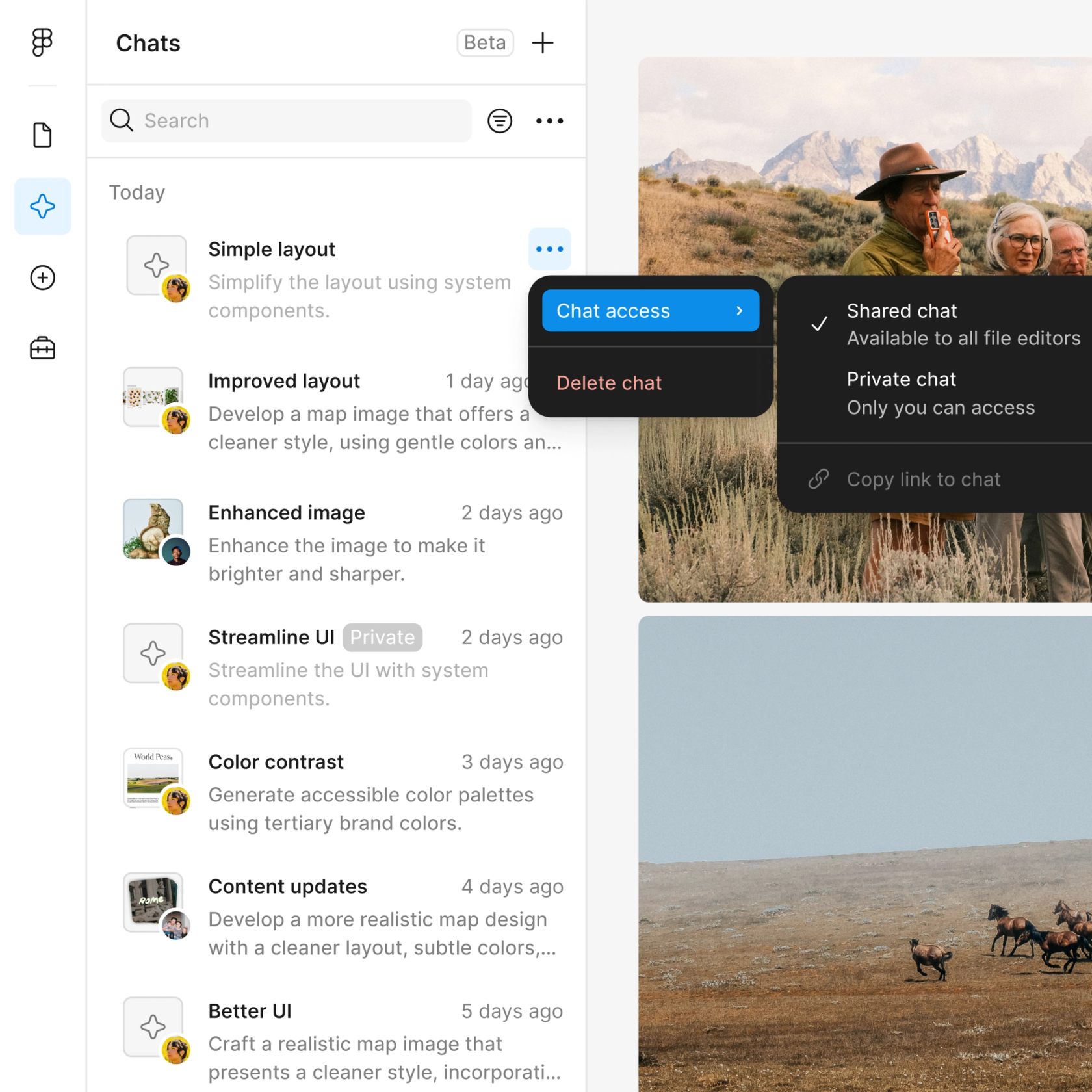
Share an operations thread and your team sees the full prompt, context, and results. Everyone stays aligned without a separate status update.

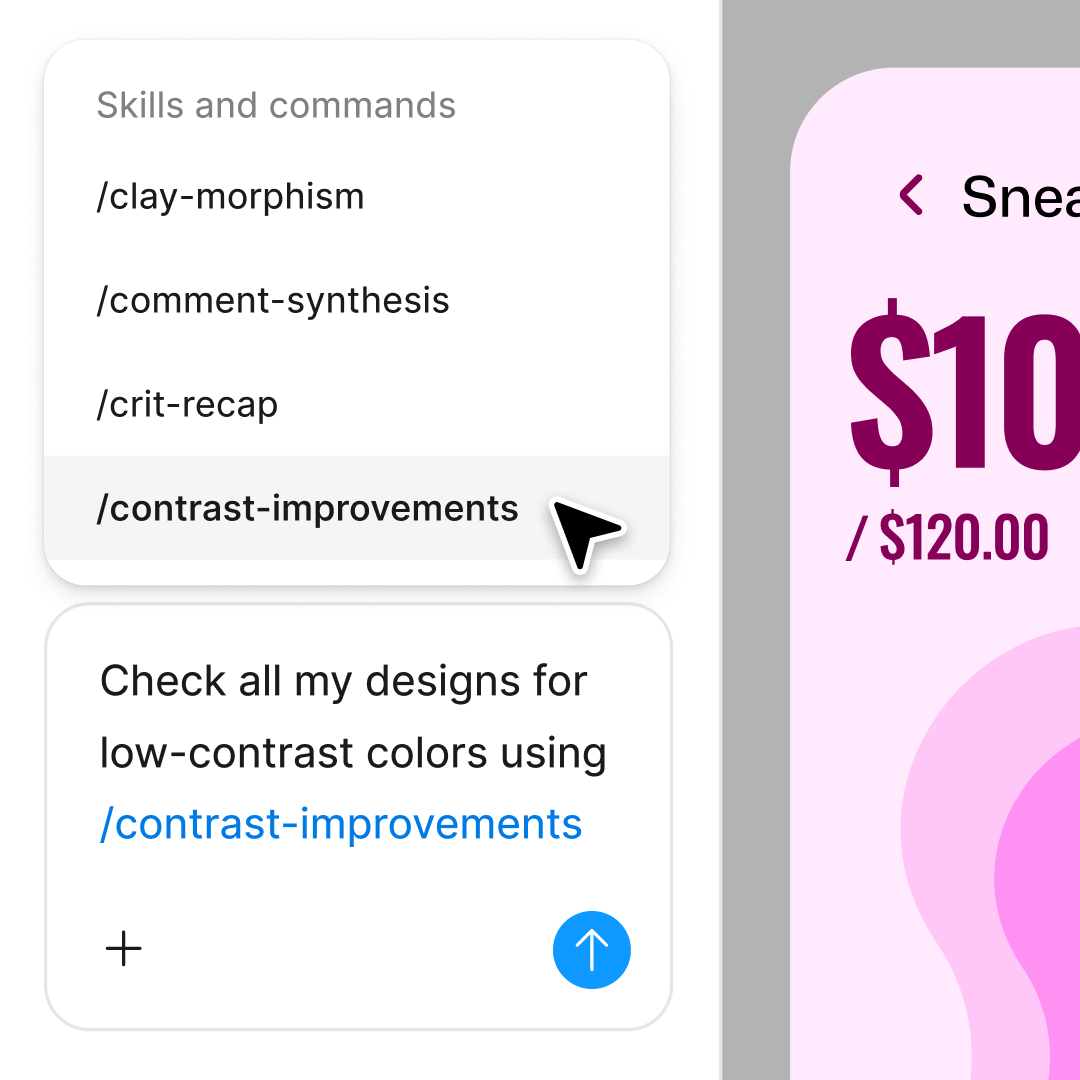
Package common operations into reusable /commands. Run the same audit or cleanup workflow across files without rewriting your prompt every time.
Figma feels like a natural extension of my hand. I do my design ideation on the canvas, and now the agent takes it the last mile. With my design libraries connected, I can move from design to code faster than ever before.
Andy Madrick
Product Designer, Notion

Select Agents in the left side rail or hit CMD + Enter. Open the file you want to run operations on.
Tell the agent what to audit, clean up, or organize. Point it to your design library so it checks against your real system.
Check the output on your canvas. Refine in the same thread or start a parallel one to run a different operation.
Turn repeatable workflows into reusable /commands so you can run them again across files without rewriting your prompt.
Watch Figma's AI Agent in action and see how to put it to work in your own workflows.

Hands-on playground to explore Figma agent's capabilities — from bulk edits to feedback implementation — with step-by-step guidance built right in.
Learn how to use Figma agent in your design workflows with a step-by-step tutorial from the Figma team.
An AI design ops agent automates the operational tasks that keep design systems running—auditing components, checking consistency, organizing assets, and managing handoffs. Figma's agent handles these workflows directly on your canvas, using your real design library instead of generating separate reports. It's built to reduce the manual work that slows teams down.
Figma's agent can automate bulk operations like renaming layers, auditing component usage, checking token consistency, organizing frames, and cleaning up unused assets. You describe the task in a prompt, and the agent applies it across your file. It handles repetitive work so you can focus on design decisions.
Open your file in Figma Design and select Agents in the left side rail, or hit CMD + Enter. Describe the operation you want to run—like auditing a component or cleaning up layers—and point the agent to your design library. The agent runs the workflow directly on your canvas without additional setup.
AI in design ops reduces time spent on repetitive tasks like audits, cleanup, and consistency checks. With Figma's agent, operations happen in the same file your team works in, so nothing gets lost in exports or separate tools. It keeps everyone aligned and frees up time for higher-value design work.
Figma's agent is available on all paid Figma plans. You'll find it in the left navigation bar in Figma Design. During the current open beta, it doesn't consume AI credits—so it's a good time to explore, experiment, and share your feedback with us.
Build faster with Figma's agent


