
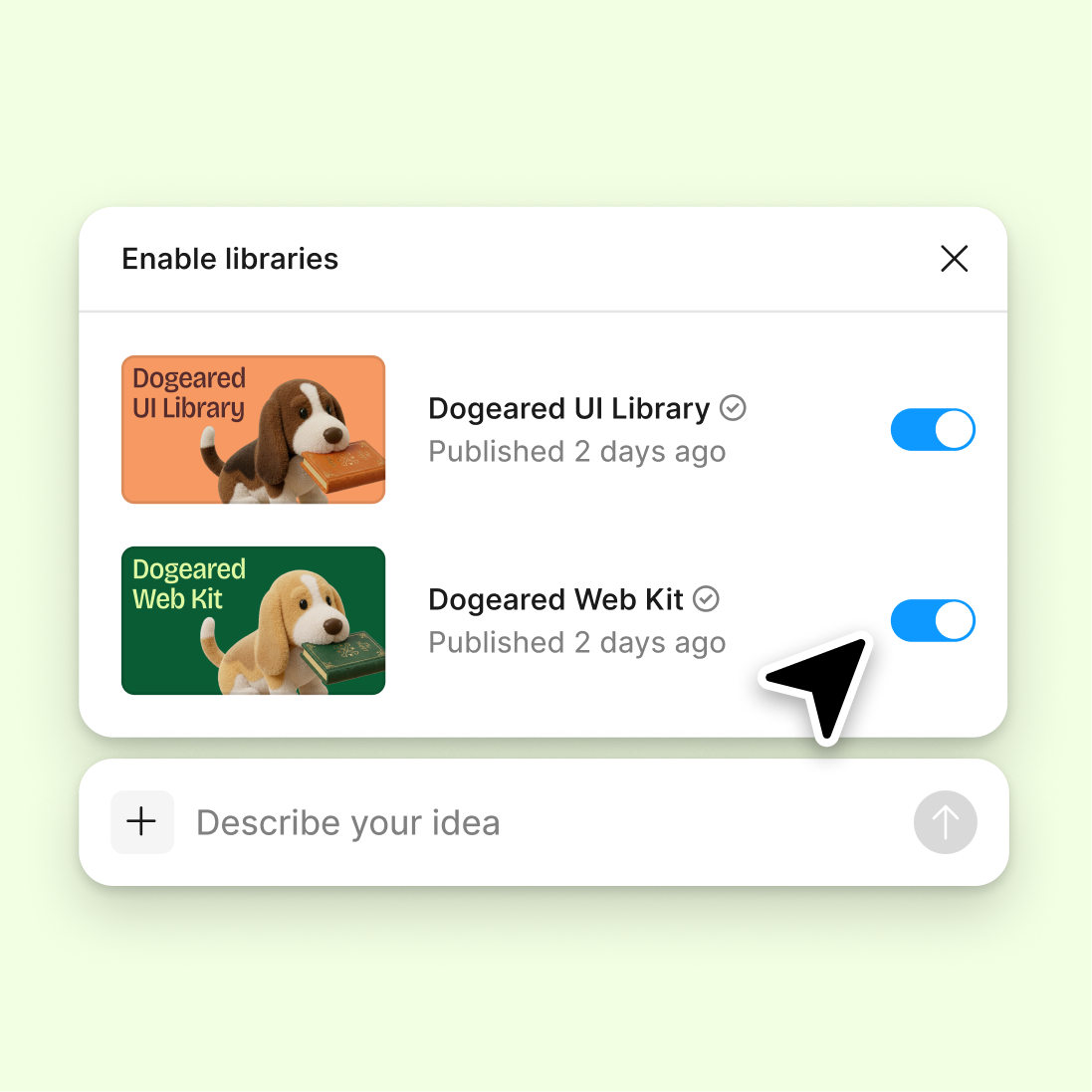
Connect a design library
Point the agent to your design system so it generates cross-platform layouts using your real components, tokens, and variables—not generic UI.
Skip to main content
Figma's agent helps you build cross-platform designs using your real components and styles—adapting layouts for web, mobile, and tablet without switching tools or rebuilding from scratch.











Explore platform-specific layouts faster when your AI assistant works directly on your canvas with your design system.

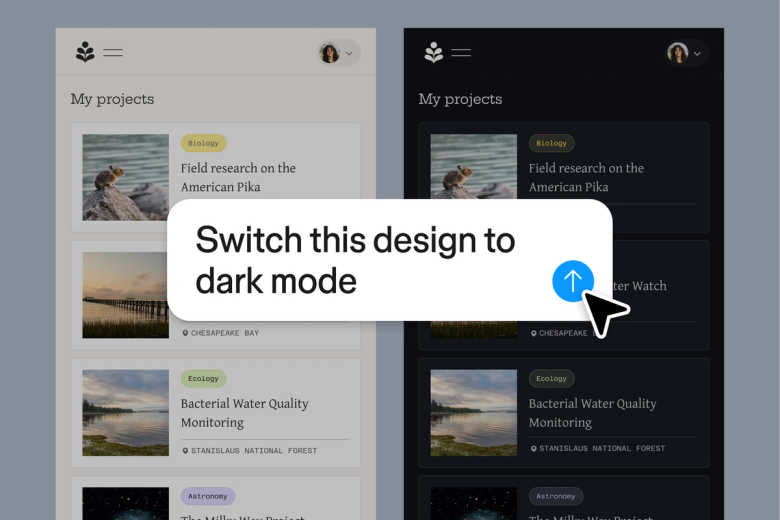
Generate layouts for web, iOS, Android, and tablet simultaneously. Figma's agent uses your real components and tokens to produce platform-ready designs you can build on—not placeholder mockups you need to rebuild.

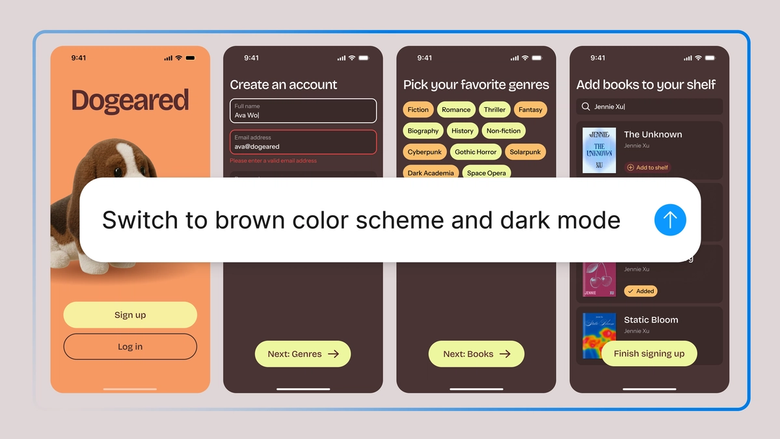
Stop manually resizing and repositioning elements for each breakpoint. Describe the adaptation you need, and the agent handles the repetitive restructuring while you focus on the design decisions that matter.

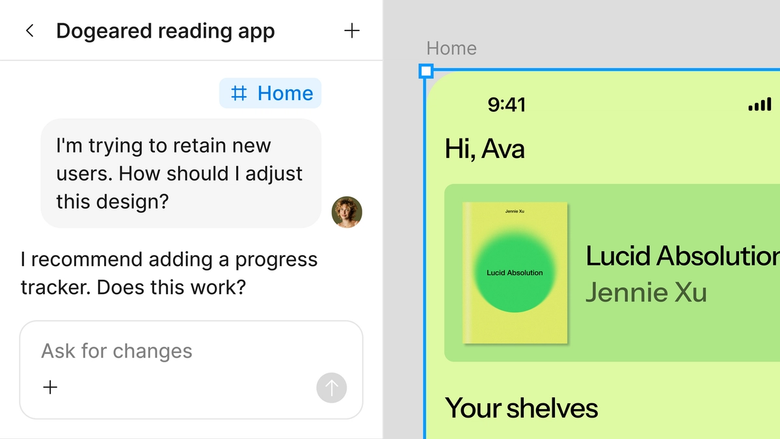
Every platform variant lives in the same file your team already works in. Developers, product managers, and stakeholders see the latest designs for every screen size—nothing gets lost in handoff.
A closer look at what sets Figma's agent apart, built for the way design teams actually work.
Point the agent to your design system so it generates cross-platform layouts using your real components, tokens, and variables—not generic UI.

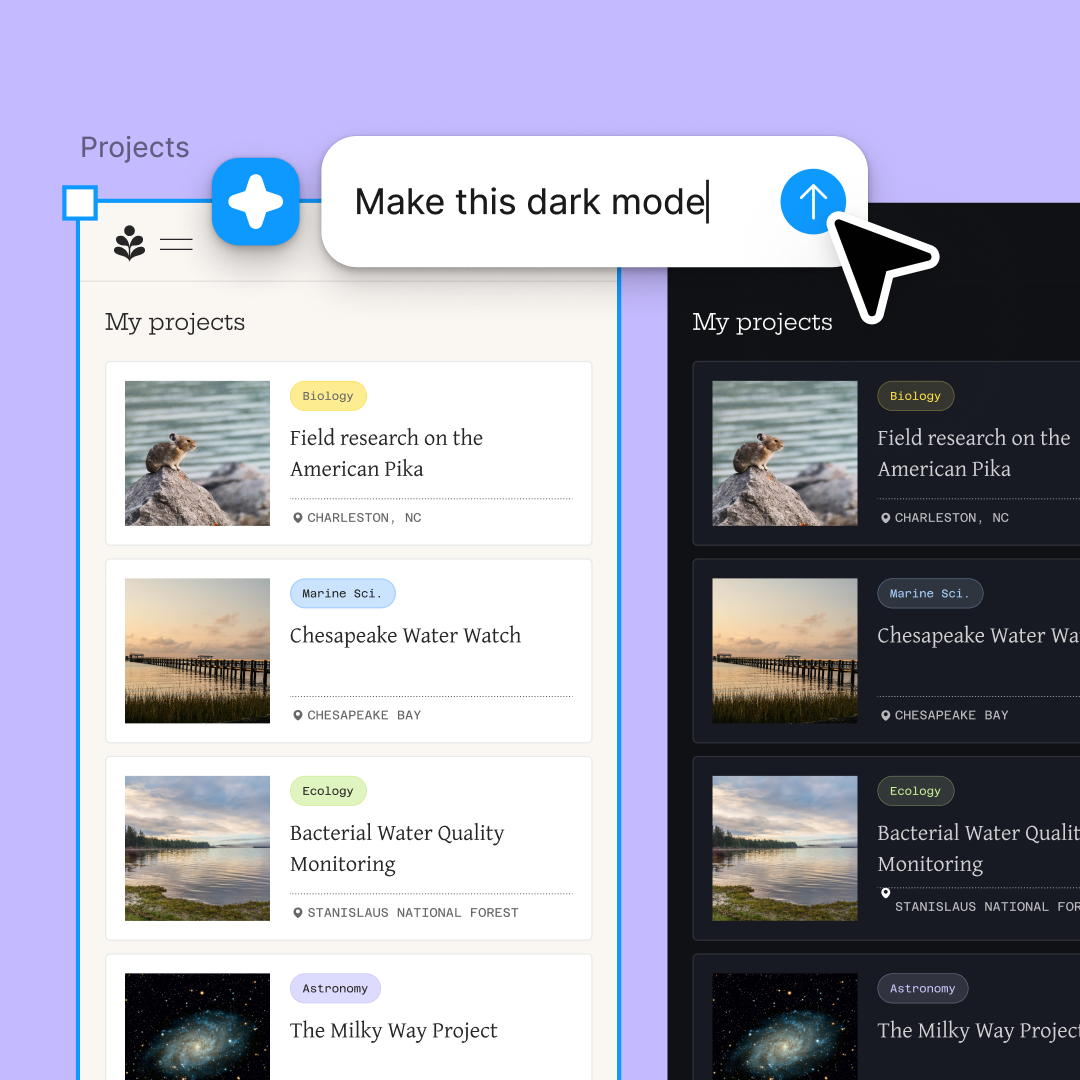
Explore web, mobile, and tablet directions at the same time. Run multiple prompts simultaneously to compare platform-specific layouts without waiting.

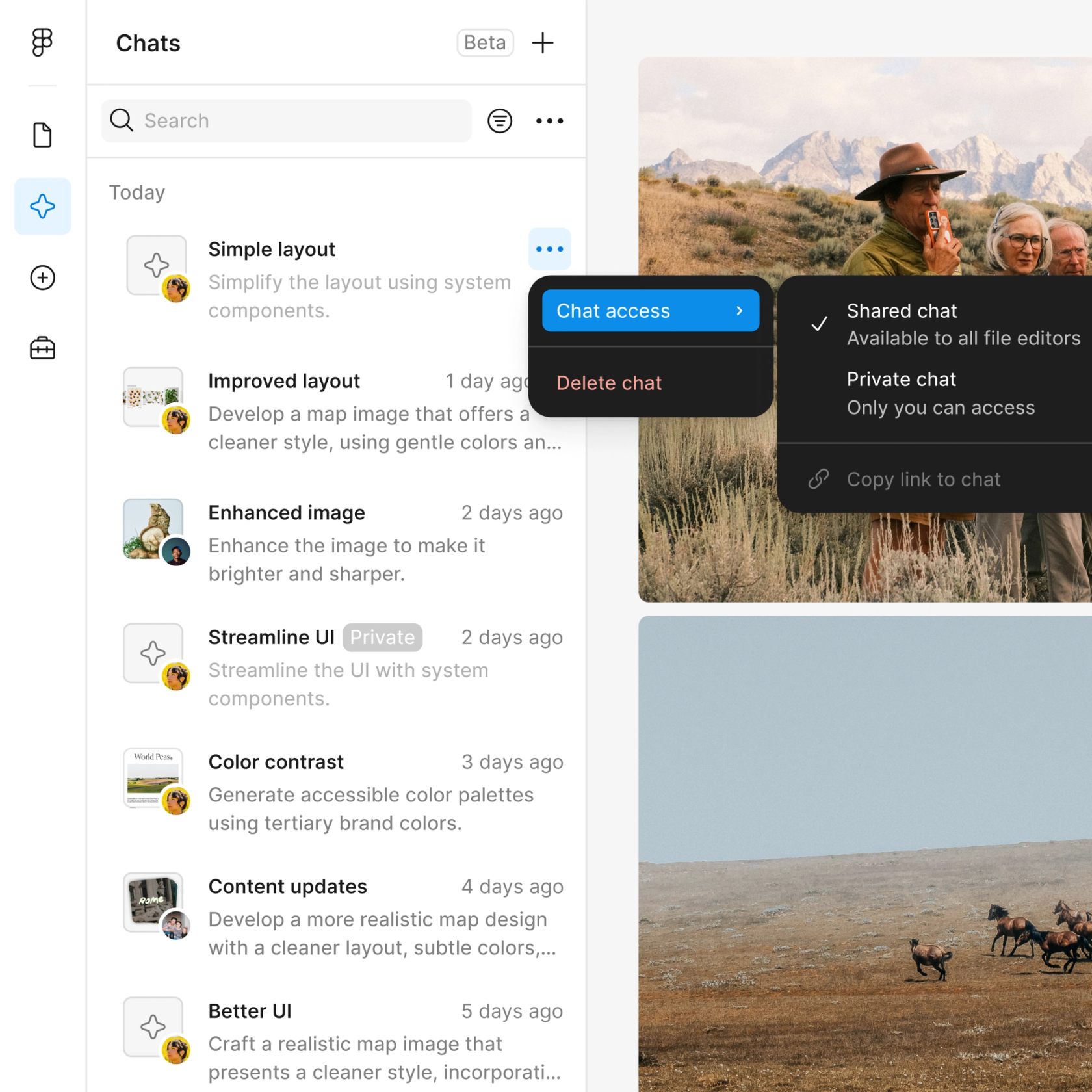
Share your prompt history with the team. Everyone sees the full context behind each platform adaptation—no separate documentation needed.

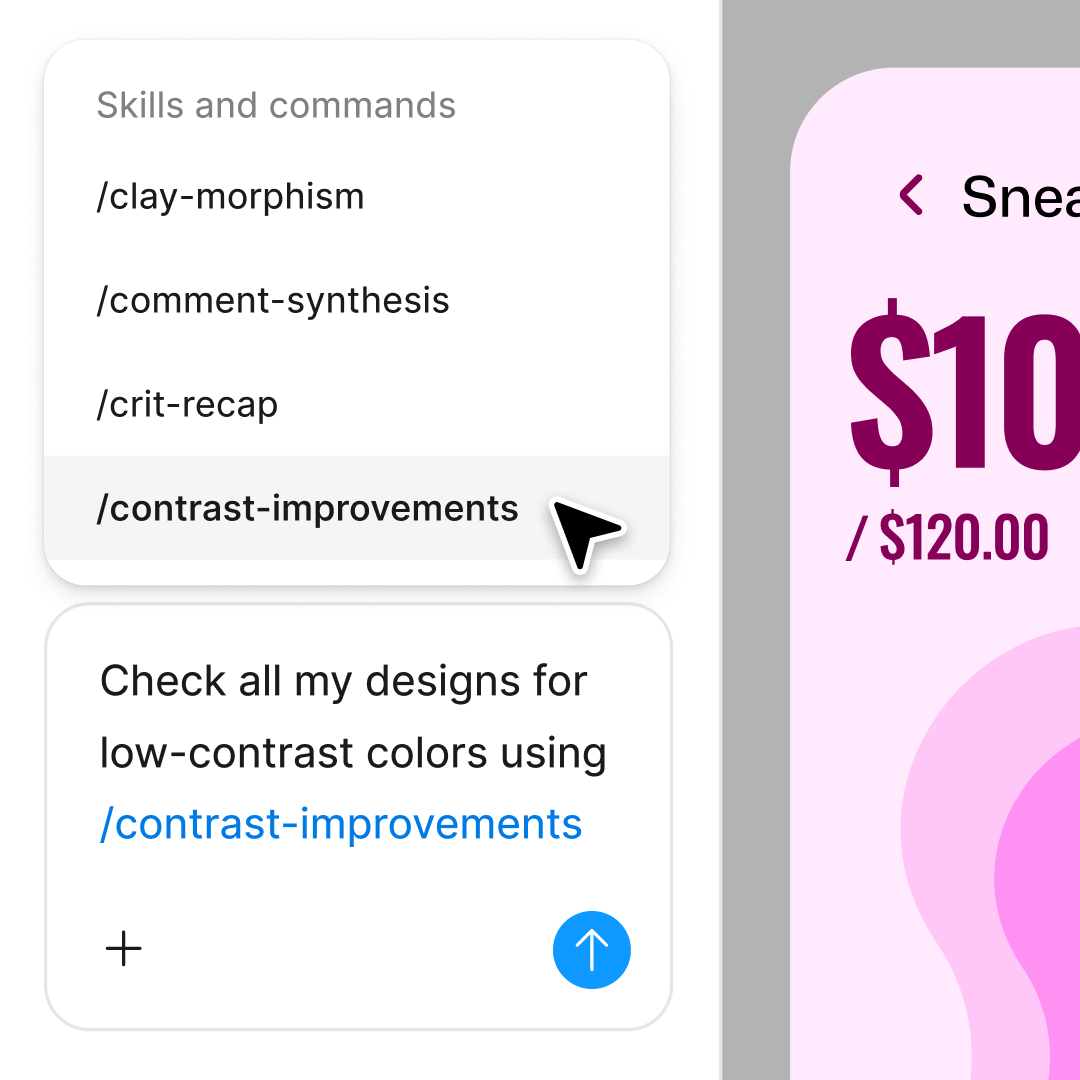
Package cross-platform workflows into reusable commands. Turn your go-to adaptation patterns into one-click skills your whole team can use.
Figma feels like a natural extension of my hand. I do my design ideation on the canvas, and now the agent takes it the last mile. With my design libraries connected, I can move from design to code faster than ever before.
Andy Madrick
Product Designer, Notion

Select Agents in the left side rail or hit CMD + Enter. Add a frame for your starting design or select an existing one.
Tell the agent which platforms you're designing for and point it to your design library. Be specific about breakpoints and layout preferences.
Check the generated layouts directly on your canvas. Refine in the same thread or start parallel prompts to explore different platform approaches.
Prompt again to adjust spacing, swap components, or try new directions. Turn your workflow into a reusable skill once you've nailed it.
Watch Figma's AI Agent in action and see how to put it to work in your own workflows.

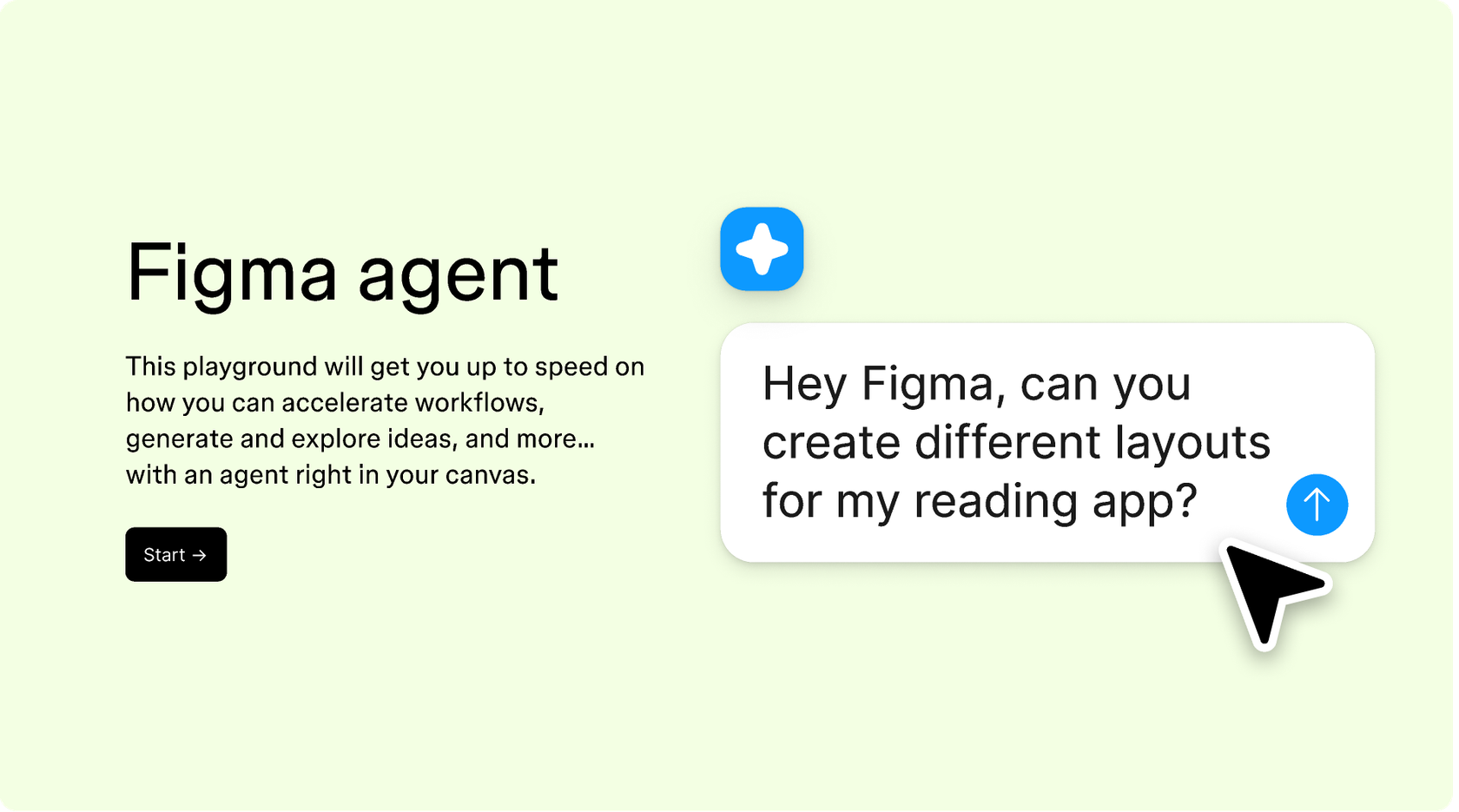
Hands-on playground to explore Figma agent's capabilities — from bulk edits to feedback implementation — with step-by-step guidance built right in.
Learn how to use Figma agent in your design workflows with a step-by-step tutorial from the Figma team.
An AI cross-platform design assistant helps you create and adapt designs for multiple screen sizes and operating systems from one workspace. Figma's agent does this directly on your canvas, using your existing components and design tokens to generate layouts for web, mobile, and tablet. You describe what you need, and the agent handles the restructuring—so you spend less time on manual resizing.
AI accelerates cross-platform design by automating the repetitive work of adapting layouts for different screen sizes. Figma's agent can generate multiple platform variants simultaneously, restructure components for different breakpoints, and apply your design system consistently across every version. This means faster exploration and fewer manual adjustments.
Figma's agent understands your design context—the components, spacing, and structure on your canvas—and uses that to generate responsive adaptations. You can describe how you want elements to reflow or resize, and the agent applies those changes while respecting your design system. Everything stays editable, so you can fine-tune by hand.
A capable AI design assistant should work natively in your design tool, understand your design system, and let you iterate quickly. Figma's agent connects to your component libraries, supports parallel prompting so you can explore multiple directions at once, and keeps a shareable history of every prompt and output. This keeps your team aligned without extra documentation.
Figma's agent is available on all paid Figma plans. You'll find it in the left navigation bar in Figma Design. During the current open beta, it doesn't consume AI credits—so it's a good time to explore, experiment, and share your feedback with us.
Build faster with Figma's agent


