
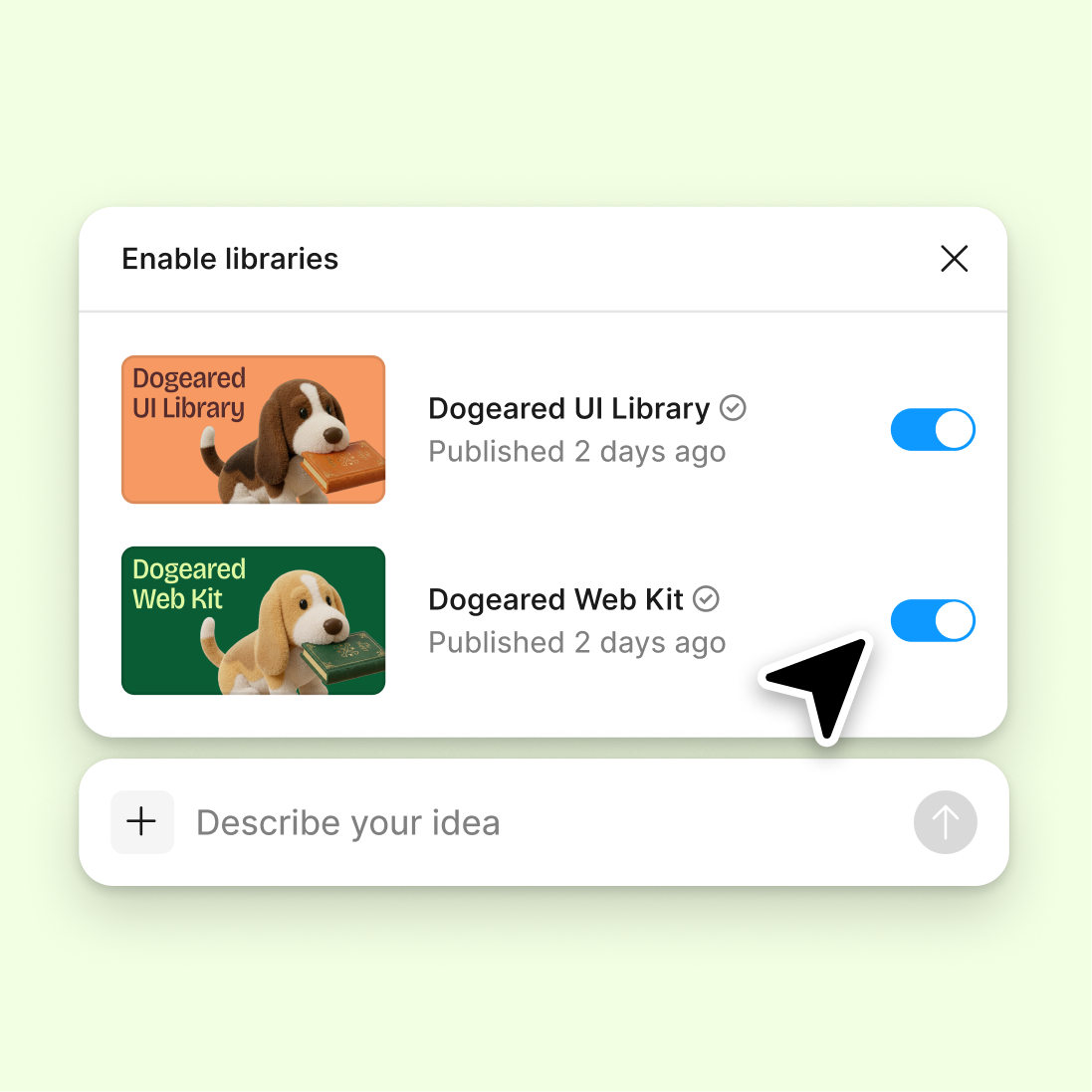
Connect to a design library
Generate and refine using your actual components, tokens, and variables—not placeholder UI you'll have to swap out later.
Skip to main content
Summarize user feedback, audit designs for usability issues, and surface research insights with Figma's agent—directly in Figma Design. Your research lives where your design decisions happen.











Bring user insights directly into your design workflow so research findings shape decisions as you build, not after.

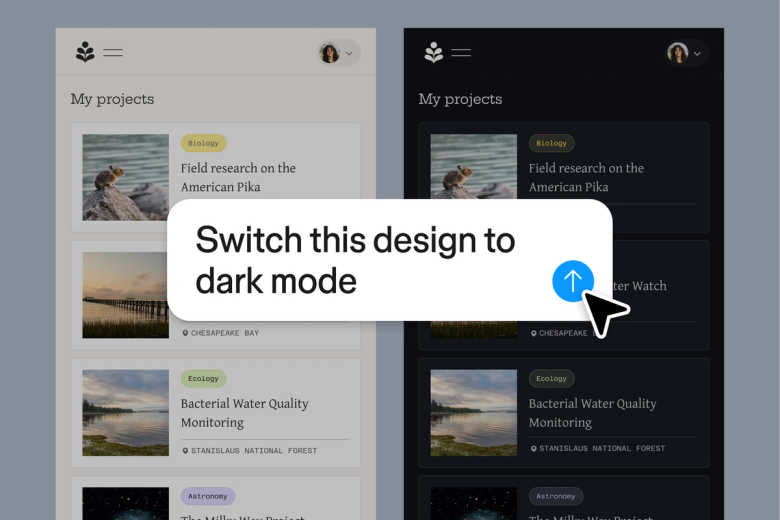
Figma's agent brings research synthesis directly to your canvas, connecting user feedback and usability findings to the frames and flows they relate to. Your team sees insights in context, not buried in a separate document.

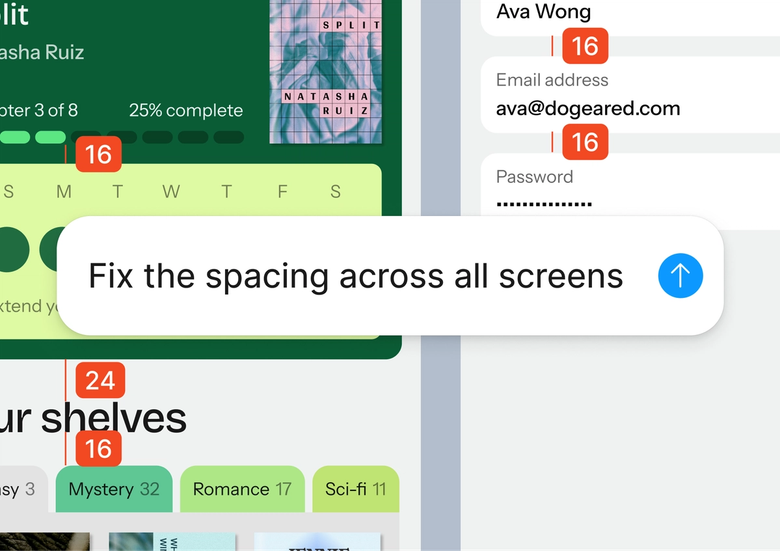
Hand off tedious tasks like summarizing interview notes, auditing screens for accessibility issues, or organizing feedback themes—and keep your focus on translating research into design decisions that matter.

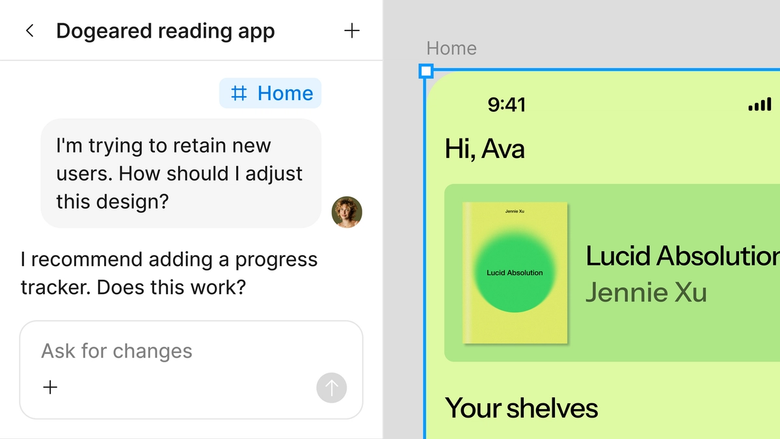
Research findings live in the same file your team works in, so designers, developers, and stakeholders all see the same user context. Nothing gets lost between research and implementation.
A closer look at what sets Figma's agent apart, built for the way design teams actually work.
Generate and refine using your actual components, tokens, and variables—not placeholder UI you'll have to swap out later.

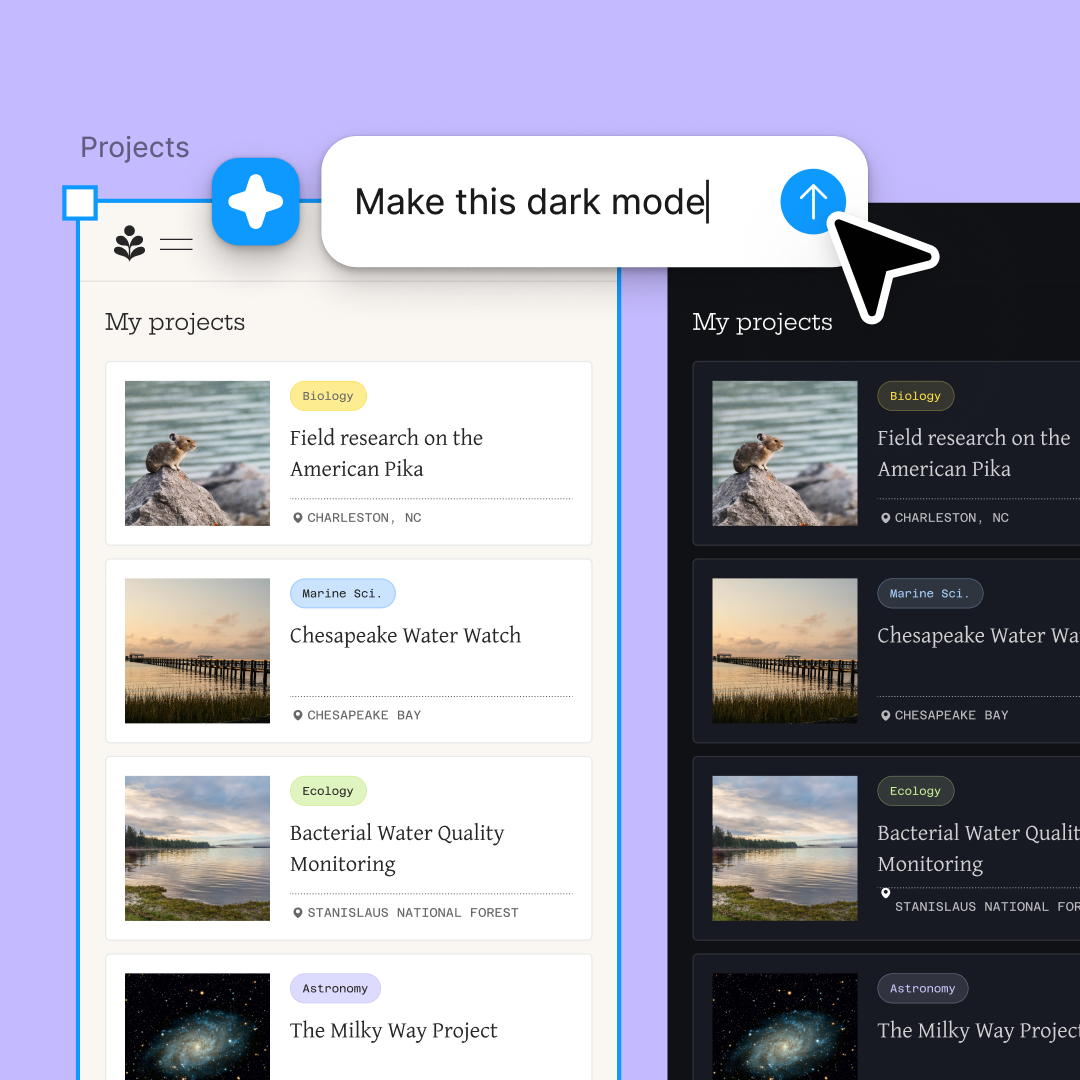
Run multiple prompts at once so you're evaluating directions in parallel, not burning time on each one in sequence.

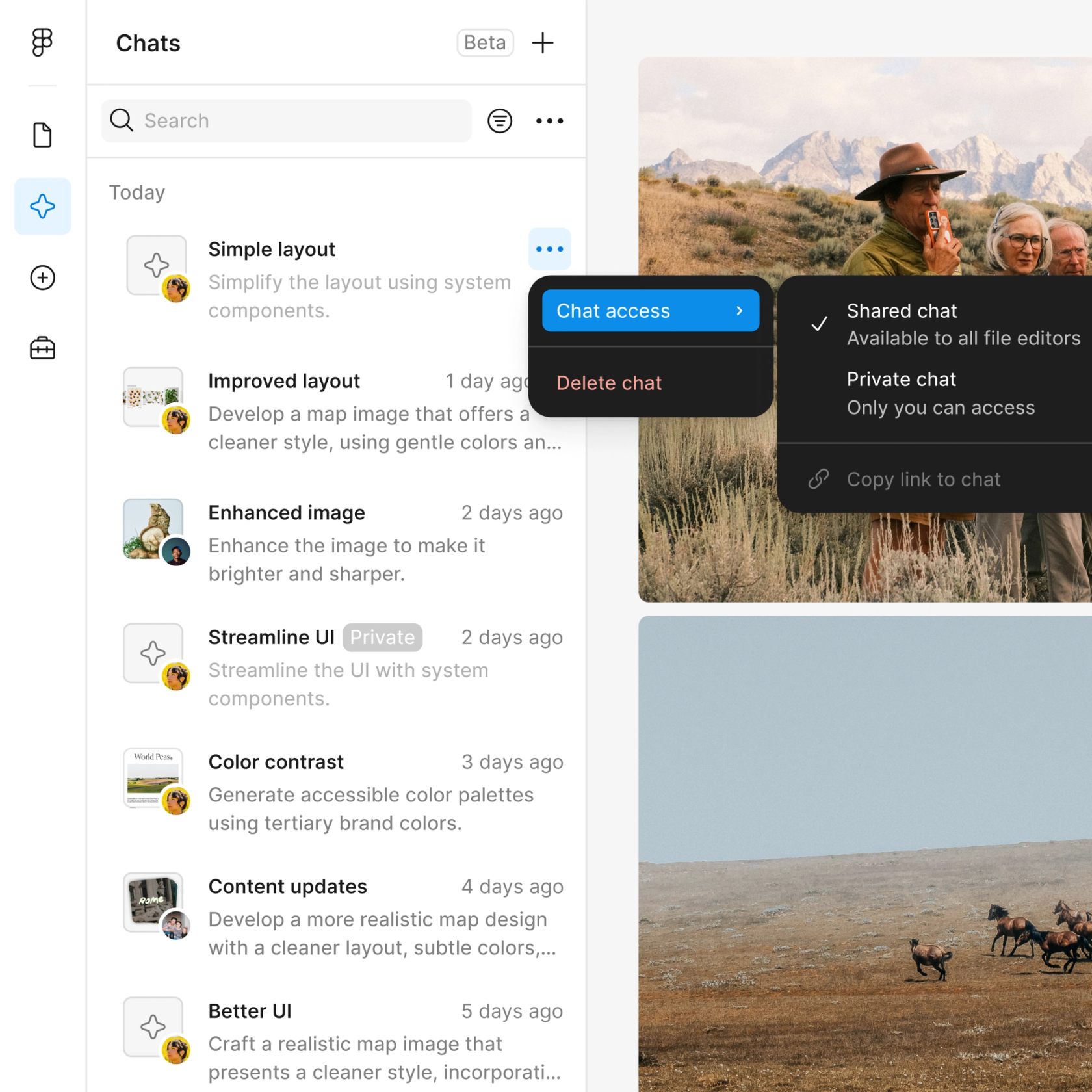
Share a thread and your team sees the full prompt, context, and iteration history behind any design. No separate handoff needed.

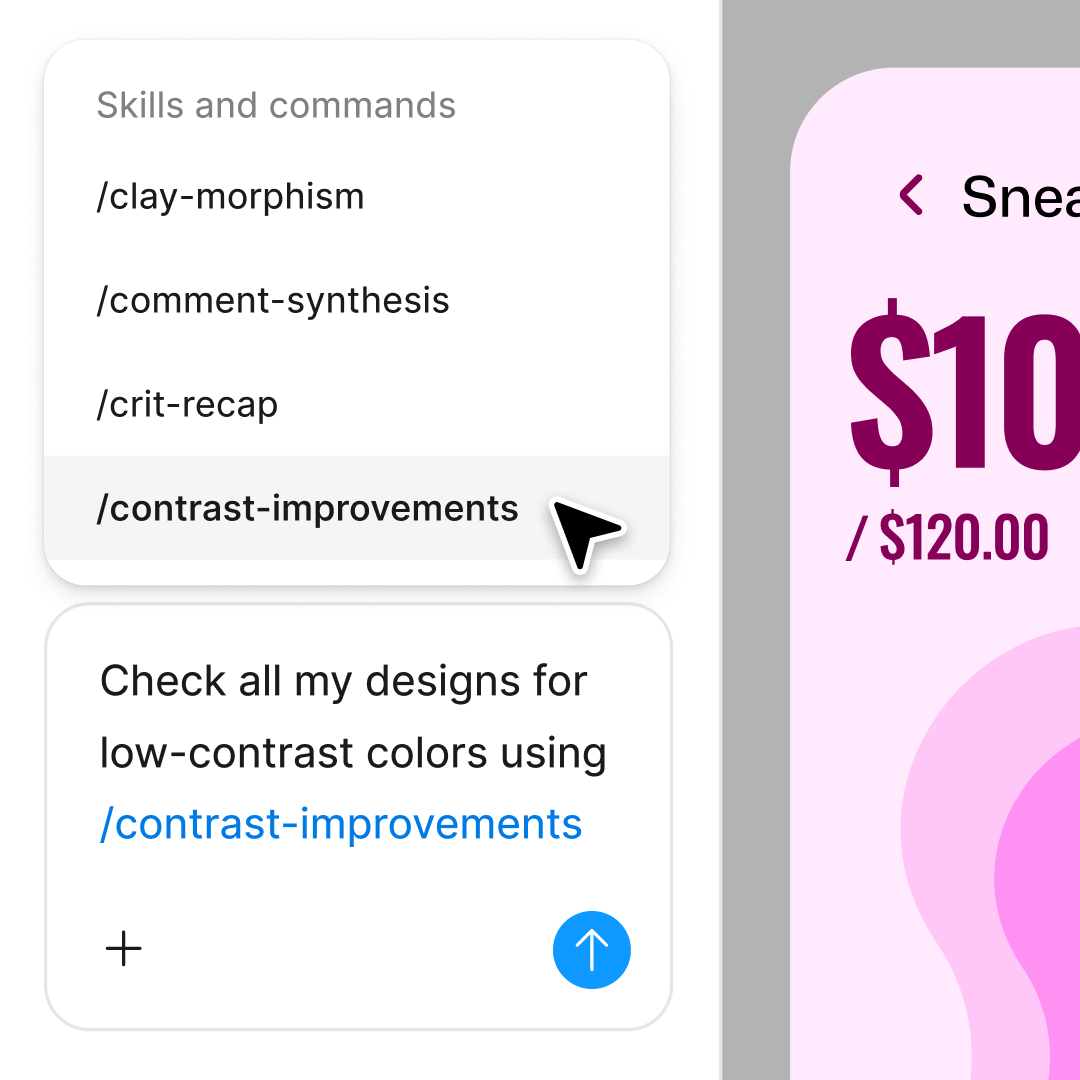
Package your team's workflows and conventions into reusable /commands anyone can run on demand.
Figma feels like a natural extension of my hand. I do my design ideation on the canvas, and now the agent takes it the last mile. With my design libraries connected, I can move from design to code faster than ever before.
Andy Madrick
Product Designer, Notion

Select Agents in the left side rail or hit CMD + Enter. Add research inputs like feedback notes or screenshots to your canvas.
Tell the agent what you need—summarize this feedback, audit this flow for usability, or identify pain points in these comments.
Check the output directly on your canvas. Refine in the same thread or start a parallel one to explore a different research angle.
Prompt again to dig deeper, or turn the workflow into a reusable skill. Everything stays editable so you can refine by hand.
Watch Figma's AI Agent in action and see how to put it to work in your own workflows.

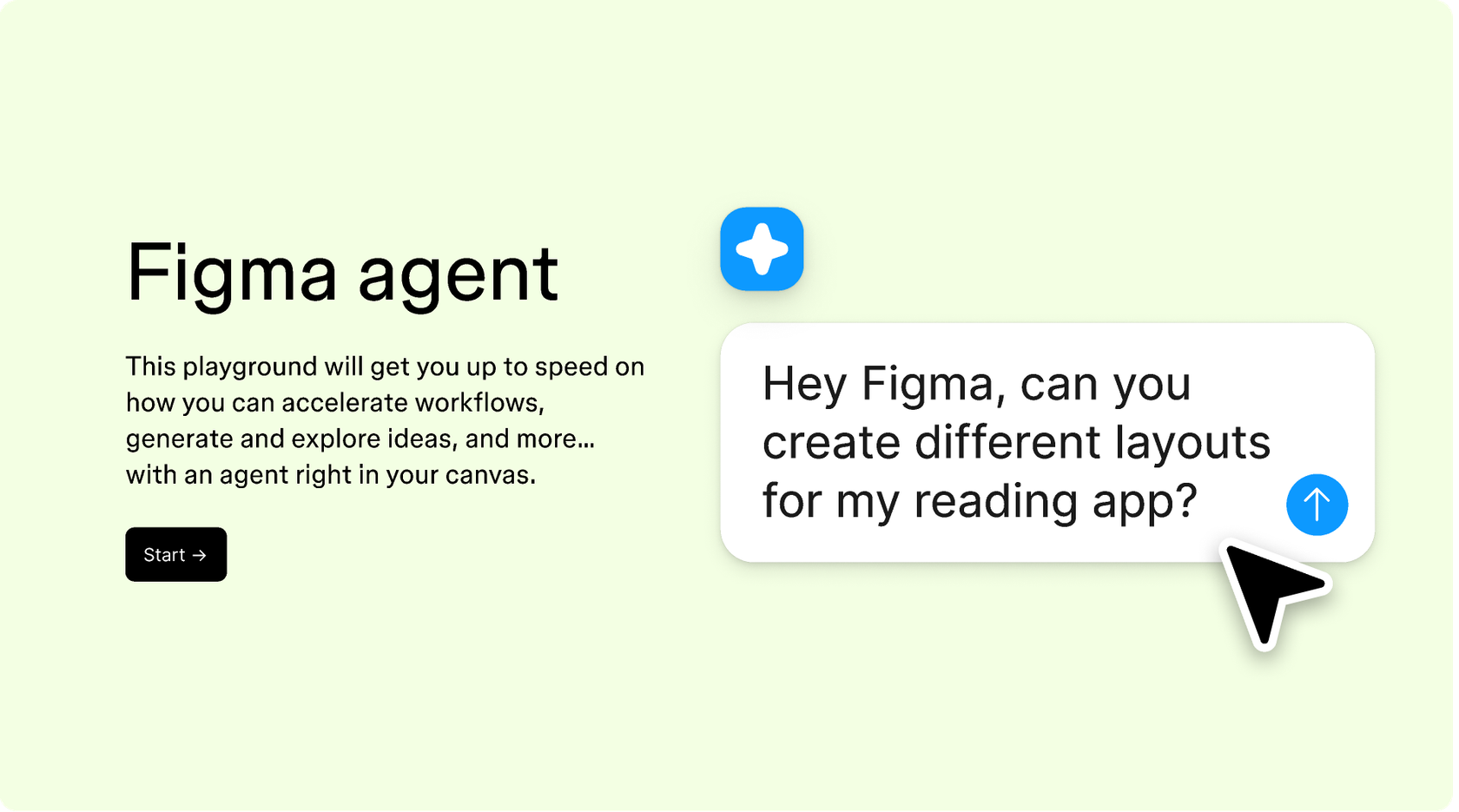
Hands-on playground to explore Figma agent's capabilities — from bulk edits to feedback implementation — with step-by-step guidance built right in.
Learn how to use Figma agent in your design workflows with a step-by-step tutorial from the Figma team.
An AI UX research agent helps teams synthesize user feedback, identify usability issues, and surface insights faster. Figma's agent brings these capabilities directly into the design canvas, so research findings inform decisions where the work happens—without switching between separate tools or documents.
Figma's agent can help summarize user interview notes, organize feedback into themes, audit designs for heuristic issues, draft research questions, and surface patterns across comments. It handles the synthesis work so researchers and designers can focus on interpreting findings and making decisions.
Figma's agent is designed to support UX researchers, not replace them. It accelerates tedious tasks like summarizing feedback and organizing themes, but human judgment remains essential for interpreting findings, understanding context, and translating insights into meaningful design decisions. The agent handles the busywork so researchers can focus on craft.
AI can miss nuance, misinterpret context, or surface patterns that need human validation. Figma's agent works best when researchers review its outputs, refine with follow-up prompts, and apply their expertise to the final synthesis. It's a collaborator, not a replacement for critical thinking.
Figma's agent is available on all paid Figma plans. You'll find it in the left navigation bar in Figma Design. During the current open beta, it doesn't consume AI credits—so it's a good time to explore, experiment, and share your feedback with us.
Build faster with Figma's agent


