
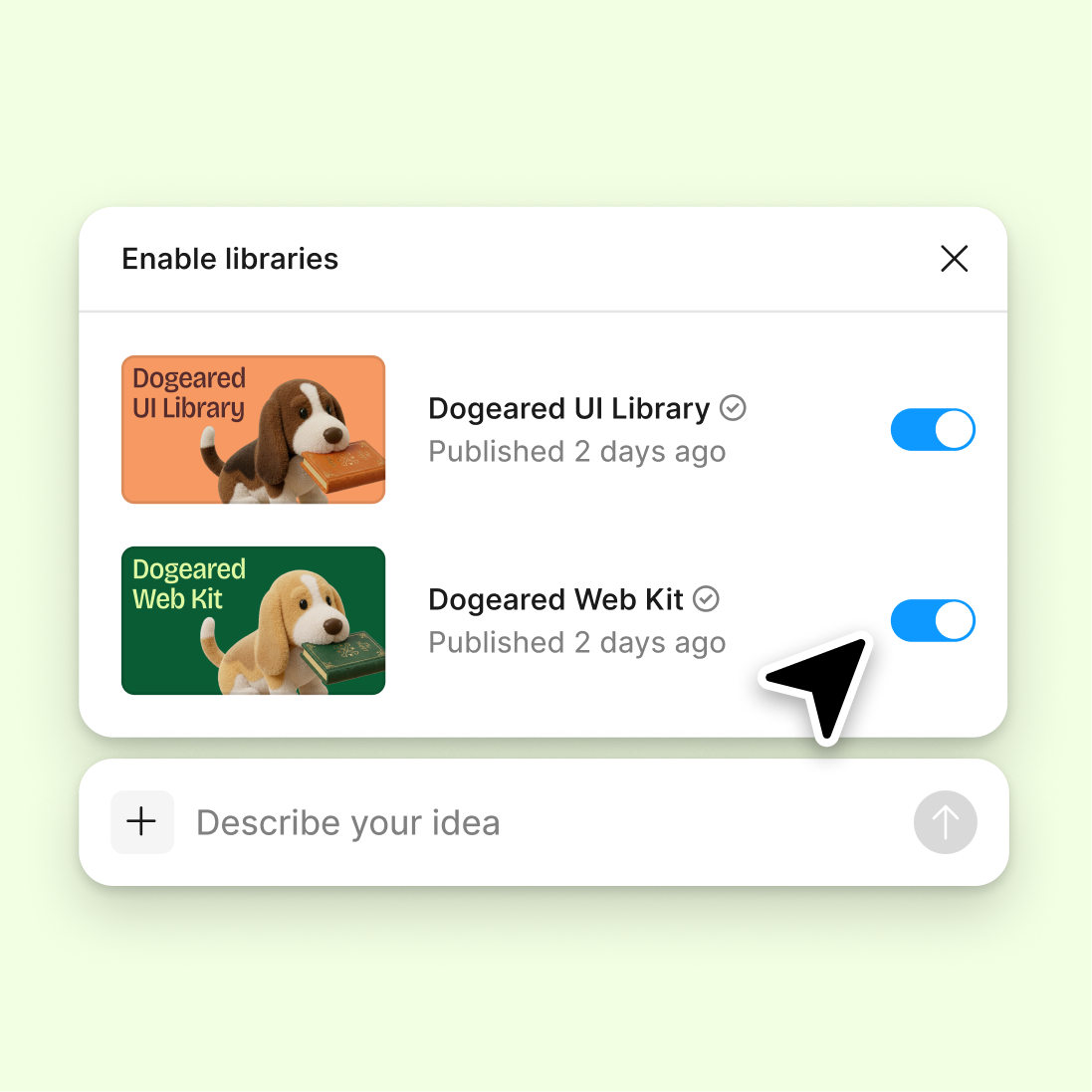
Reference your design system
Connect your design library so the agent can explain decisions in the context of your real components, tokens, and patterns—not generic guesswork.
Skip to main content
Ask Figma's agent to document design decisions, explain your thinking, and surface the reasoning behind layouts, components, and choices—directly in Figma Design. Build the narrative while you build the design.











Figma's agent generates rationale grounded in what's actually on your canvas, so documentation stays connected to the work.


Generate rationale while the context is fresh—right after a layout choice, component swap, or style decision. The agent sees your canvas and can reference the actual design, not a vague memory of it.

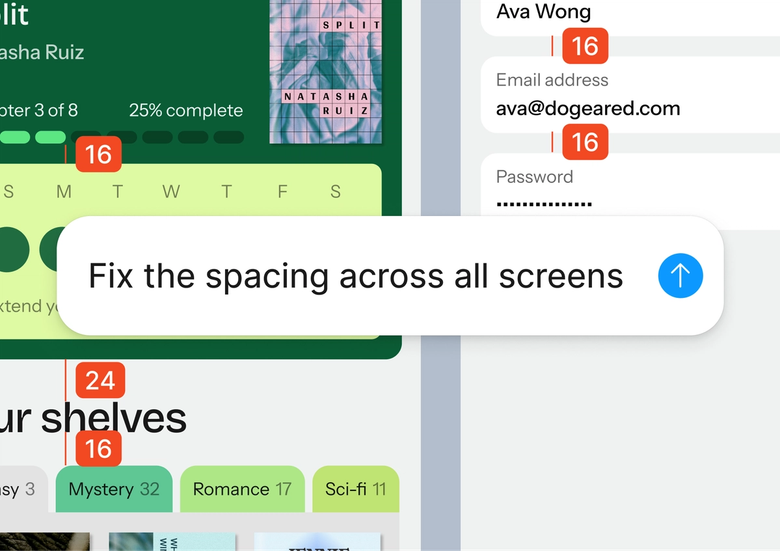
Hand off the tedious work of writing up design decisions. Describe what you want documented and let the agent draft the rationale, so you can stay focused on the design itself.

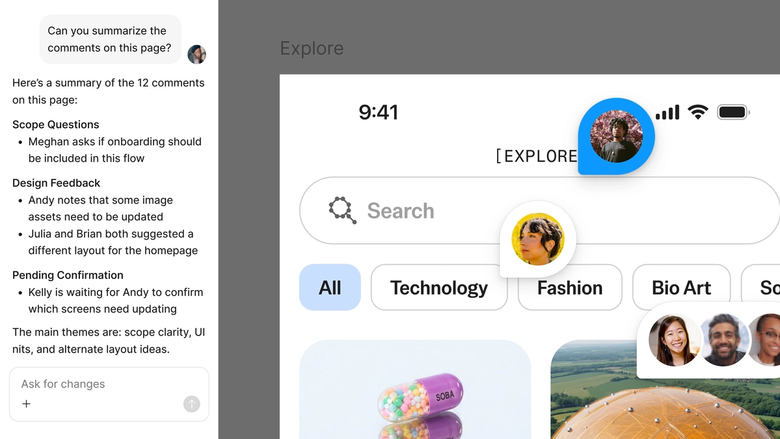
Rationale generated in the same file your team works in means everyone sees the thinking behind decisions. No separate handoff, no hunting through docs—the why lives with the work.
A closer look at what sets Figma's agent apart, built for the way design teams actually work.
Connect your design library so the agent can explain decisions in the context of your real components, tokens, and patterns—not generic guesswork.

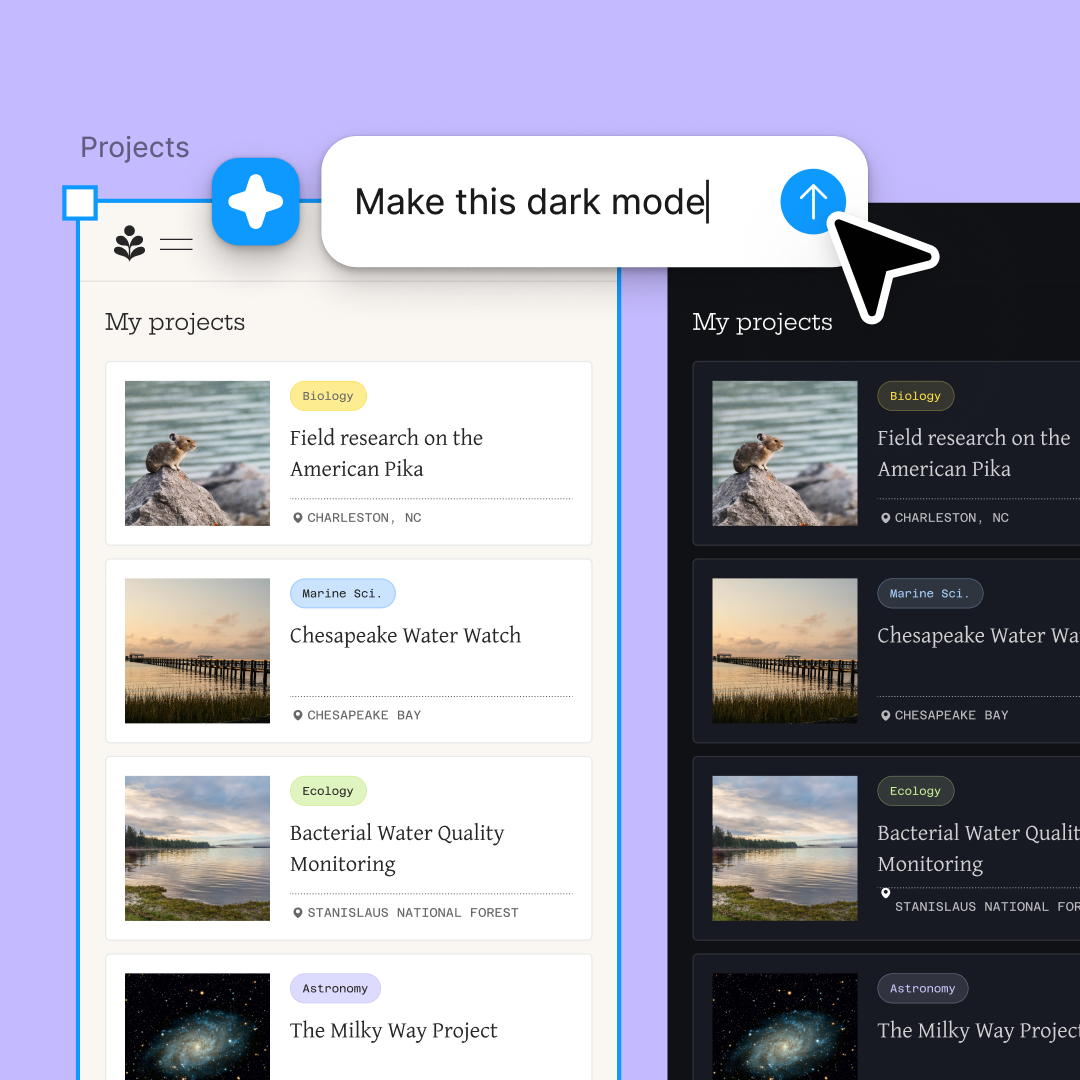
Generate rationale for multiple decisions at once. Document a layout choice in one thread while explaining a color decision in another—no waiting in line.

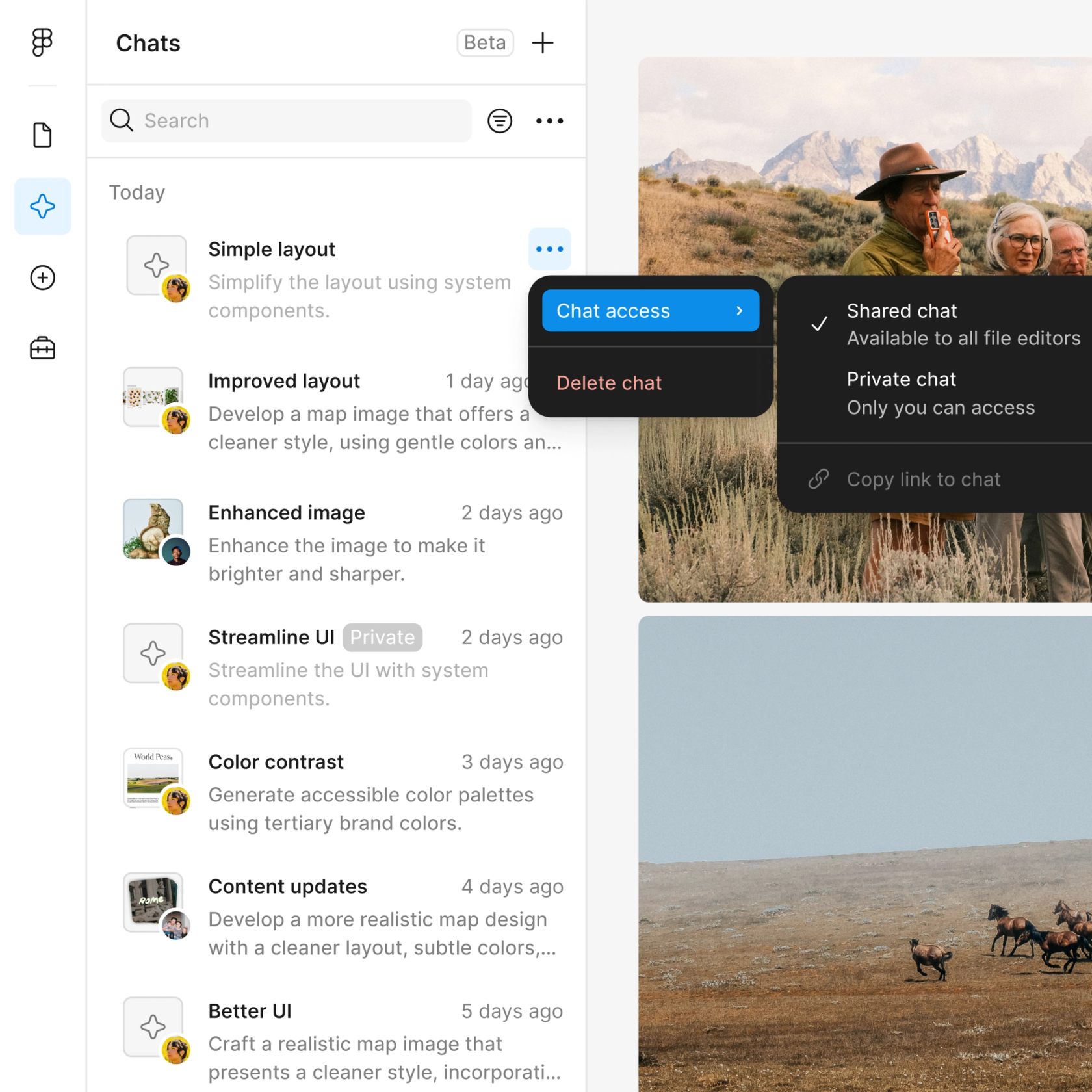
Share a rationale thread and your team sees the full prompt, context, and iteration history. The documentation and its origin live together.

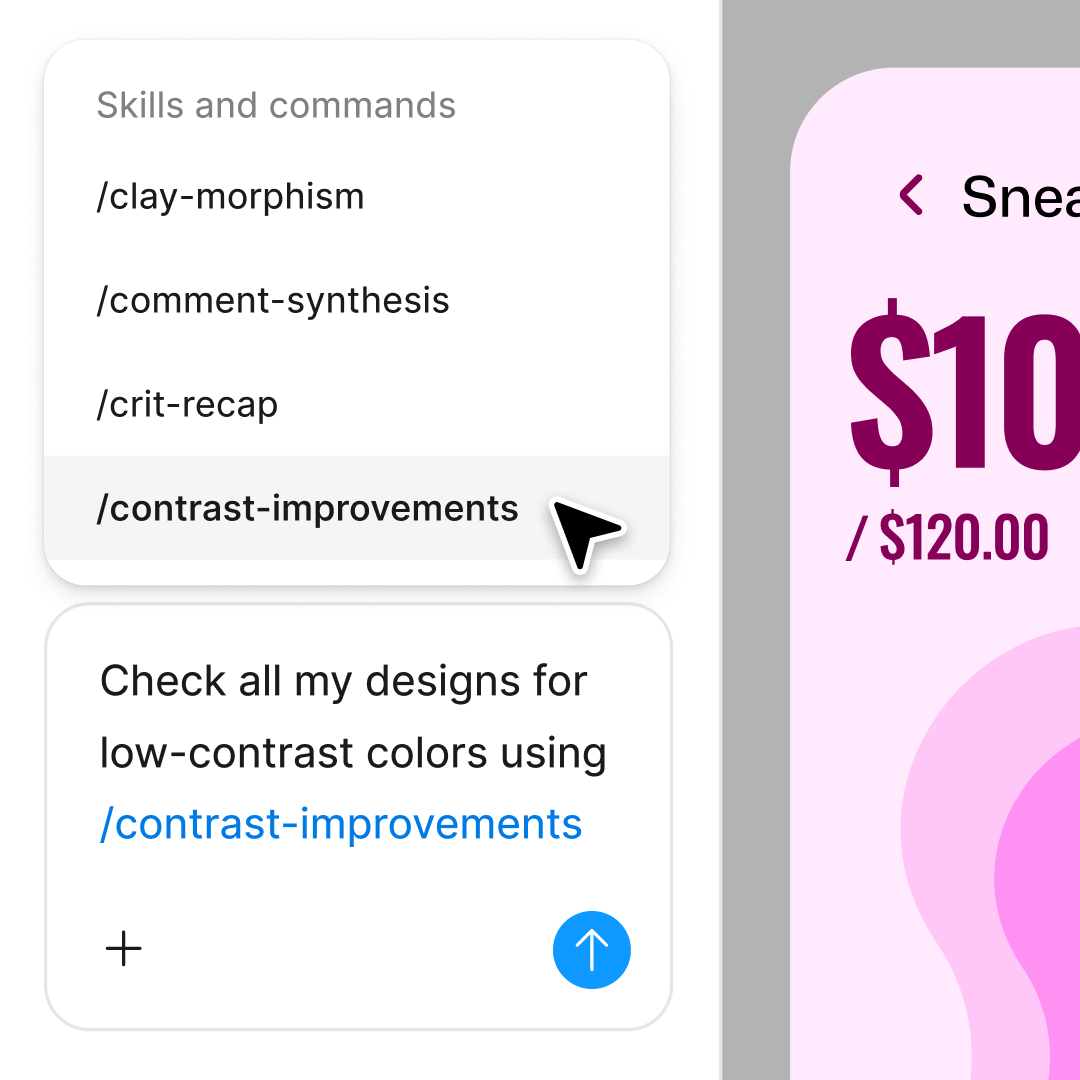
First draft not quite capturing it? Adjust in the same thread or open a parallel one to try a different angle without losing your original.
Figma feels like a natural extension of my hand. I do my design ideation on the canvas, and now the agent takes it the last mile. With my design libraries connected, I can move from design to code faster than ever before.
Andy Madrick
Product Designer, Notion

Select Agents in the left side rail or hit CMD + Enter. Navigate to the design you want to document.
Tell the agent what decision to explain—a layout choice, component selection, or style direction. Point to specific frames or layers for more grounded rationale.
Check the generated documentation on your canvas. Refine in the same thread or start a parallel one to explore a different framing.
Prompt again to add detail, adjust tone, or document additional decisions. Everything stays editable and connected to the design.
Watch Figma's AI Agent in action and see how to put it to work in your own workflows.

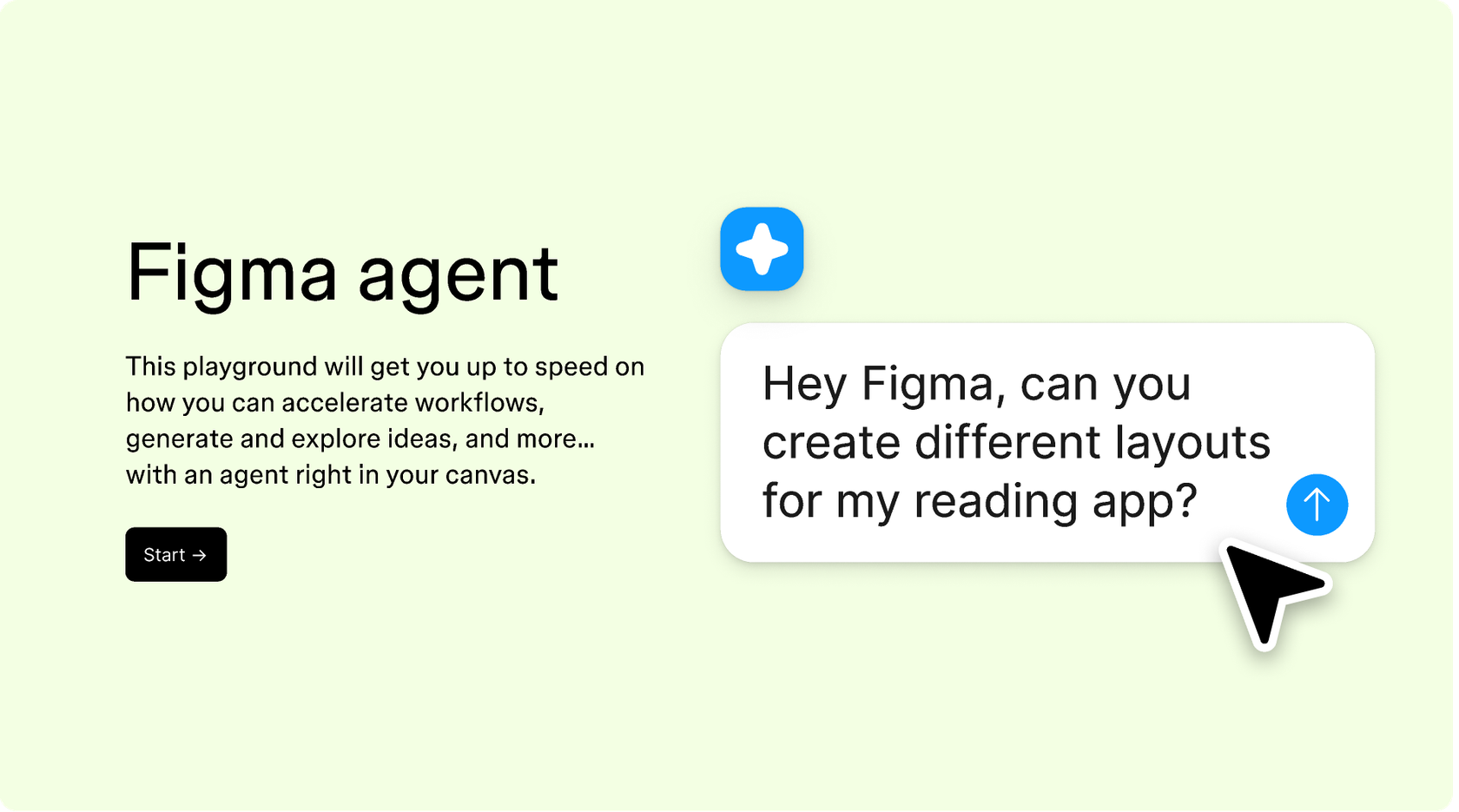
Hands-on playground to explore Figma agent's capabilities — from bulk edits to feedback implementation — with step-by-step guidance built right in.
Learn how to use Figma agent in your design workflows with a step-by-step tutorial from the Figma team.
An AI design rationale generator helps document the thinking behind design decisions—why a layout works, what informed a color choice, how a component supports the user goal. Figma's agent does this directly on the canvas, referencing your actual design layers and system. The rationale stays connected to the work instead of living in a separate document.
Figma's agent reads the context of your canvas—the frames, components, and styles you're working with—and generates rationale grounded in what it sees. You describe the decision you want documented, and the agent drafts an explanation. You can refine with follow-up prompts until the rationale captures your thinking accurately.
Designers use Figma's agent to document decisions as they make them, while context is fresh. Instead of reconstructing reasoning later, they prompt the agent right after a layout choice or component swap. The rationale lives in the same file as the design, so teams can see the thinking behind the work without digging through separate docs.
A good design rationale captures the decision made, the alternatives considered, and the reasoning behind the choice. It often references user needs, constraints, or design principles. Figma's agent can generate these elements by referencing your canvas context and design system, giving you a grounded starting point to refine.
Figma's agent is available on all paid Figma plans. You'll find it in the left navigation bar in Figma Design. During the current open beta, it doesn't consume AI credits—so it's a good time to explore, experiment, and share your feedback with us.
Build faster with Figma's agent


