
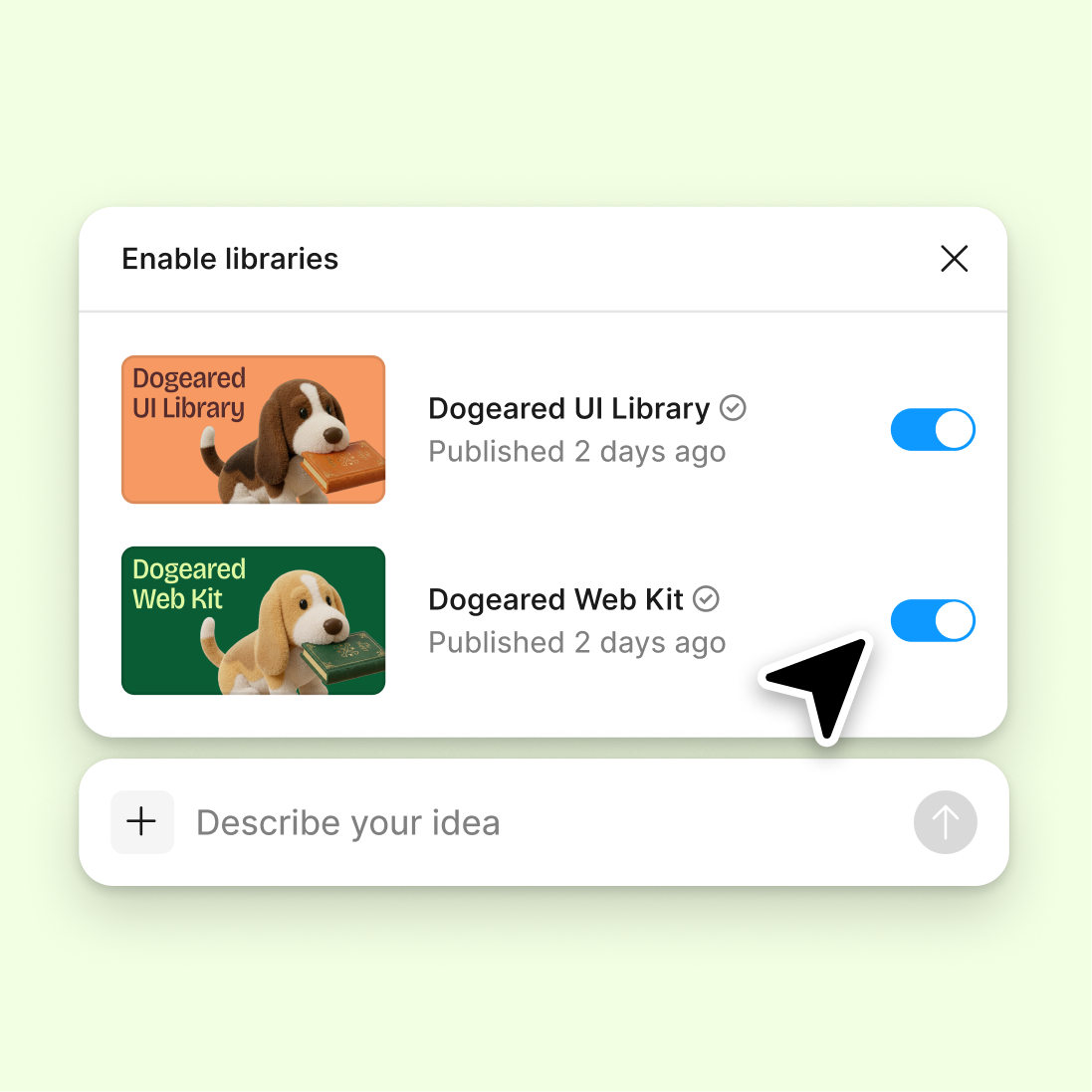
Connect your design library
Point the agent to your design system and it generates onboarding screens using your real components, colors, and typography—not placeholder UI you'll have to rebuild.
Skip to main content
Build complete onboarding sequences with Figma's agent—welcome screens, tooltips, progress steps, and empty states—directly in Figma Design using your real components and styles.











Figma's agent builds onboarding flows using your actual design system, so every screen fits seamlessly into your existing product.

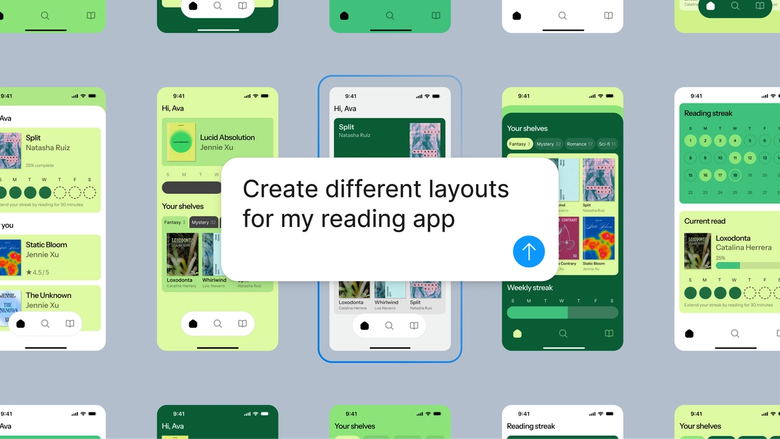
Generate multiple onboarding directions at once—different layouts, copy approaches, and step sequences—all using your real components and tokens. Skip the wireframe phase and jump straight to polished, usable screens.

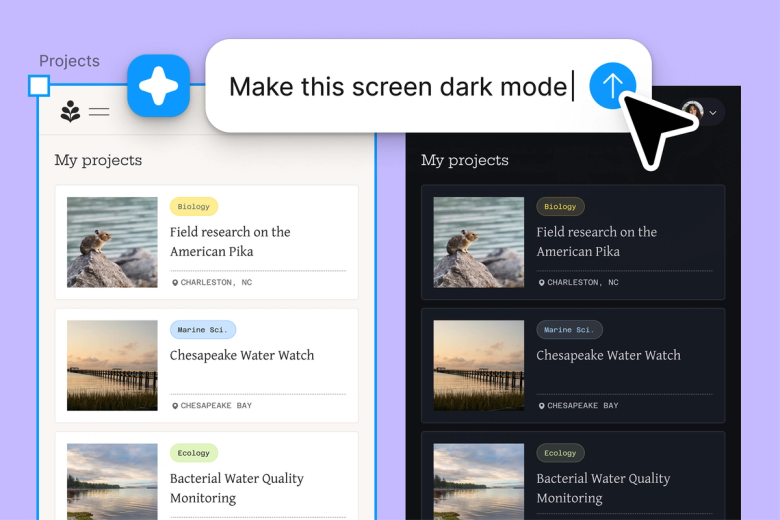
Hand off the scaffolding work—welcome screens, progress indicators, tooltip sequences—and keep your focus on the user experience decisions that actually matter. Less setup, more designing.

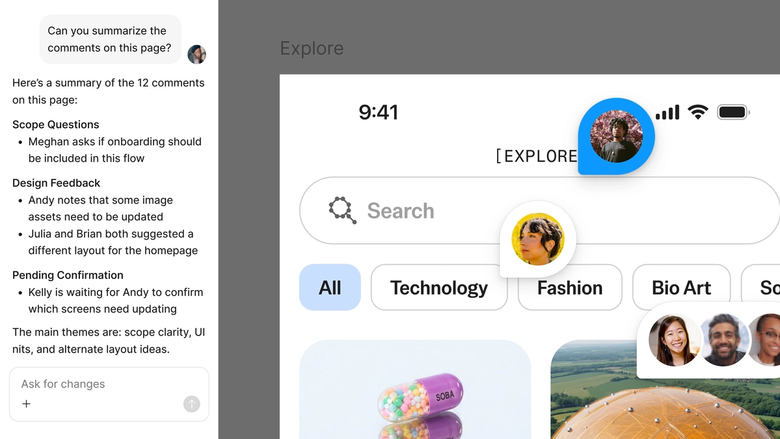
Every generated flow lives in the same file your team already works in. Stakeholders see the full context, developers can inspect immediately, and nothing gets lost between tools.
A closer look at what sets Figma's agent apart, built for the way design teams actually work.
Point the agent to your design system and it generates onboarding screens using your real components, colors, and typography—not placeholder UI you'll have to rebuild.

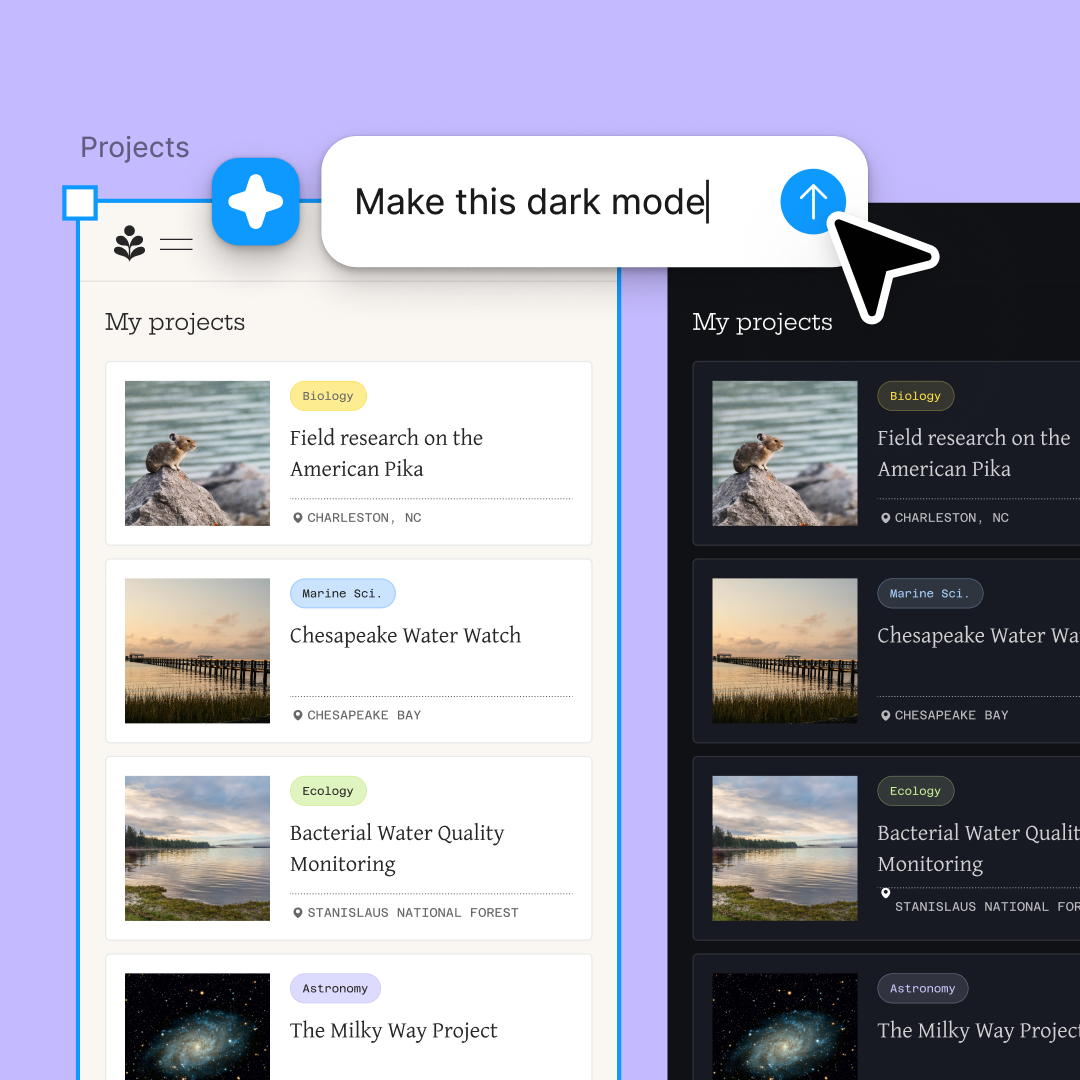
Explore multiple onboarding directions at once. Try a carousel approach and a step-by-step flow simultaneously, then pick the direction that works best for your users.

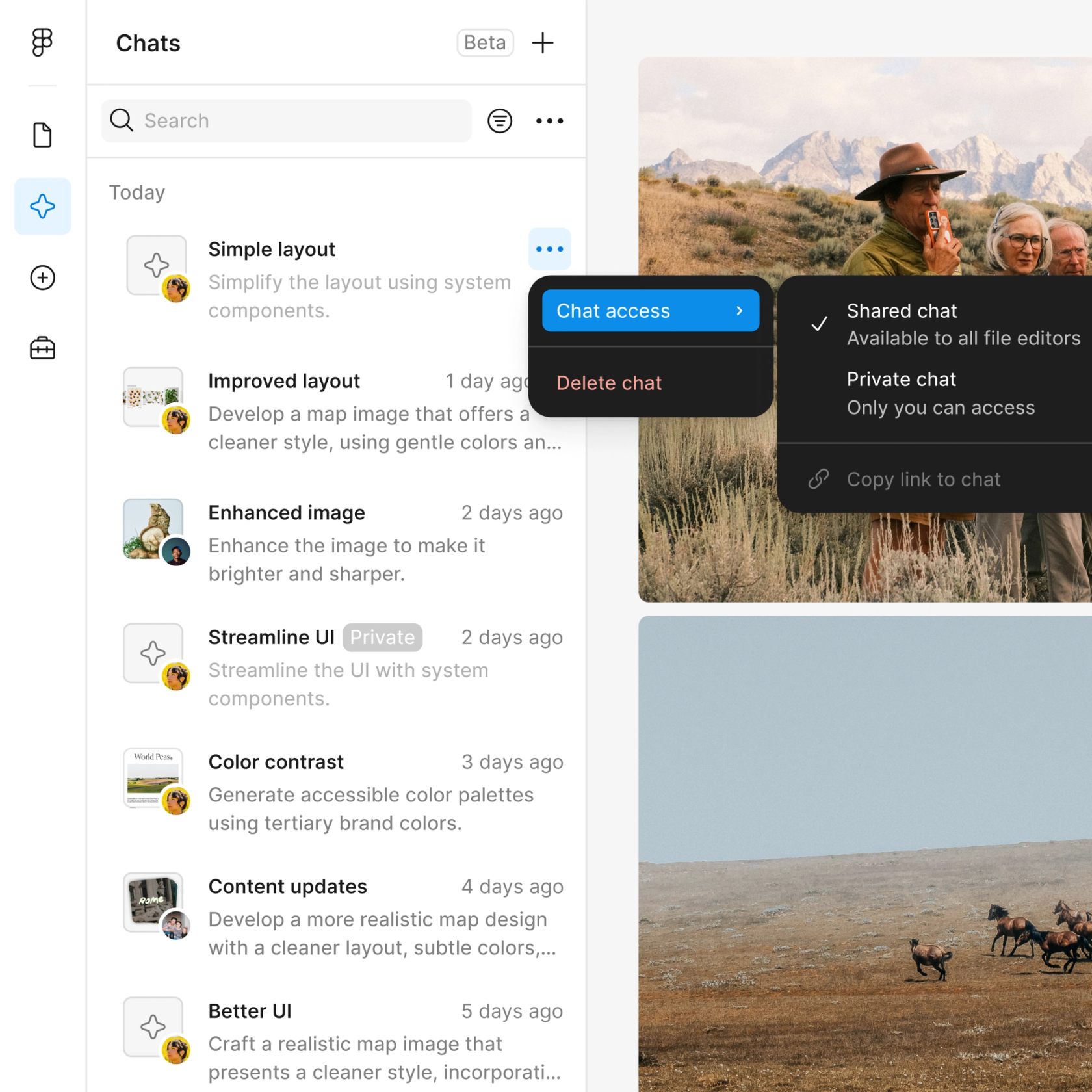
Share a thread and your team sees the full prompt, context, and iteration history behind any flow. No separate handoff or explanation needed.

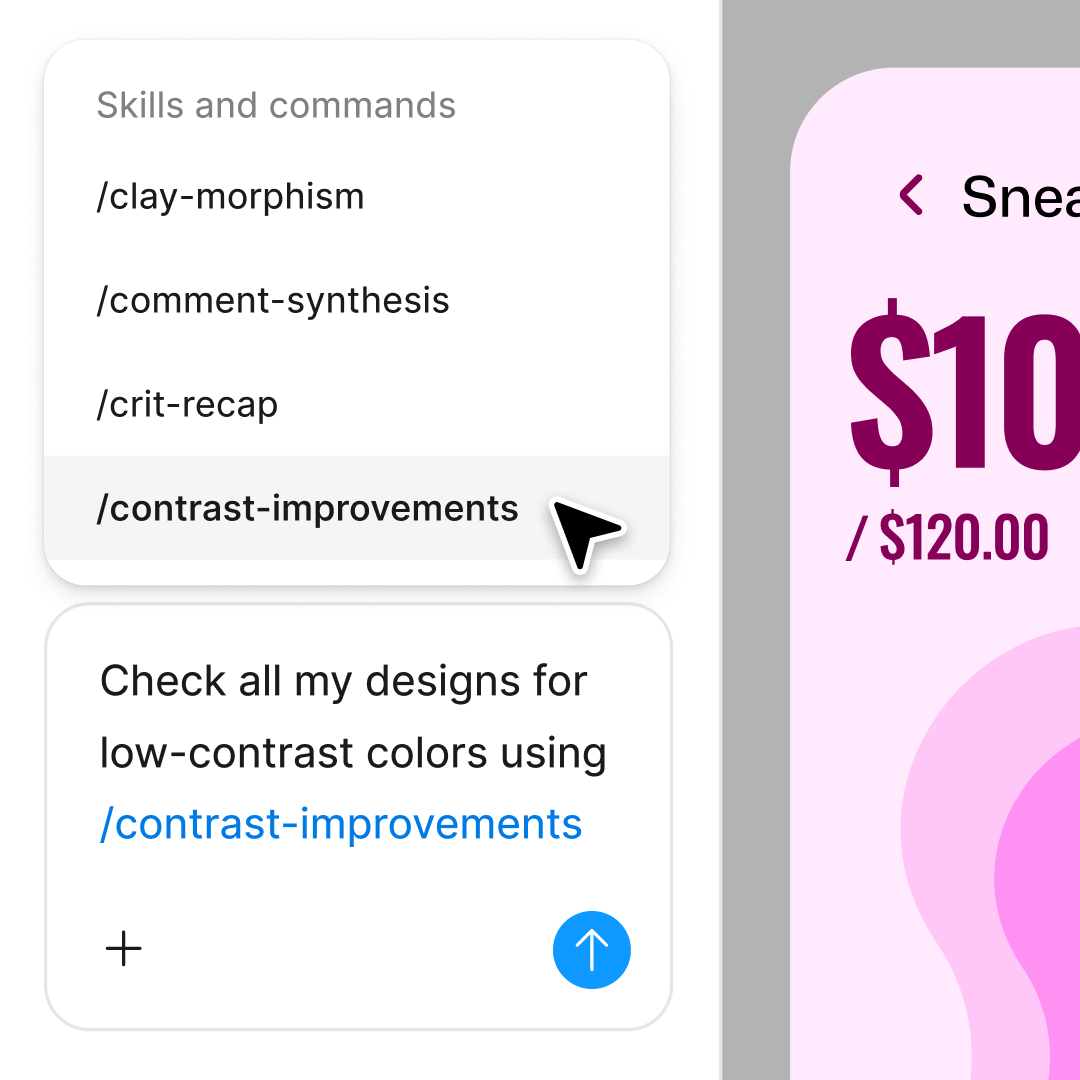
Package your best onboarding workflows into reusable commands. Run them again for new features, different user segments, or future product launches.
Figma feels like a natural extension of my hand. I do my design ideation on the canvas, and now the agent takes it the last mile. With my design libraries connected, I can move from design to code faster than ever before.
Andy Madrick
Product Designer, Notion

Select Agents in the left side rail or hit CMD + Enter. Add a frame to your canvas to work in.
Tell the agent what you need—welcome screens, feature tooltips, a sign-up sequence. Point to your design library so it uses your real components.
Check the generated flow. Refine in the same thread or start a parallel one to explore a completely different onboarding approach.
Prompt again until the sequence is right, or turn your workflow into a reusable skill for future onboarding projects.
Watch Figma's AI Agent in action and see how to put it to work in your own workflows.

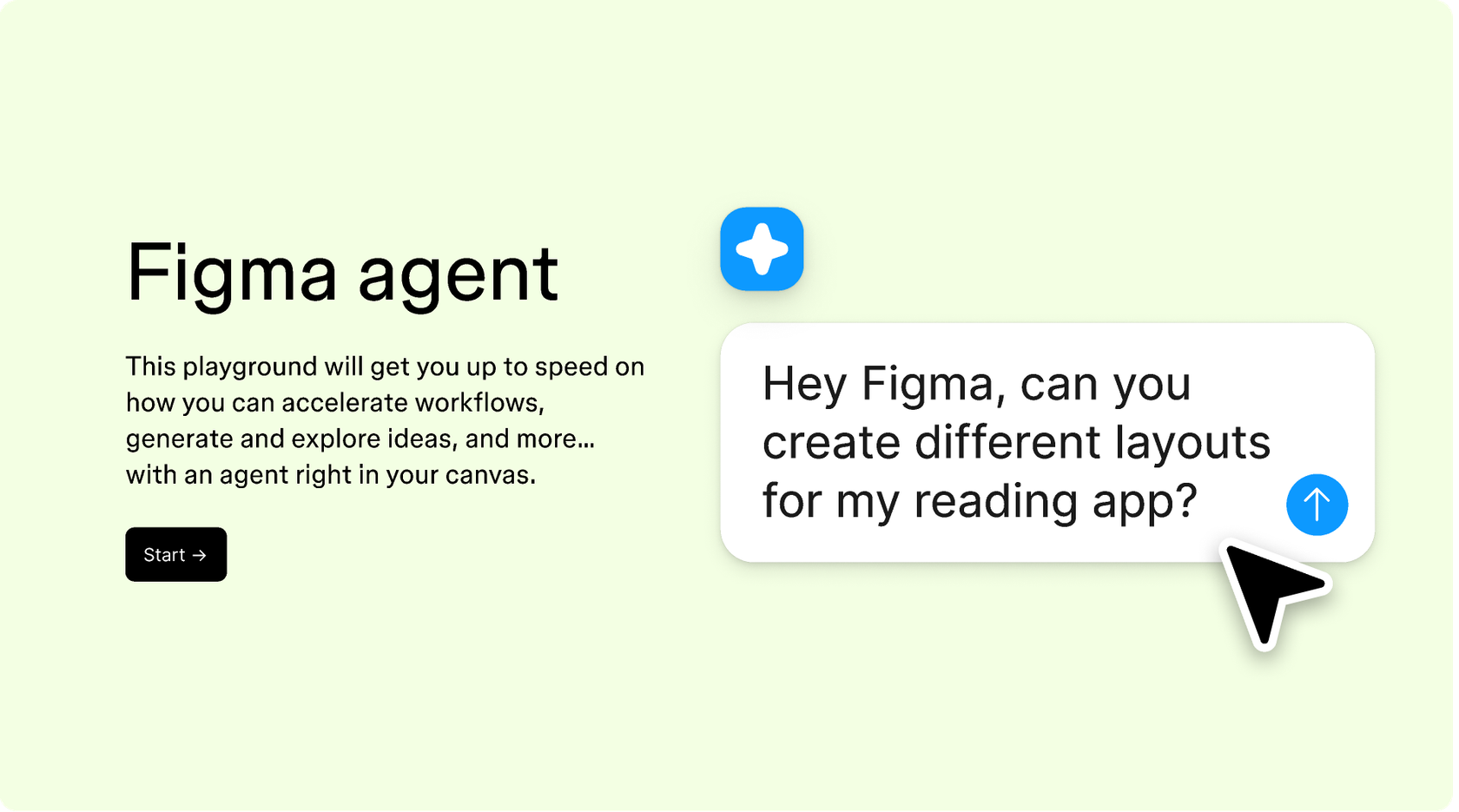
Hands-on playground to explore Figma agent's capabilities — from bulk edits to feedback implementation — with step-by-step guidance built right in.
Learn how to use Figma agent in your design workflows with a step-by-step tutorial from the Figma team.
An AI onboarding flow agent helps you generate complete user onboarding sequences—welcome screens, feature tours, progress steps, and empty states—from a prompt. Figma's agent does this directly on your design canvas using your real components and styles, so the output is production-ready rather than generic wireframes you'd need to rebuild.
Figma's agent takes your prompt describing the onboarding experience you need and generates screens directly on your canvas. It references your connected design library to use your actual components, colors, and typography. You can run multiple prompts in parallel to explore different directions, then refine with follow-up prompts until the flow is right.
Yes. Figma's agent can generate complete onboarding screen sequences from a single prompt. Describe the user journey you want—sign-up, welcome, feature introduction—and the agent builds it using your design system. Every screen lands as editable layers, so you can fine-tune by hand or prompt again.
Figma's agent works across any screen size or platform you're designing for, including mobile apps. Describe the mobile onboarding flow you need and the agent generates screens sized appropriately, using your mobile components and responsive patterns from your design library.
Figma's agent is available on all paid Figma plans. You'll find it in the left navigation bar in Figma Design. During the current open beta, it doesn't consume AI credits—so it's a good time to explore, experiment, and share your feedback with us.
Build faster with Figma's agent


