
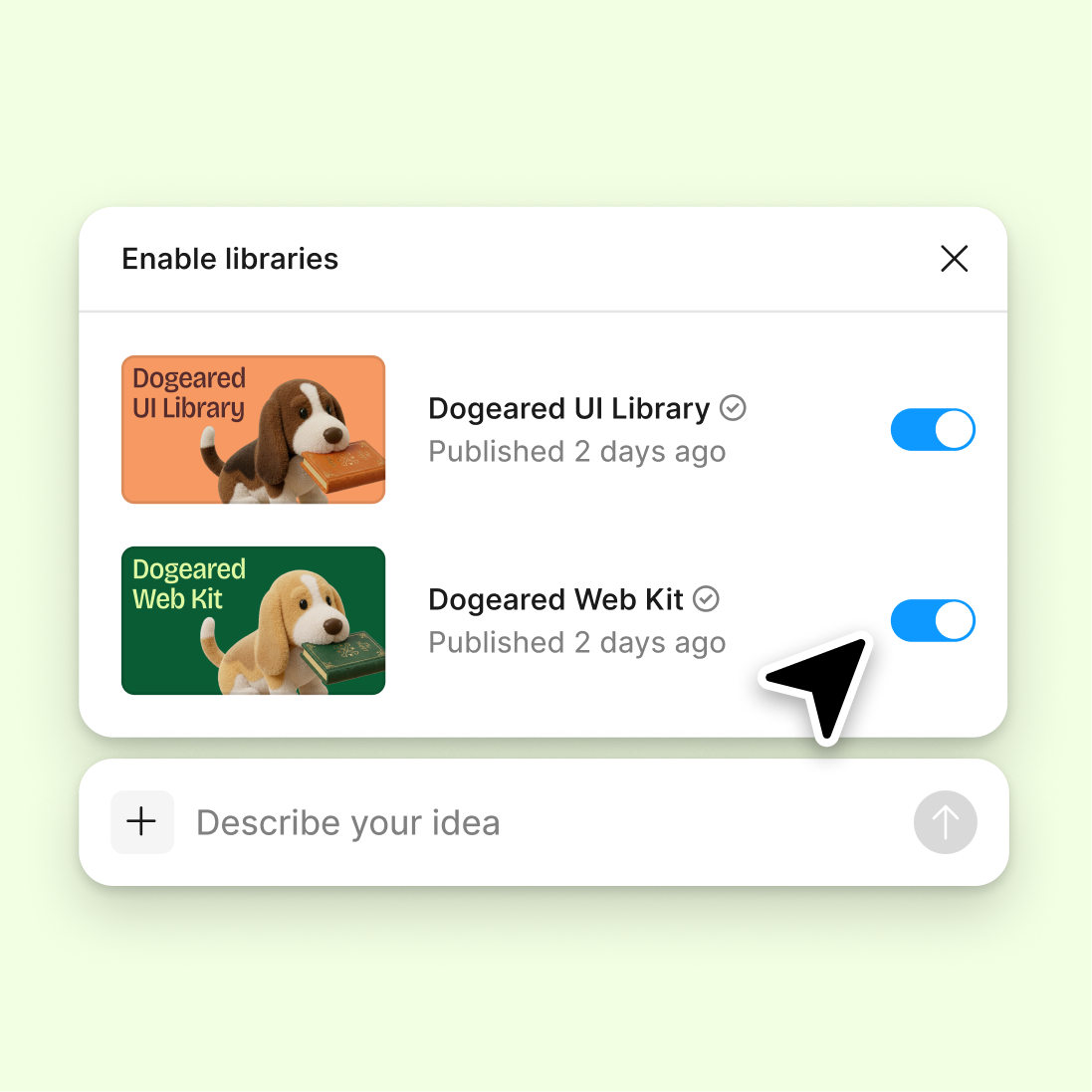
Connect a design library
The agent references your components and design system to understand scope complexity—estimating effort based on what you've built, not generic assumptions.
Skip to main content
Get AI-powered estimates for design projects—task breakdowns, effort sizing, complexity scoring—directly in Figma Design. No switching to spreadsheets, no guesswork from scratch.











Figma's agent reads your canvas context to generate estimates grounded in what you're actually building, not abstract assumptions.

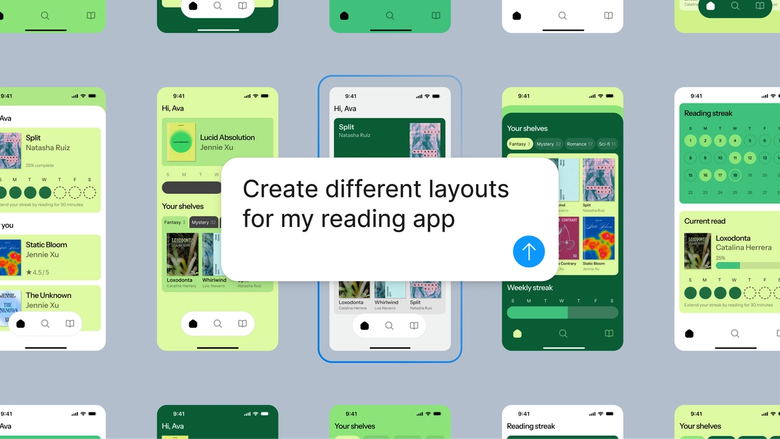
Figma's agent analyzes the frames, components, and complexity already on your canvas to generate realistic project estimates. It sees your design system, not a blank slate—so scoping starts from real work, not guesses.

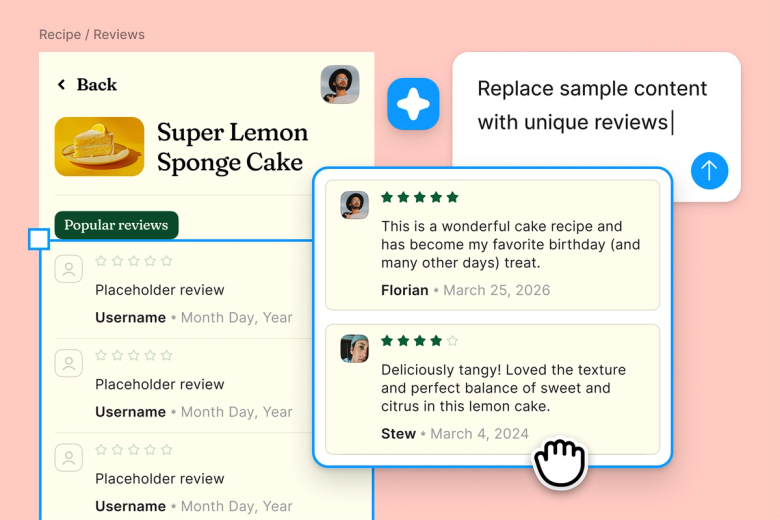
Skip the manual inventory of screens and states. Describe what needs estimating and let the agent break it down—task lists, effort sizing, complexity factors—so you spend less time documenting and more time designing.

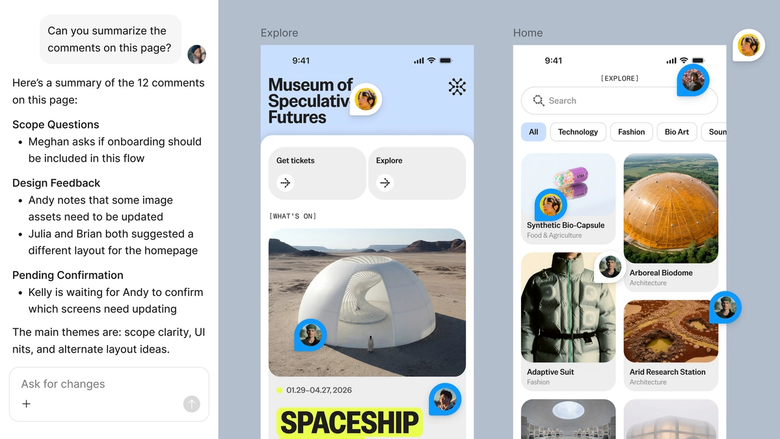
Estimates live in the same file your team works in. Everyone sees the breakdown, the rationale, and the context behind the numbers—no separate documents to reconcile or share after the fact.
A closer look at what sets Figma's agent apart, built for the way design teams actually work.
The agent references your components and design system to understand scope complexity—estimating effort based on what you've built, not generic assumptions.

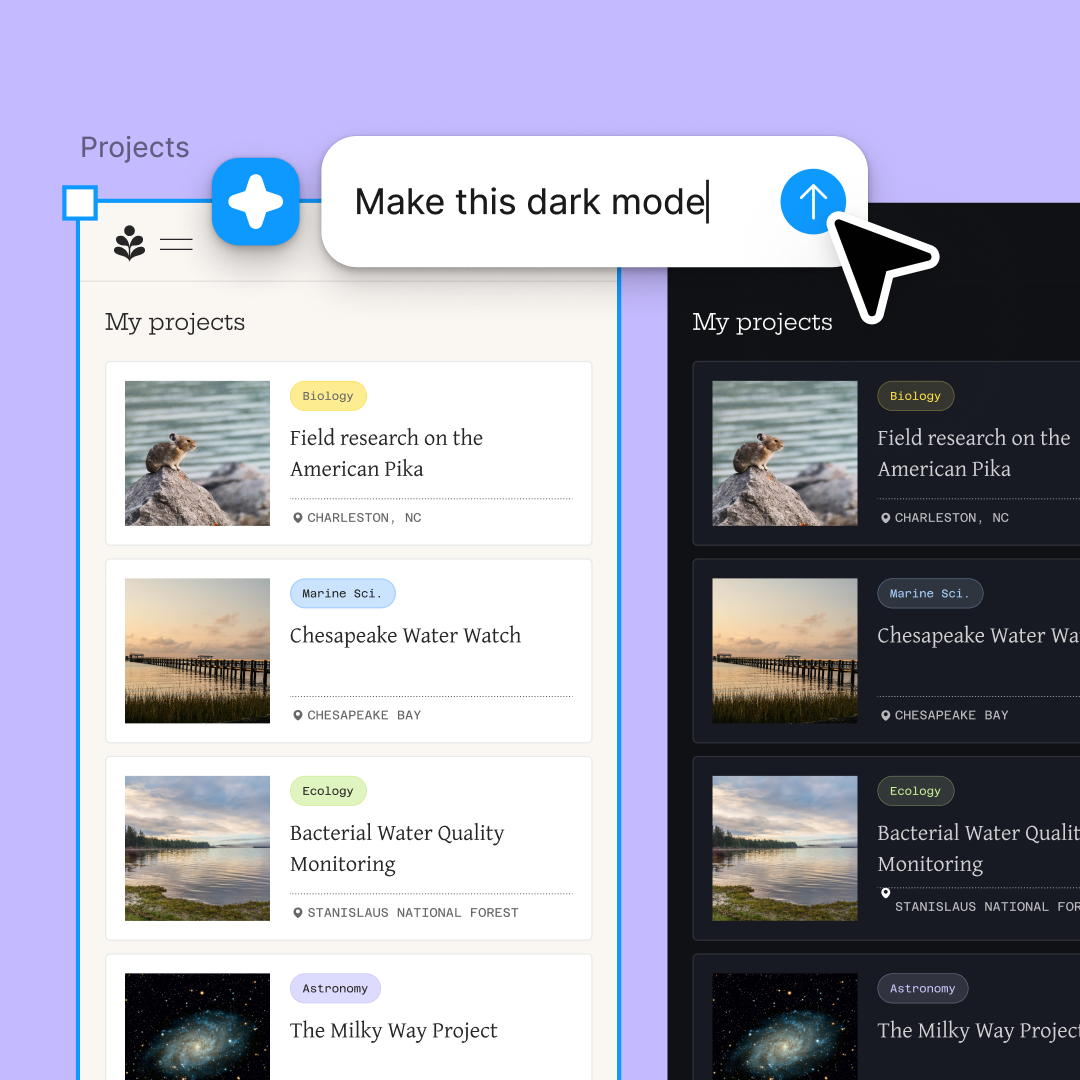
Run multiple estimation scenarios at once—compare effort for different approaches or scope variations without waiting for each one to finish.

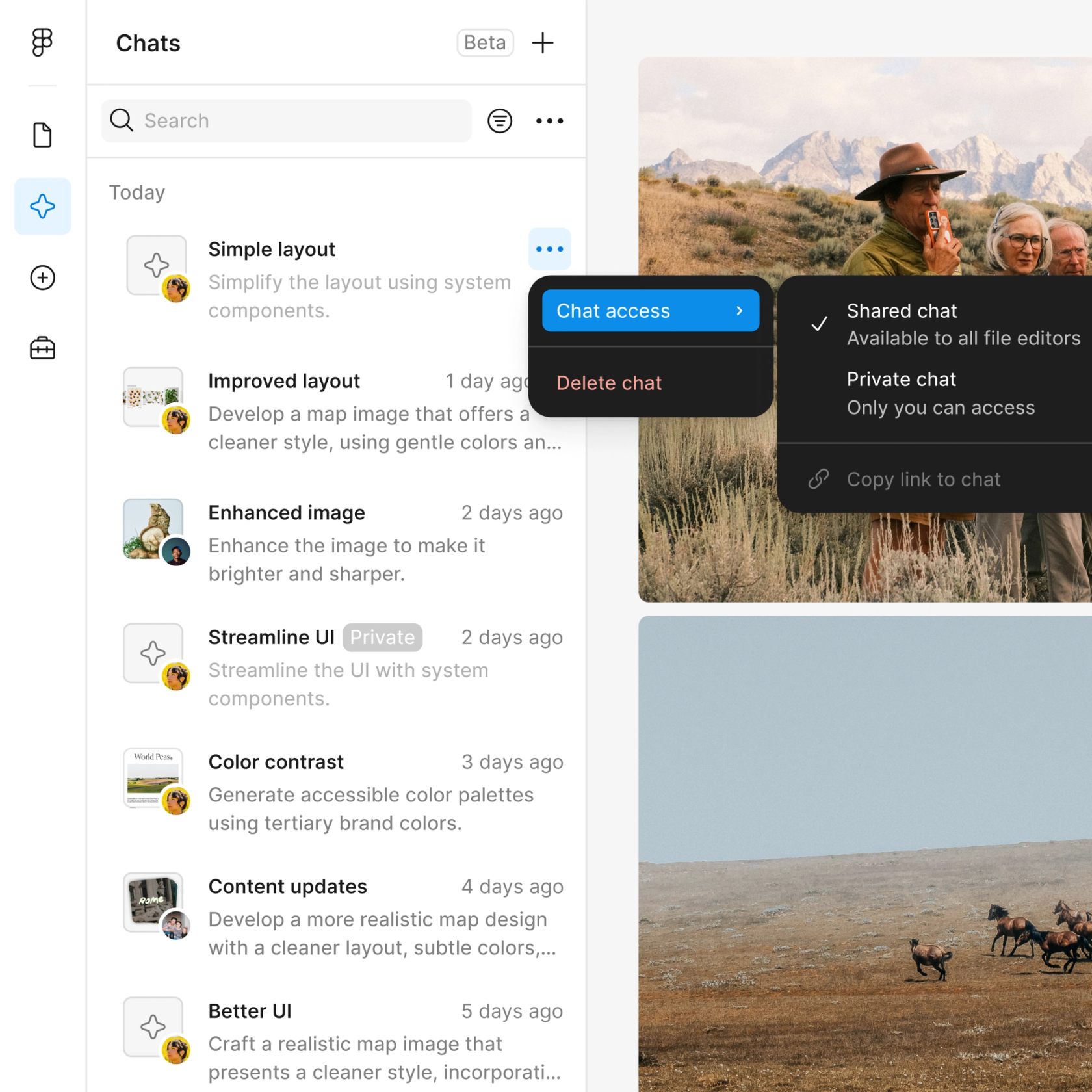
Share an estimation thread and your team sees the full prompt, context, and breakdown. No separate handoff document needed.

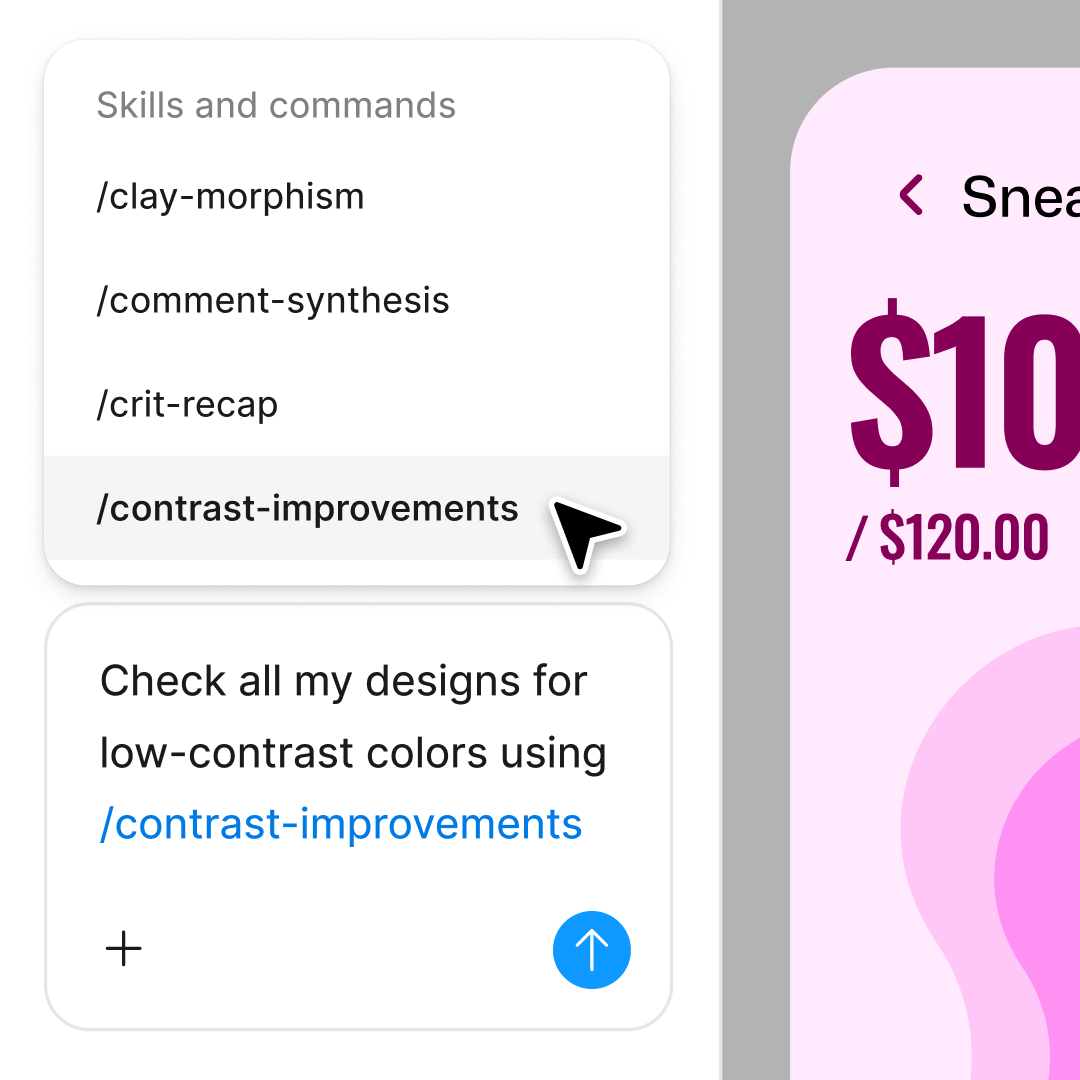
First estimate off? Adjust scope, add constraints, or ask for more detail in the same thread—or open a parallel one to try a different breakdown.
Figma feels like a natural extension of my hand. I do my design ideation on the canvas, and now the agent takes it the last mile. With my design libraries connected, I can move from design to code faster than ever before.
Andy Madrick
Product Designer, Notion

Select Agents in the left side rail or hit CMD + Enter. Have the designs you want to estimate on the canvas.
Tell the agent what to estimate—a feature, a flow, or a full project. Point to specific frames or reference your design library for context.
Check the task list, effort sizing, and complexity factors the agent returns. Refine in the same thread or start a parallel one for a different scope.
The estimate lives in your file. Share the thread so stakeholders see the rationale, then refine as scope evolves.
Watch Figma's AI Agent in action and see how to put it to work in your own workflows.

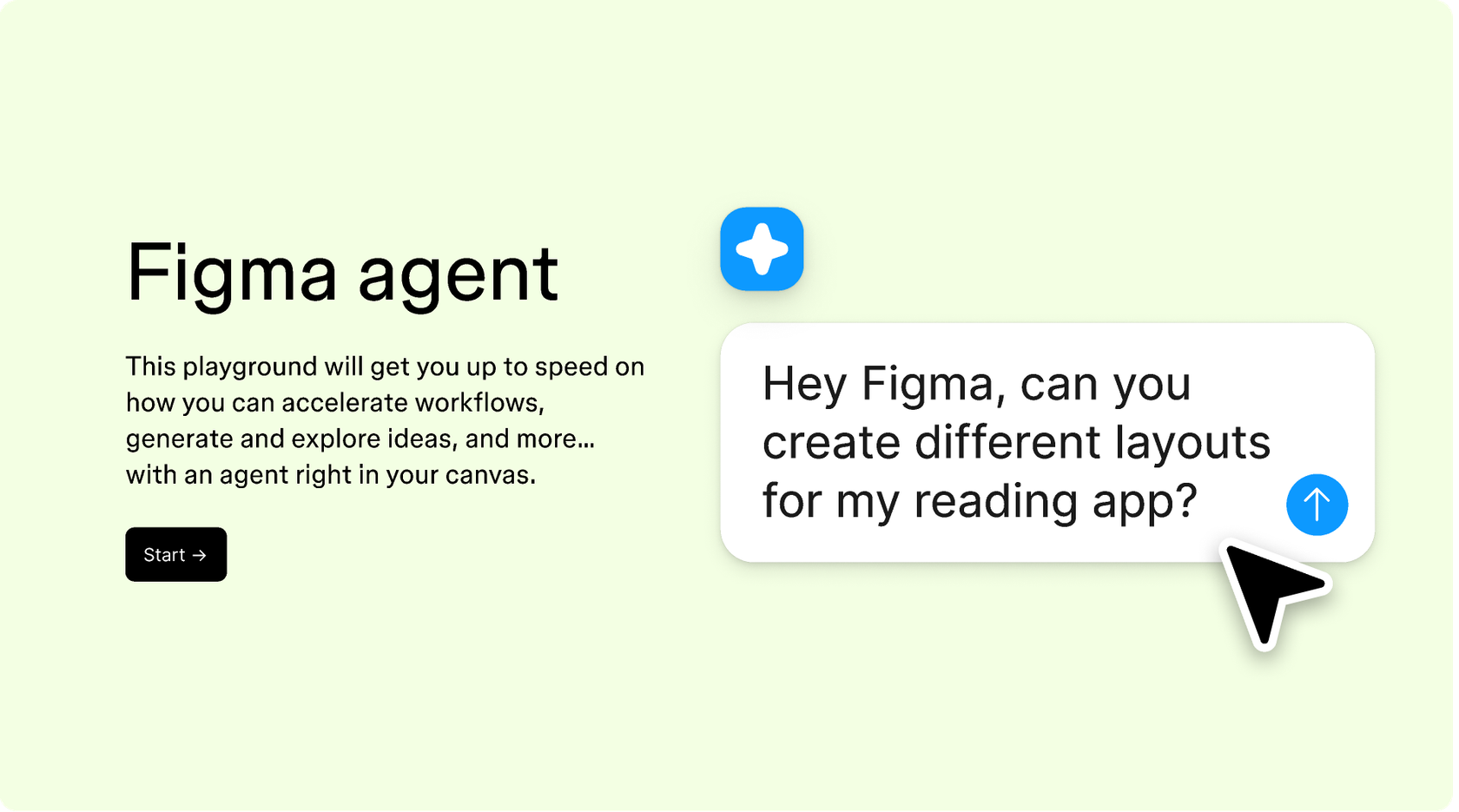
Hands-on playground to explore Figma agent's capabilities — from bulk edits to feedback implementation — with step-by-step guidance built right in.
Learn how to use Figma agent in your design workflows with a step-by-step tutorial from the Figma team.
An AI design estimation agent helps product teams scope projects by analyzing designs and generating task breakdowns, effort estimates, and complexity assessments. Figma's agent does this directly on your canvas, reading your real frames and components to inform estimates—so you start from actual work, not abstract guesses.
Figma's agent analyzes the complexity of your designs—number of screens, component reuse, interaction patterns, and states—to suggest effort sizing. It won't predict calendar dates, but it helps break work into tasks and flag complexity factors. Teams use this as a starting point for planning conversations.
The agent considers what's on your canvas: the number and complexity of frames, component usage, design system coverage, and interaction states. It also factors in what you describe in your prompt—scope boundaries, constraints, and any context you provide about the project.
AI estimates are a starting point, not a final answer. Figma's agent grounds its output in your actual designs, which improves relevance—but estimation accuracy depends on how clearly you define scope and how much context the agent has. Use estimates to spark discussion and refine with your team's knowledge.
Figma's agent is available on all paid Figma plans. You'll find it in the left navigation bar in Figma Design. During the current open beta, it doesn't consume AI credits—so it's a good time to explore, experiment, and share your feedback with us.
Build faster with Figma's agent


