
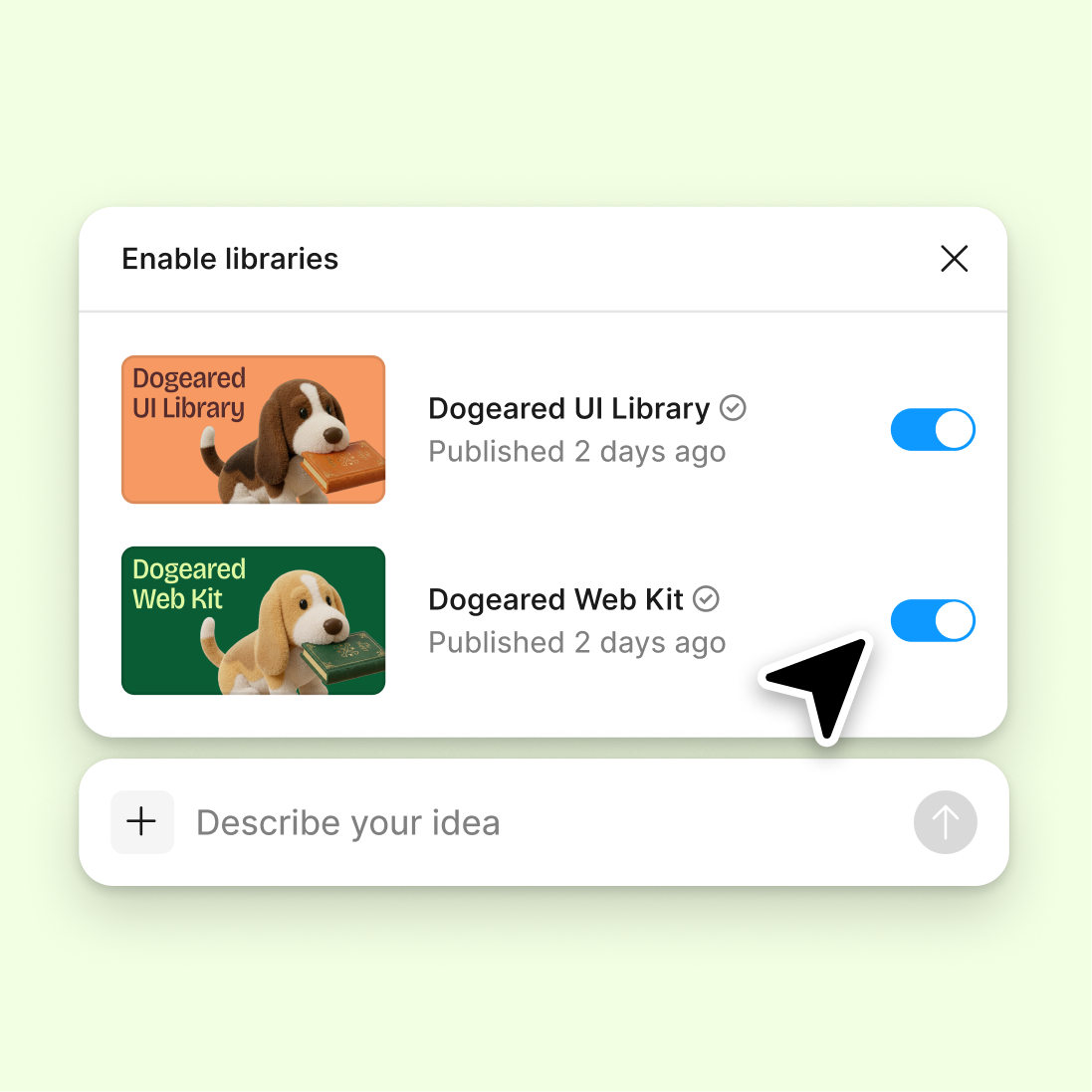
Reference your design system
The agent reviews your work against your connected library, flagging inconsistencies with your components, tokens, and established patterns.
Skip to main content
Ask Figma's agent to review your work, spot accessibility issues, critique layouts, and suggest improvements—directly in Figma Design. Real feedback on your actual design, not a static export.











Get actionable design critiques where you're already working, so you can review, refine, and keep building without switching contexts.

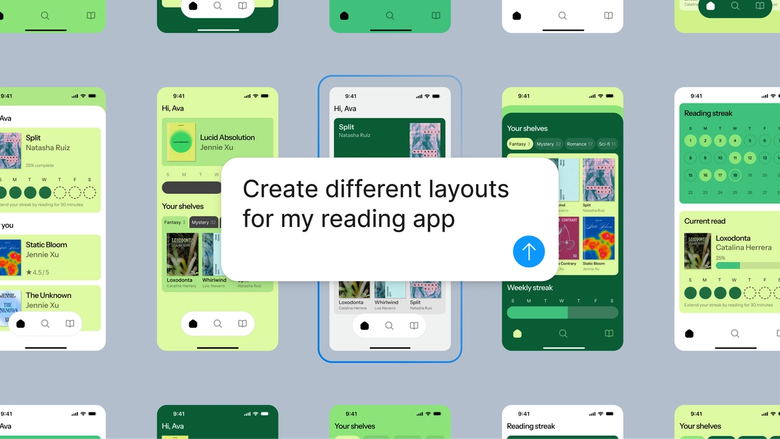
Figma's agent reviews your actual canvas—layouts, spacing, hierarchy, accessibility—and gives specific, contextual feedback you can act on immediately. No uploading screenshots or describing your work in a separate tool.

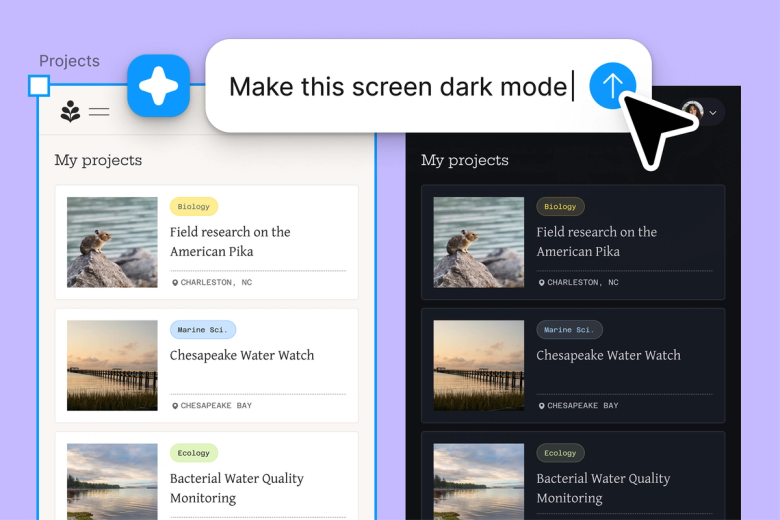
Don't wait for a teammate to be available for a quick gut check. Get instant feedback on spacing decisions, color contrast, or layout choices so you can keep momentum while working through iterations.

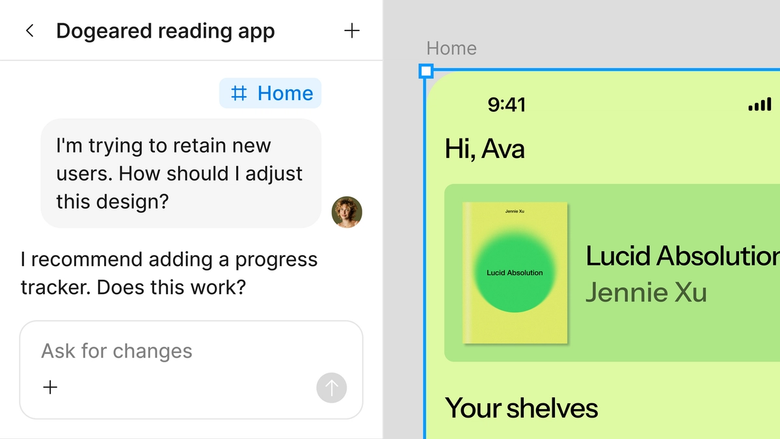
Feedback lives in the same file your team works in. Everyone sees the critique, the context, and how you responded—nothing gets lost in a separate thread or buried in comments.
A closer look at what sets Figma's agent apart, built for the way design teams actually work.
The agent reviews your work against your connected library, flagging inconsistencies with your components, tokens, and established patterns.

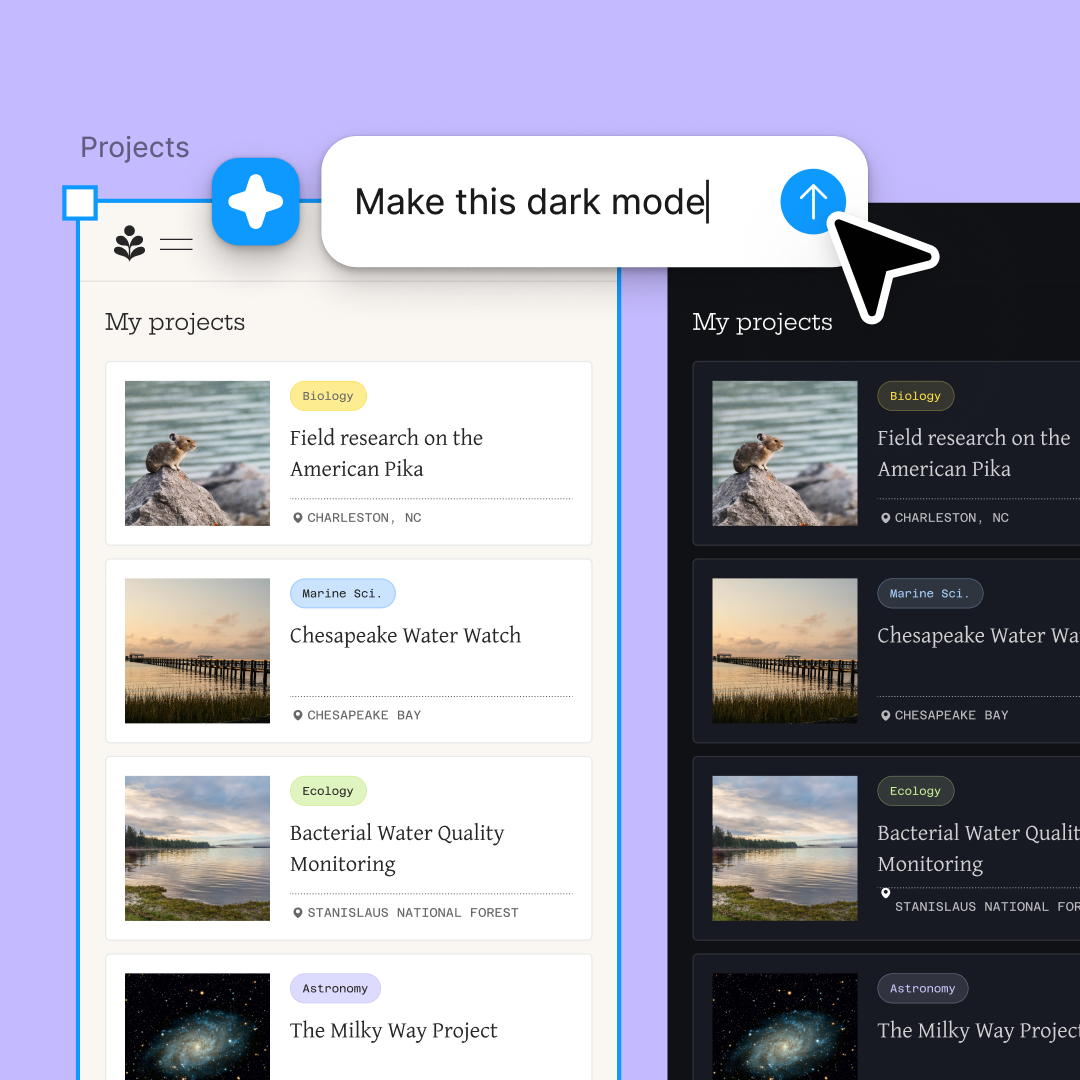
Run multiple feedback requests at once—accessibility audit, layout critique, content review—and explore all the insights simultaneously.

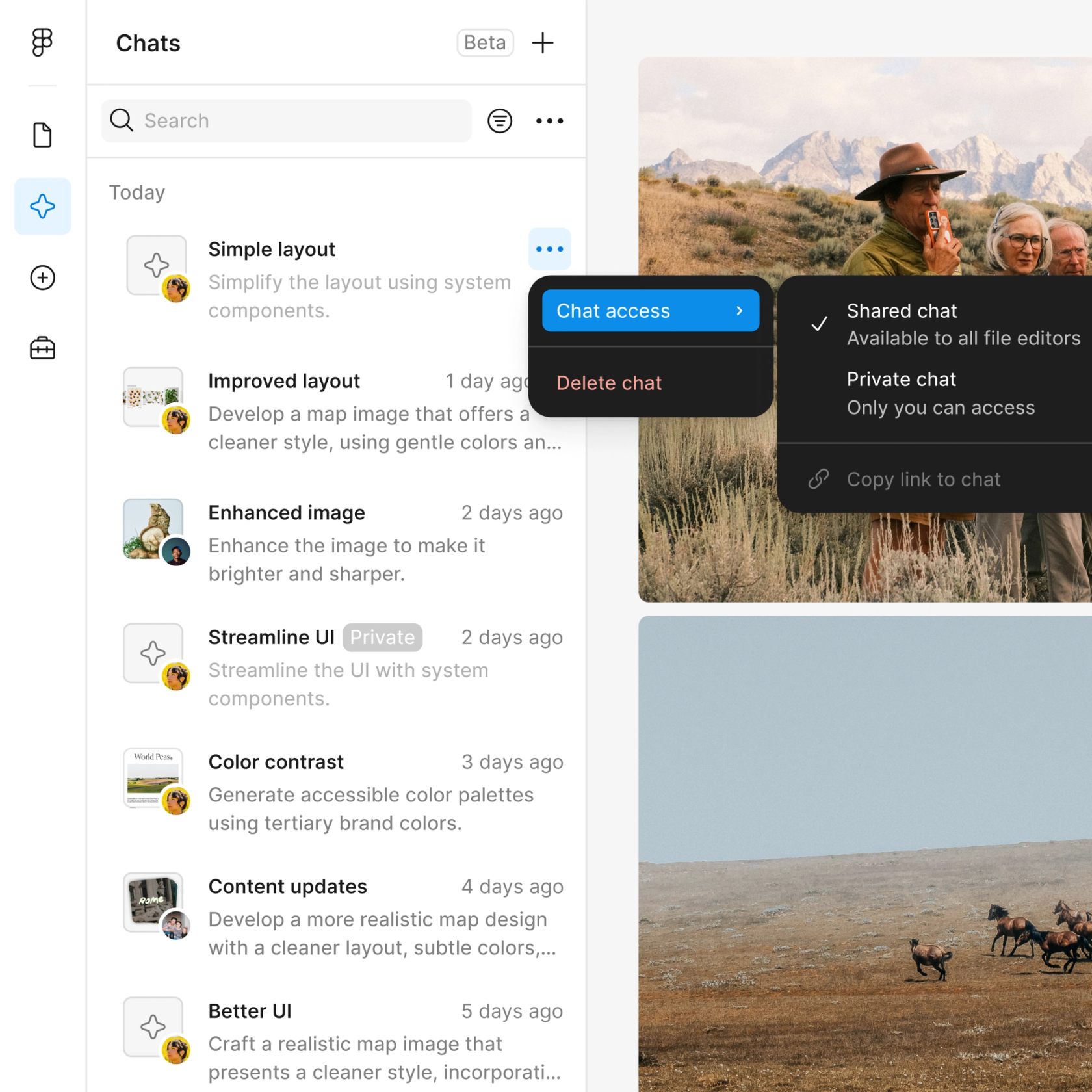
Share a feedback thread and your team sees the full prompt, context, and suggestions. Great for async reviews and design crits.

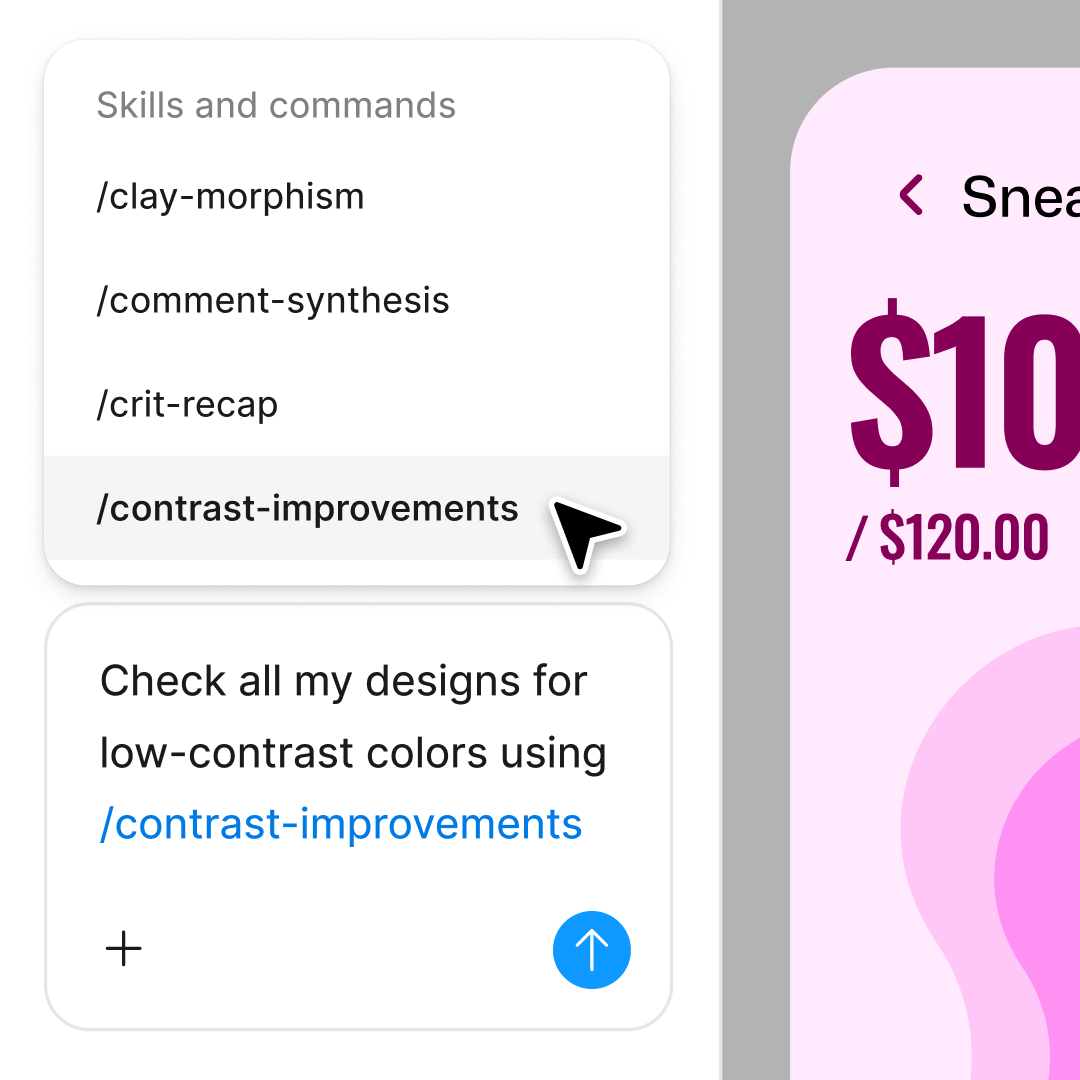
Dig deeper into any feedback point. Ask for specifics, request alternatives, or pivot the critique focus—all in the same thread.
Figma feels like a natural extension of my hand. I do my design ideation on the canvas, and now the agent takes it the last mile. With my design libraries connected, I can move from design to code faster than ever before.
Andy Madrick
Product Designer, Notion

Open your file in Figma Design and select the frame, component, or screen you want feedback on.
Tell the agent what kind of review you need—accessibility, layout, visual hierarchy, content clarity—and add any constraints or priorities.
Read through the feedback on your canvas. Follow up in the same thread to clarify or go deeper, or start a parallel thread for a different angle.
Make changes based on the feedback, then ask for another round. Keep refining until you're confident in the result.
Watch Figma's AI Agent in action and see how to put it to work in your own workflows.

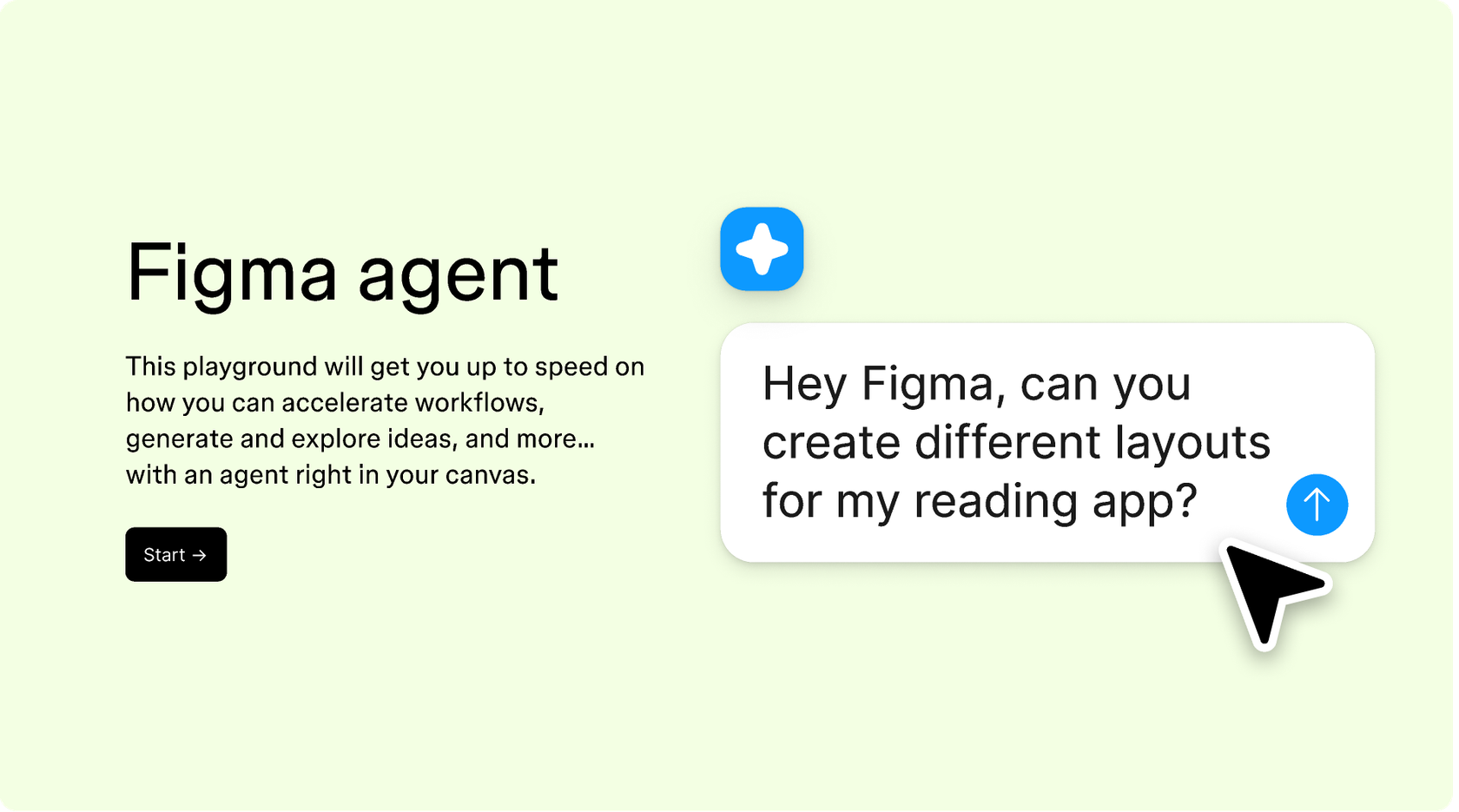
Hands-on playground to explore Figma agent's capabilities — from bulk edits to feedback implementation — with step-by-step guidance built right in.
Learn how to use Figma agent in your design workflows with a step-by-step tutorial from the Figma team.
An AI design feedback generator reviews your work and provides actionable critiques—like a design crit, but available on demand. Figma's agent analyzes your actual canvas, looking at layout, spacing, hierarchy, accessibility, and more. It gives specific suggestions you can act on immediately, right where you're already working.
Figma's agent can review visual hierarchy, layout consistency, spacing and alignment, color contrast and accessibility, content clarity, and adherence to your design system. It provides contextual feedback based on your actual design layers, not generic best practices. The more specific your prompt, the more targeted the feedback.
Select the frame or component you want reviewed, then open Figma's agent from the left side rail or hit CMD + Enter. Describe what kind of feedback you're looking for—accessibility audit, layout critique, content review—and the agent will analyze your selection and respond with specific suggestions.
Figma's agent provides useful directional feedback, but it works best as a complement to human judgment, not a replacement. It's great for catching inconsistencies, flagging accessibility issues, and offering fresh perspectives on your work. For nuanced creative decisions, you'll still want input from teammates and stakeholders.
Figma's agent is available on all paid Figma plans. You'll find it in the left navigation bar in Figma Design. During the current open beta, it doesn't consume AI credits—so it's a good time to explore, experiment, and share your feedback with us.
Build faster with Figma's agent


