
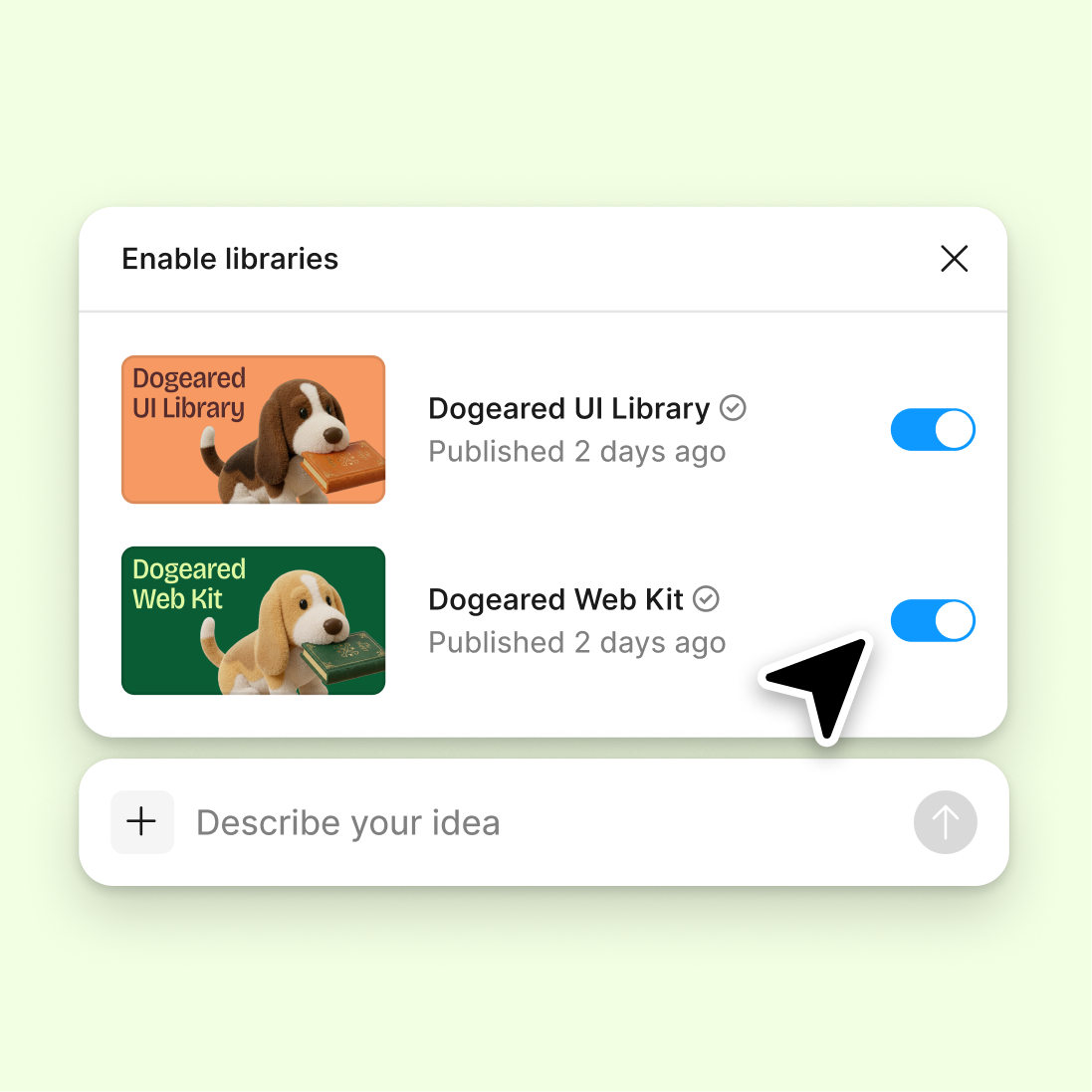
Connect your design library
Point the agent to your existing library so every generated component uses your real tokens, variables, and styles—not generic defaults to replace later.
Skip to main content
Generate components, audit consistency, and scale your system with Figma's agent—working directly from your existing tokens, variables, and styles. No separate tools, no rebuilding from scratch.











Figma's agent helps you build, maintain, and evolve your design system right where your team already works—on the canvas.


Figma's agent builds new components using your actual tokens, variables, and styles—not generic placeholders. Every element connects to your existing system from the start, so there's nothing to rebuild or reconnect.

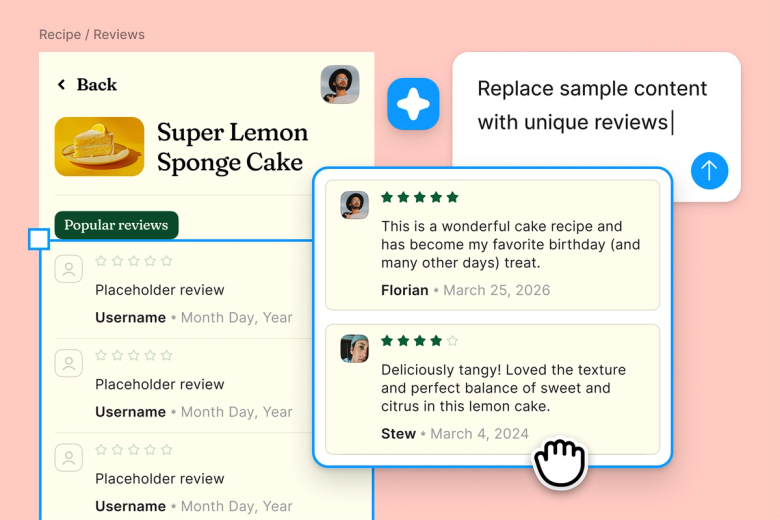
Hand off repetitive tasks like auditing for inconsistencies, updating variants across components, or scaffolding new patterns. Keep your focus on the design decisions that shape your system, not the clicks that maintain it.

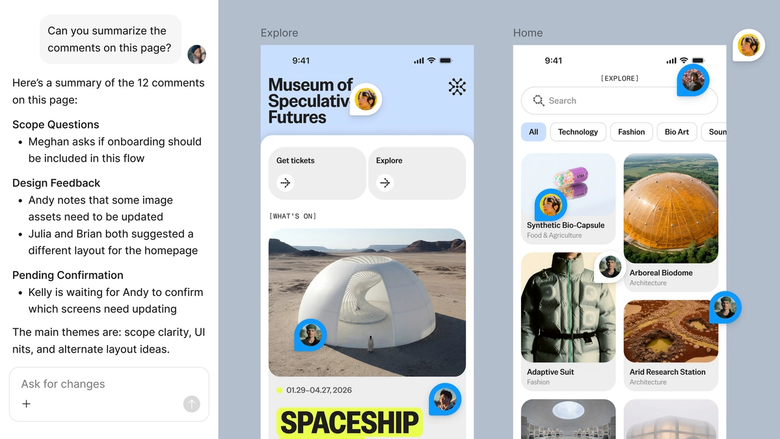
Components and updates happen in the same file your team works in. Everyone sees the latest version, understands the context, and can build on it immediately—no separate handoff or documentation drift.
A closer look at what sets Figma's agent apart, built for the way design teams actually work.
Point the agent to your existing library so every generated component uses your real tokens, variables, and styles—not generic defaults to replace later.

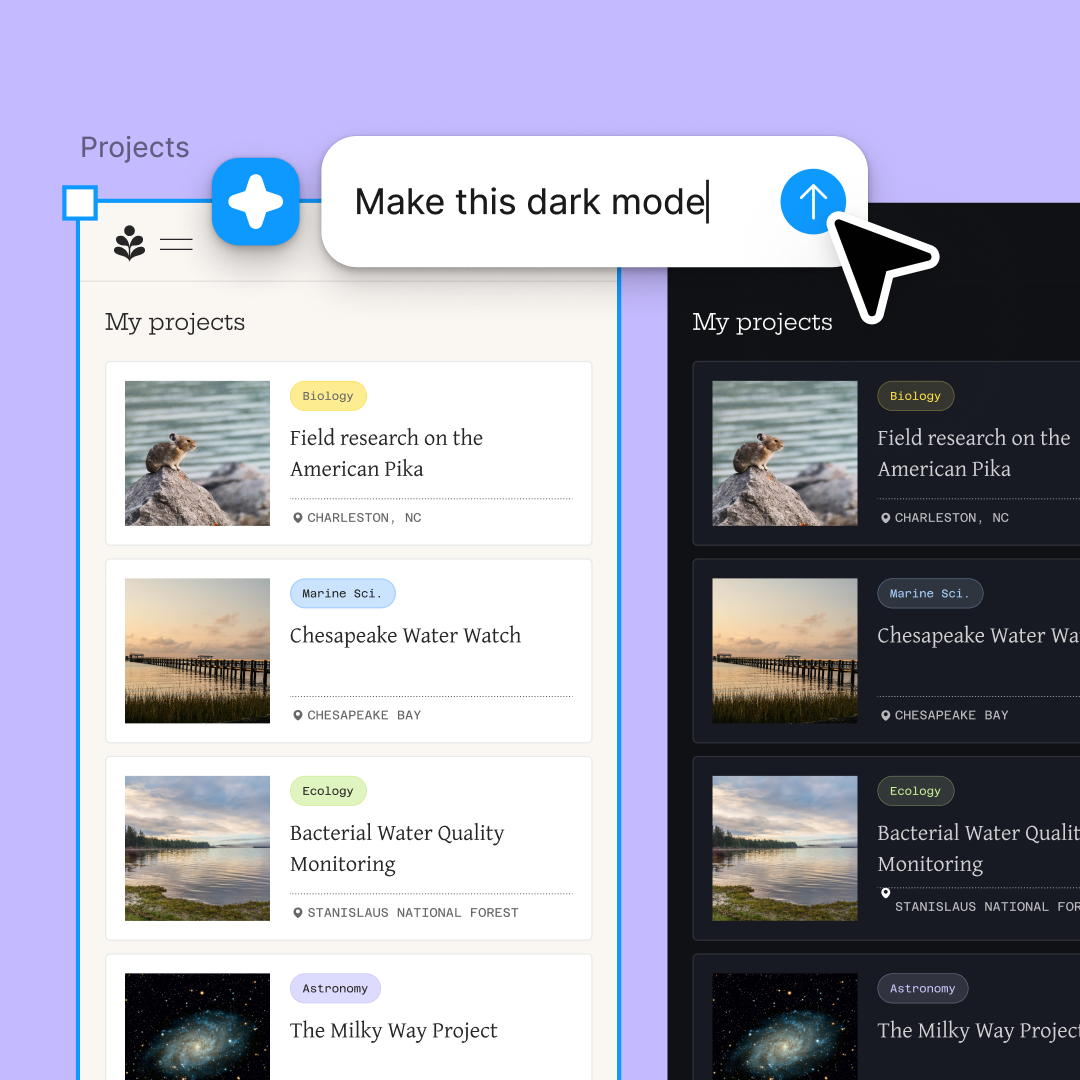
Explore multiple component directions at once. Run several prompts simultaneously to compare approaches without waiting for one to finish before starting the next.

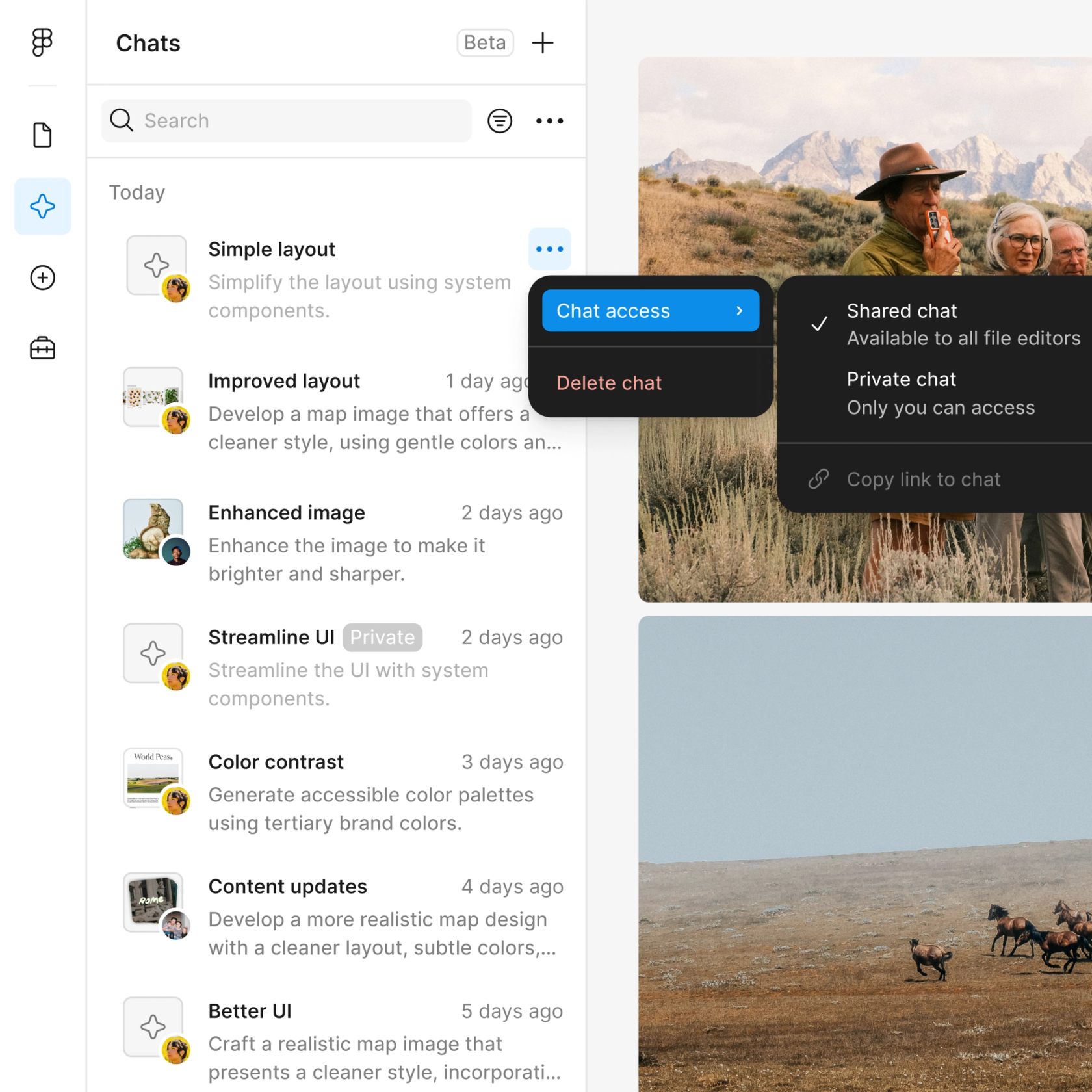
Share a thread and your team sees the full prompt, context, and iteration history. Everyone understands how a component was built without a separate walkthrough.

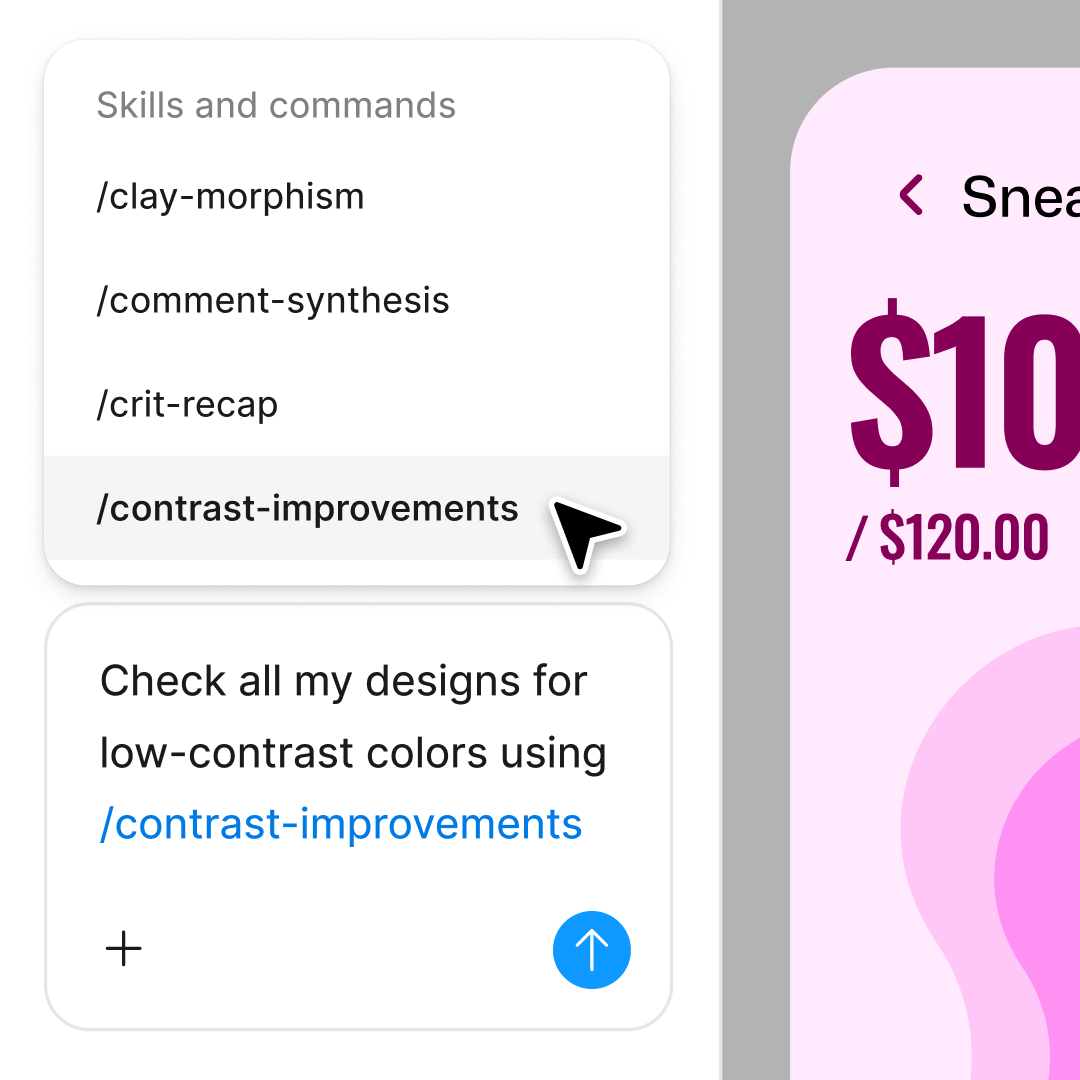
Package repeatable system tasks—audits, variant generation, pattern scaffolding—into reusable commands your whole team can run.
Figma feels like a natural extension of my hand. I do my design ideation on the canvas, and now the agent takes it the last mile. With my design libraries connected, I can move from design to code faster than ever before.
Andy Madrick
Product Designer, Notion

Select Agents in the left side rail or hit CMD + Enter. Open the file where you're building or maintaining your design system.
Tell the agent what component or pattern you need. Point it to your design library so it generates using your real tokens, variables, and styles.
Check the generated component on your canvas. Refine in the same thread or start a parallel one to explore a different direction.
Prompt again to add variants, adjust structure, or audit for consistency. Turn the workflow into a reusable skill when you're ready.
Watch Figma's AI Agent in action and see how to put it to work in your own workflows.

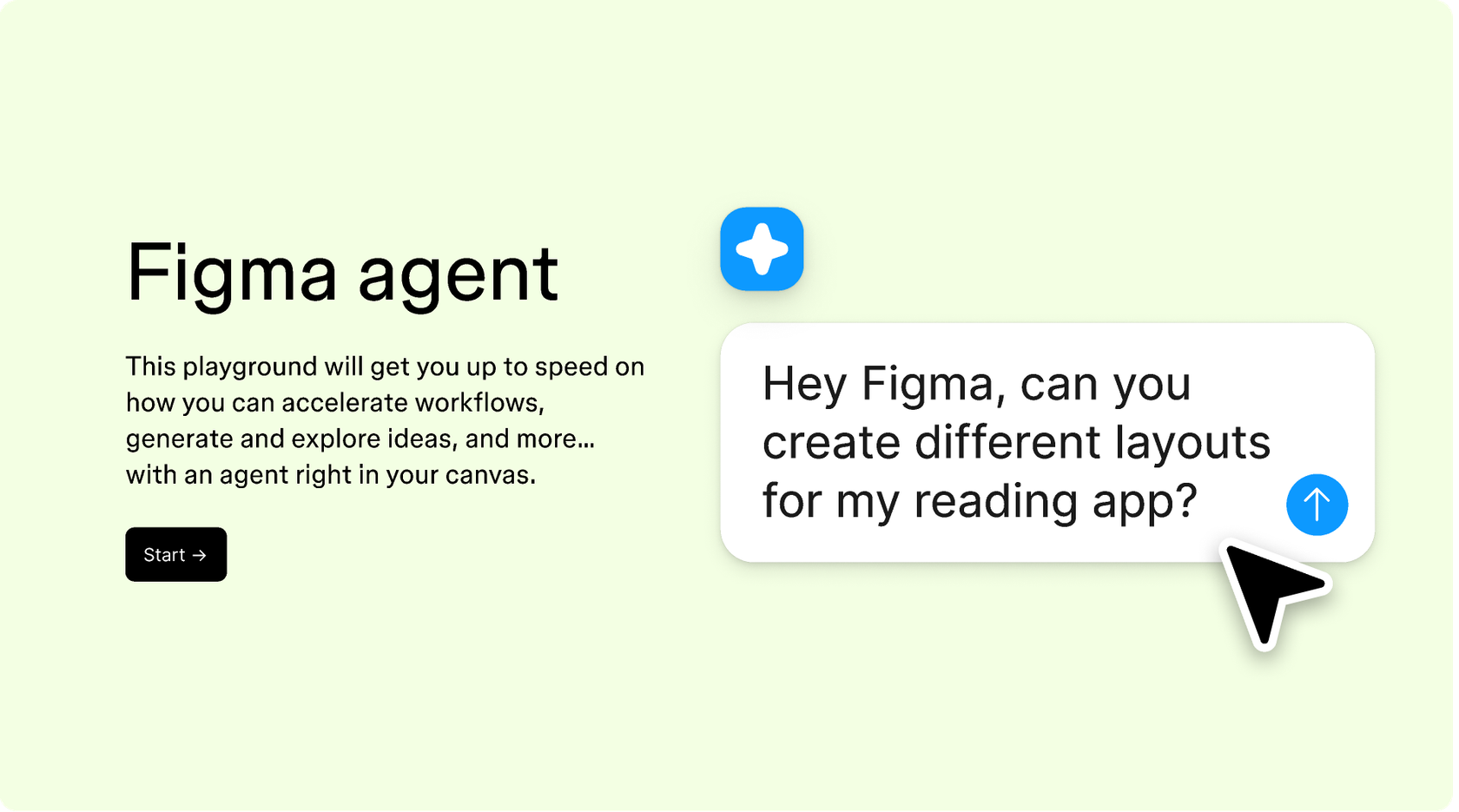
Hands-on playground to explore Figma agent's capabilities — from bulk edits to feedback implementation — with step-by-step guidance built right in.
Learn how to use Figma agent in your design workflows with a step-by-step tutorial from the Figma team.
An AI design system agent helps you build and maintain design systems faster by generating components, auditing consistency, and automating repetitive system tasks. Figma's agent does this directly on your canvas, using your actual tokens, variables, and styles—so everything stays connected to your real system from the start.
Figma's agent reads your existing design library and uses that context to generate new components, suggest updates, or audit your system for inconsistencies. You describe what you need in a prompt, and the agent produces editable output directly on your canvas—no exporting or rebuilding required.
Yes. Figma's agent can generate components using your real design system—your tokens, variables, and styles. You describe what you need, and the agent builds it on your canvas. From there, you can refine with follow-up prompts or edit by hand before publishing to your library.
Figma's agent can automate tasks like generating component variants, scaffolding new patterns, auditing for inconsistencies, and applying bulk updates across your system. This frees you to focus on the design decisions that matter while the agent handles the repetitive work.
Figma's agent is available on all paid Figma plans. You'll find it in the left navigation bar in Figma Design. During the current open beta, it doesn't consume AI credits—so it's a good time to explore, experiment, and share your feedback with us.
Build faster with Figma's agent


