How to start a presentation: 20 ways to kickstart your slides


Share How to start a presentation: 20 ways to kickstart your slides
Explore more from
Design basics
Build a brand that speaks clearly
Unify logos, colors, and messaging in Figma.


You’ve practiced your slides, checked your notes, and still feel unsure about how to open. You’re not alone. The first 60 seconds are often the hardest—and the most important part. Your introduction sets the tone, earns attention, and shapes how the rest of your presentation is received.
Ready to make those first seconds count and learn how to start a presentation? This guide covers:
- 20 ideas for starting a presentation
- Pro tips for delivery
Challenge and intrigue with an intellectual hook
Some of the best presentations challenge us to think differently. Here are a few presentation ideas for using an intellectual hook that sparks curiosity right away.
Idea 1: Debunk a common myth
Challenging a familiar assumption is one of the quickest ways to pull people in. Try opening with something like: “Everything you think you know about [topic] is wrong.” The goal is to create tension you can resolve by showing your audience why an old way of thinking might be holding them back.
In “The art of not naming your layers,” Product Designer Inga Hampton opened her talk by celebrating the creative chaos of unorganized files. By debunking the myth that messy files make you a bad designer, she instantly connected with the audience and validated their real-world process.
Idea 2: Share a controversial or shocking view
Sometimes, the best way to get people to listen is to say something they don’t expect. A sharp opinion or surprising fact signals that this won’t be a safe, surface-level talk.
Product Manager Elynn used this effectively in her talk, “Making the right thing the easy thing.” She opened by admitting that Figma—the very tool the industry relies on for building design systems—didn’t actually have a robust one of its own. This candid admission from a PM at a design tool company immediately grabbed the audience’s attention and established a high-stakes problem to solve.
Idea 3: Use a provoking statistic

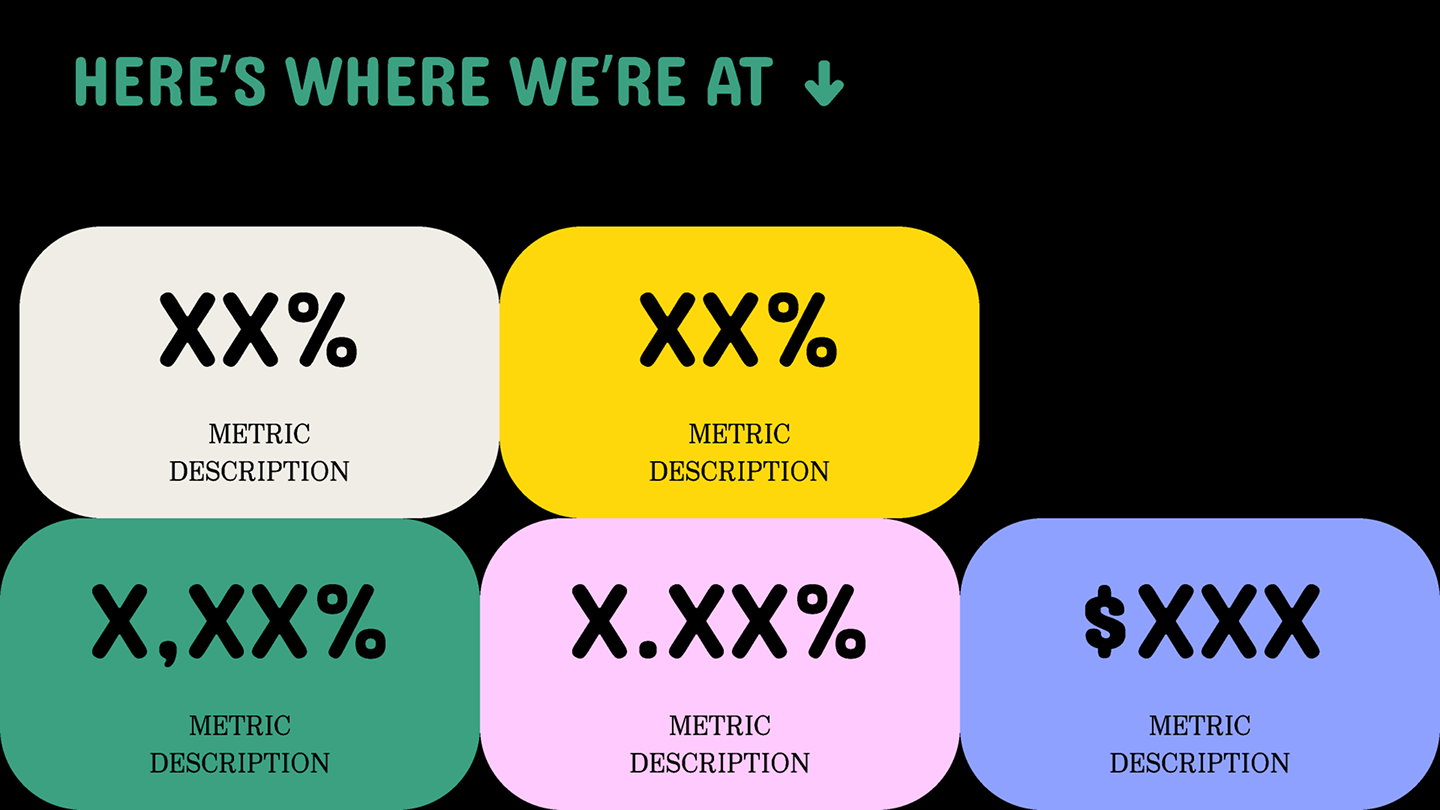
A powerful statistic, fact, or compelling data point is a strong presentation starter. Start with a statistic that surfaces a problem, then use the rest of your talk to show what to do about it.
Audiences are more likely to be intrigued by a presentation backed by factual data than one relying solely on unsupported claims. Be sure to visualize your data with relevant charts, graphs, or images to make your statistics easier to understand.
Honey Mittal, CEO of Locofy.ai, kicked off “The rise of the design engineer” with a stark reality: The global demand for Web and app development is growing far faster than the supply of developers can keep up with. This data-first opening instantly validated a problem the audience was likely already feeling, making the rest of his argument for a new workflow feel essential rather than just theoretical.
Idea 4: Ask an engaging question
The moment you ask a question, the audience starts thinking about their own answer. It’s a simple tactic, but a powerful one, especially if the question is personal or polarizing.
Mike McDowell from UserTesting does this in “How fast feedback enables smart design.” He asked the audience to raise their hands if they’ve ever used UserTesting, then followed up with who used it daily. It doubled as a poll and an instant read on the room.
Idea 5: Present a clear, unsolved problem
It’s tempting to dive right into your solution. But without a clear problem, your solution might not land the way you want it to. Instead, try opening with a shared pain point, and then promise the answer.
For example, Christina Nguyen White’s presentation on design collaboration didn’t start by singing the praises of collaboration. She opened by acknowledging the negative associations many of us have with collaboration—the friction, the noise, and the feeling of being slowed down. Validating these frustrations first helped her earn the audience’s trust before presenting a new vision for how to redefine it.
Idea 6: Showcase your work and expertise
Showcasing a relevant project establishes credibility faster than a bio slide ever could. It builds trust by letting your craft speak for itself.
Nolan Perkins took this route in “Building in public with Figma.” He immediately shared his work on screen—the specific design videos and social content that defined his personal brand. Seeing the output first made his later advice on becoming a “designer-creator” feel earned and actionable, rather than just aspirational.
Connect and inspire with an emotional hook
When thinking about how to start a PowerPoint presentation, don’t underestimate the power of storytelling. Beginning with an emotional hook creates a shared experience from the start, helping the audience open up to new ideas and connect with the speaker.
Idea 7: Share a personal anecdote
Personal anecdotes connect with your audience, grab attention, and build emotional resonance. Anecdotes also help illustrate and explain what’s to come in a digestible and relatable way.
In Helena Zhang’s talk “The space-filling curve of design,” she shared the first font she ever designed and the intense fear she felt in releasing it to the world. This moment of vulnerability set the foundation for her entire argument about why creative work needs room for wandering and inefficiency.
Idea 8: Introduce your team

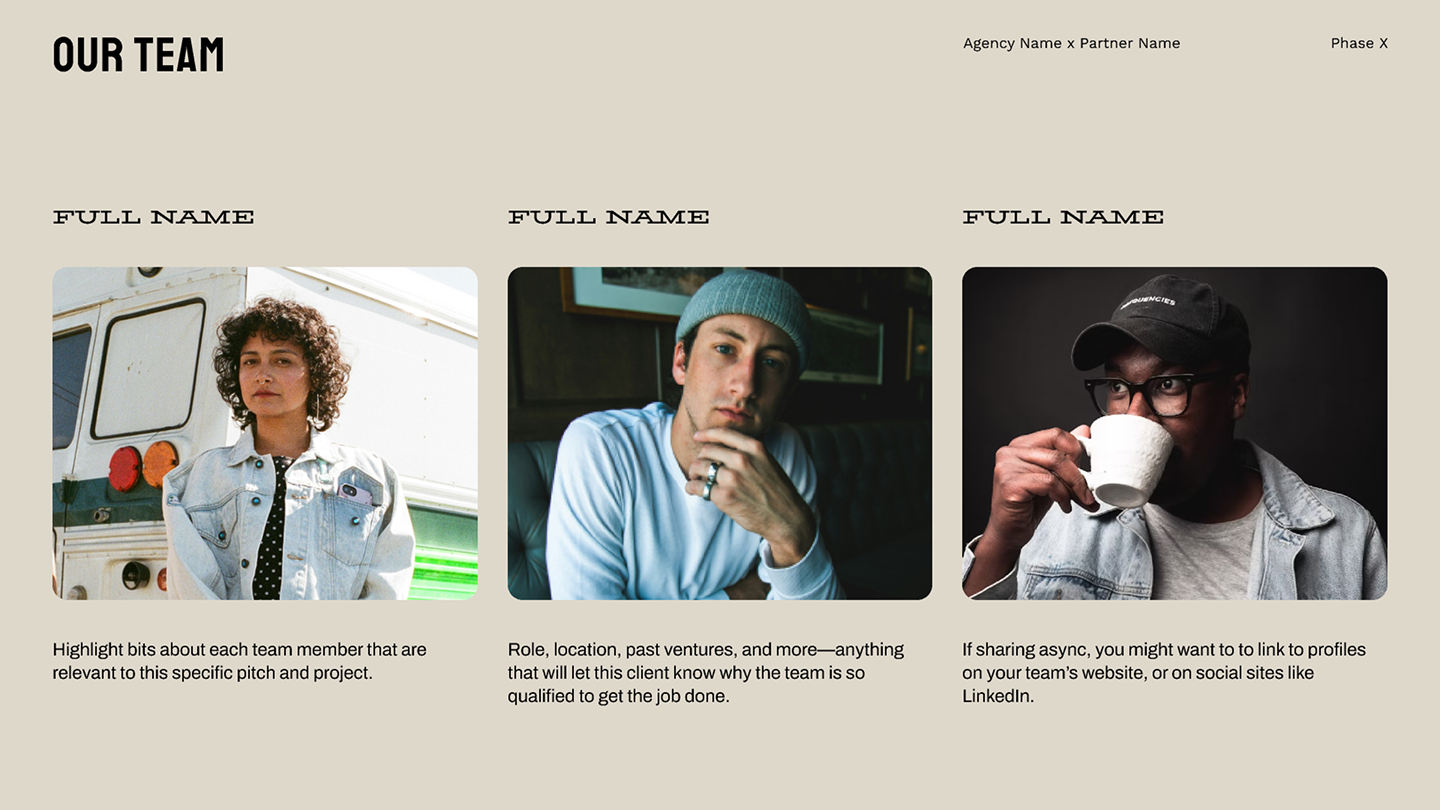
Team introductions build credibility in pitch decks and group presentations. Highlight each member’s expertise and contributions to strengthen the audience’s interest. This helps build a stronger connection with your audience, creating a more engaging presentation.
Idea 9: Use a social media post
Social media feedback creates compelling openings. By sharing real user posts, you can build anticipation and establish relevance. It also demonstrates your responsiveness to customer needs, making your presentation more valuable.
Jeremy Hindle, Production Designer for the hit show Severance, used this to great effect in his talk, “Designing dystopia.” He opened with a screenshot of a post on X from a fan explicitly asking for the Severance design team to come to Config. It was a fun, meta way to acknowledge the crowd and connect with the audience.
Idea 10: Share your “why”
Sharing your passion behind your presentation topic is a great way to connect the audience to your message on a deeper level.
Kelin Zhang and Ryan Mather centered their presentation, “Poetry Camera and falling back in love with technology,” on this type of motivation. Ryan opened by reflecting on his time at Google, where he noticed that projects with “soul” were often deprioritized or cut entirely.
He presented the Poetry Camera not just as a gadget, but as a direct response to that void—a way to reclaim his passion and build technology for the sake of art, not just utility. This distinct purpose gave the audience a reason to care about the product before they even saw how it worked.
Idea 11: Engage with a bit of humor
Who doesn’t love a good laugh? Telling a joke or something you know your audience will find funny is a great way to break the ice and get their attention. You don’t have to overthink it either. The key here is to understand the audience you’re presenting to and to engage in a way that resonates with them.
In “Making the leap from design to business,” Parteek Saran opened with a simple instruction for the audience: “You should quit your job.” This unexpected one-liner got a laugh, but it also perfectly framed the rest of his advice on taking risks and redefining career paths. It was bold, funny, and instantly grabbed the room’s attention.
Idea 12: Use a famous quote


A quote can be a powerful way to start your presentation, inspire your audience, spark curiosity, and set the context for your presentation.
Joel Lewenstein turned to a classic for his speech, “Beyond agents: AI as a creative partner.” He opened with a famous Henry Ford quote: “If I had asked people what they wanted, they would have said faster horses.” This quote anchored the talk in a familiar design principle: True innovation often goes beyond what users currently ask for. It provided the perfect setup to frame AI as a partner in exploration.
Idea 13: Help the audience visualize
Use descriptive language to guide the audience into a specific scenario. Starting with “Imagine…” invites listeners to visualize a problem or future state, building a shared vision before the solution is even introduced.
Megan Metzger, Senior Product Designer at Forerunner, used this to open her talk, “Designing for climate disaster.” She asked the audience to visualize descending into a dark, ice-cold lake, creating a visceral sense of pressure. This sensory experience perfectly set the stage for her discussion on designing reliable tools for crisis response.
Engage with a practical or interactive hook
Static slides can only go so far. To make a lasting impression, try shifting the spotlight from the speaker to the experience itself. These techniques invite the audience to participate, turning a passive presentation into an active collaboration.
Idea 14: Incorporate prototypes

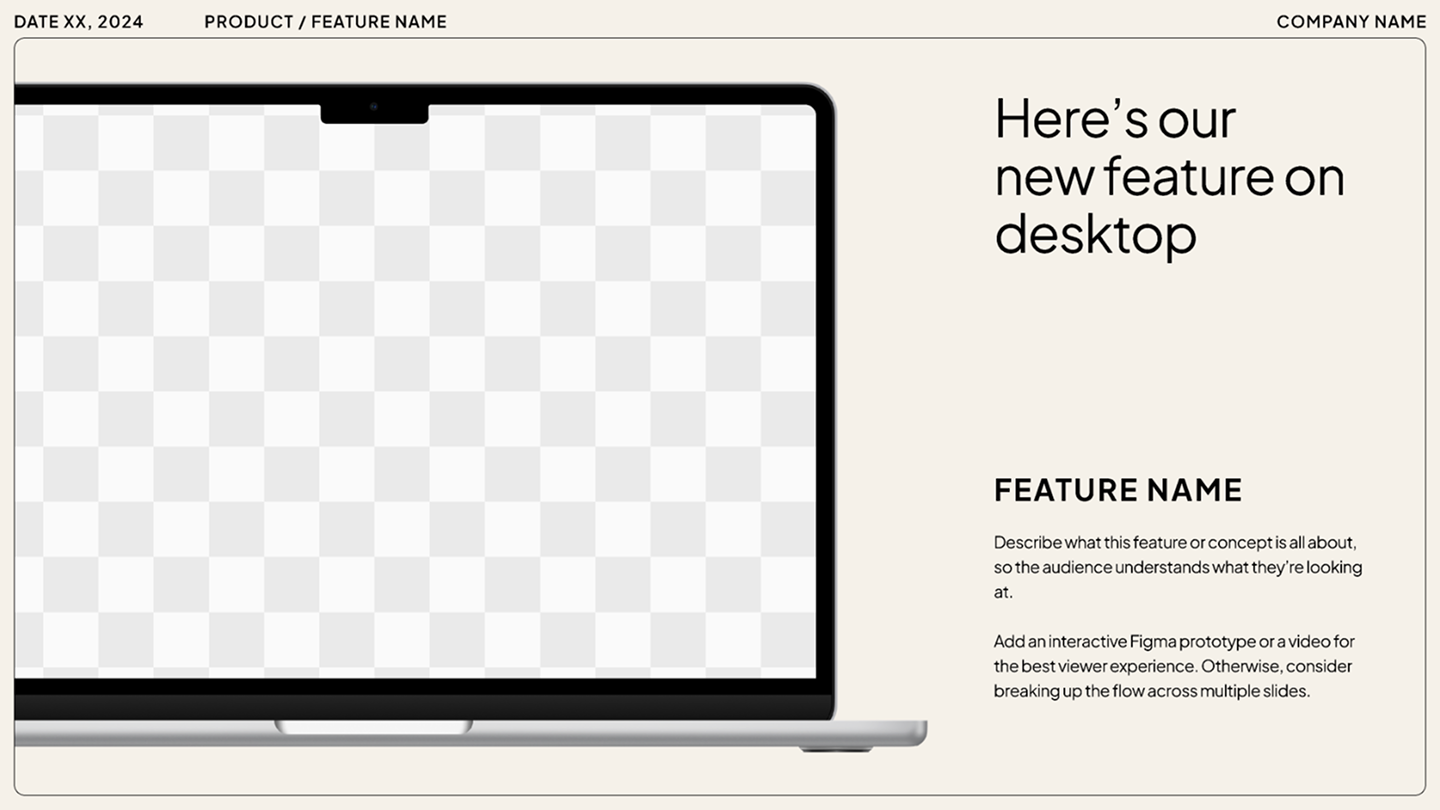
Presenting a new product or feature? Grab your audience’s attention and generate excitement by showcasing an interactive prototype. This approach allows your audience to experience the product’s functionality and potential benefits.
But rather than simply explaining the product’s features (which can come later in the presentation), focus on the value it provides your audience. Combining a compelling story with your prototype can help you keep your audience engaged.
Ready to present?
Figma Slides makes it easy to drag and drop prototypes into your presentation, elevating your slides.
Idea 15: Open with a high-impact visual
Text slides can be dense. For a more cinematic opening, start with a black screen, then play a single high-quality image or a short video loop that embodies the topic. This sudden contrast grabs the eye and sets the mood without a single word.
In “When products must die,” Subham Agarwal opened with an illustration of a tombstone with the word “Product” engraved on it. This single visual instantly communicated the theme of sunsetting features, setting a tone that was both serious and slightly humorous without her having to say a word.
Idea 16: Engage with an interactive poll

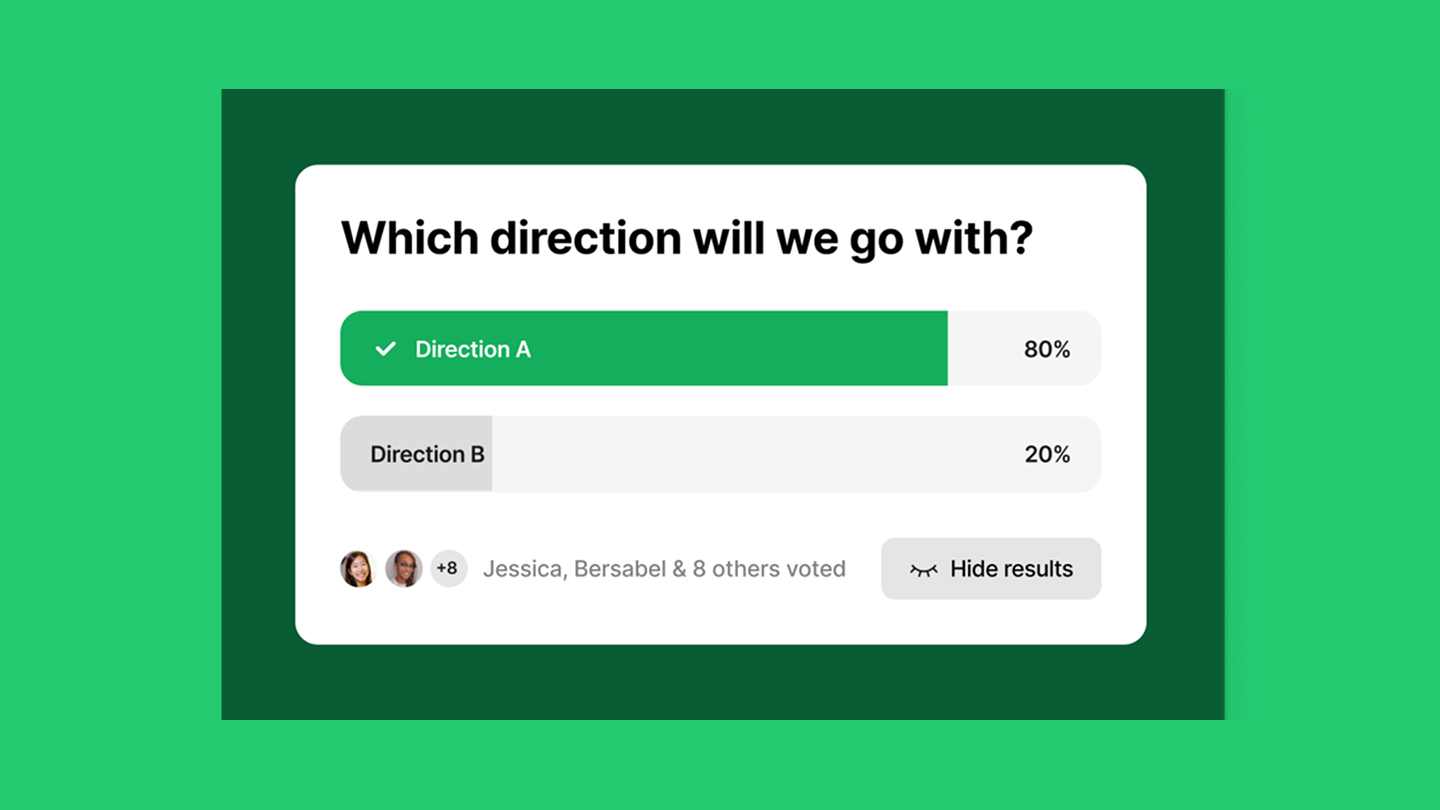
Interactive polls can help engage a virtual audience. Starting a poll encourages them to participate, thereby increasing engagement throughout the rest of the presentation. You can use polls to gauge audience interest, gather feedback, or present a quick icebreaker question to get everyone comfortable.
With Figma Slides, you can easily incorporate live polls, alignment scales, and voting to encourage engagement and conversations.
Idea 17: Encourage immediate audience participation
Engage your audience from the first moment through simple participation. Ask for a show of hands, incorporate quick games, or open with an interactive quiz. These techniques work especially well in smaller settings, helping break the ice and encourage team building.
Idea 18: Enact a role play
Role-play scenarios can be an effective way to kickstart a presentation, especially for topics that include real-world situations and interactions. For example, role-playing can be helpful during training and development presentations or for product teams evaluating common user interactions.
By simulating real-world scenarios, you can evoke a sense of understanding from your audience to better encourage learning and listening for the rest of the presentation.
Idea 19: Start with an agenda

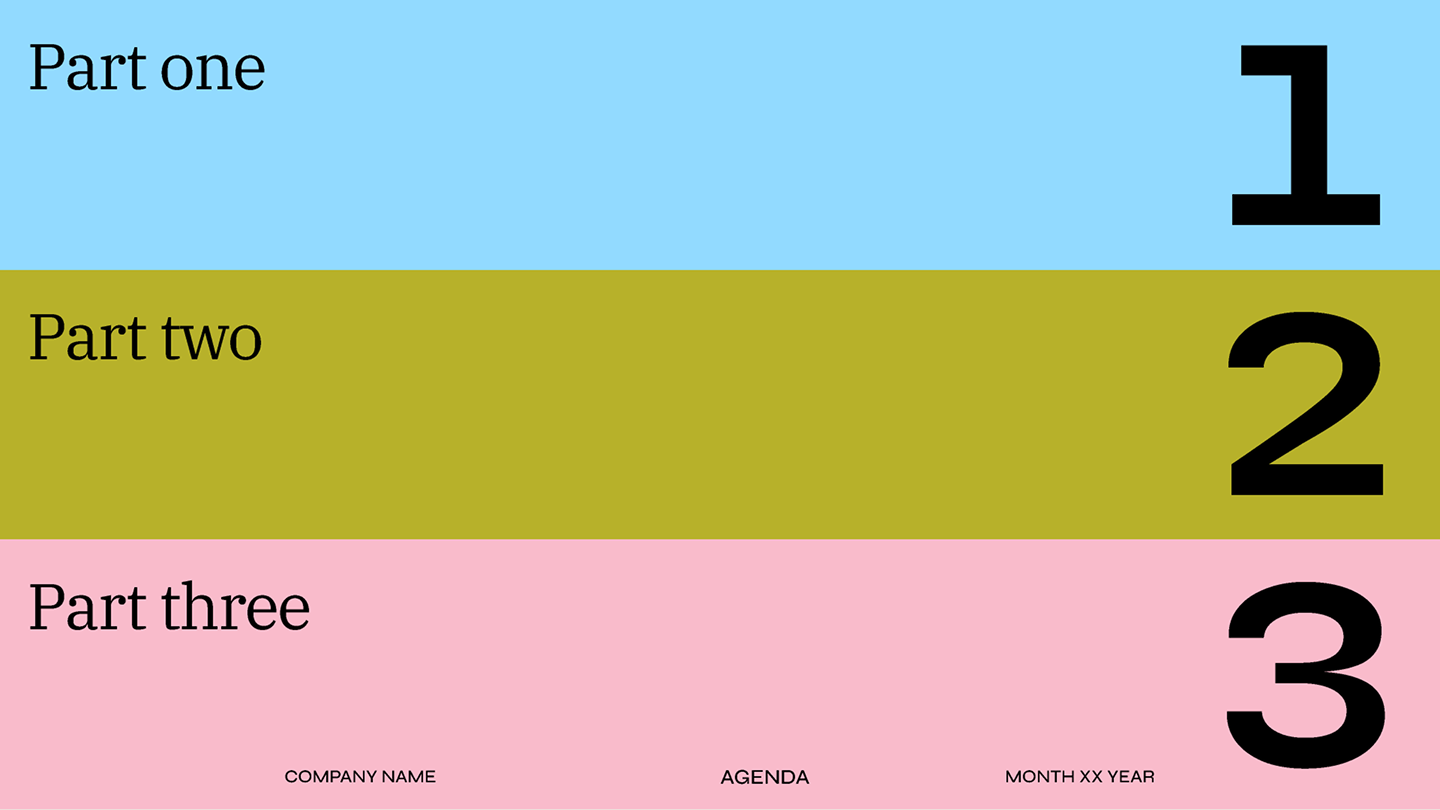
Though it’s simple, including an agenda or table of contents at the start of your presentation is effective, as it helps set expectations, provide structure, and encourage active listening by giving your audience a roadmap to follow. It can also help generate anticipation and excitement for what’s to come in your presentation.
Idea 20: Show your brand evolution
Illustrate your brand’s journey through key milestones and achievements. This approach works particularly well for pitch decks and product launches.
When Figma presented its redesign UI3, product designer Ryhan Hassan kicked off the talk by showcasing Figma’s growth since its launch over a decade ago. Showing where the brand was and where it is now provided the perfect transition into how the redesign would provide a more immersive and intuitive design experience today.
Pro tips for confident delivery
The best hook is useless if delivered poorly. Use these tips to overcome nervousness and project confidence:
- Memorize the first 60 seconds. Nerves are usually highest right at the start. Knowing your opening lines word for word ensures you launch smoothly, even if your mind goes blank for a second.
- Pause for effect. After your attention-grabbing hook, use a strategic three-second pause before you introduce yourself. This allows the hook to sink in, gives you a breath, and projects control and authority.
- Plant your feet. Avoid nervous pacing. Stand comfortably with your feet shoulder-width apart, and move with purpose only when transitioning to a new point.
- Connect, don’t scan. Instead of sweeping your eyes across the crowd, look at one person long enough to finish a thought, then move to someone else.
- Let visuals do the talking. Crowded slides are hard to read. Aim for the “7x7 rule” (no more than seven lines, seven words per line) and replace bullet points with large, impactful visuals whenever possible.
- Watch your rehearsal. Recording yourself is the fastest way to spot distracting habits, like fidgeting or filler words, before the big day.
Design an engaging presentation with Figma
When learning how to start a presentation, remember that the first few seconds are crucial. These tips can help you craft a compelling and engaging introduction that your audience will remember. If you’re ready to elevate your presentations, Figma can help. Here’s how:
- Use Figma Slides to build your presentation deck, using features like playable prototypes and AI to take your slides to the next level.
- Explore the Figma Community for slide templates to deliver polished, engaging presentations.
- Browse Figma’s template gallery to help kickstart brainstorming and strategic planning ahead of your presentation.
Ready to bring your presentation to life?
Figma Slides brings design and collaboration together, giving you the tools to build interactive presentations that leave a lasting impression.