25 best fonts for YouTube thumbnails to grab attention


Share 25 best fonts for YouTube thumbnails to grab attention
Explore more from
Design basics
Design and prototype with consistent type
Bring type to life in every interaction.


YouTube thumbnails do a lot of heavy lifting. In a split second, they need to catch someone’s eye, communicate value, and convince them to click. That's a tall order for a 1280 x 720 rectangle.
According to YouTube, 90% of top-performing videos have custom thumbnails. And typography plays a big role in making those thumbnails stand out, especially on smaller screens
Designers know it’s not just about slapping text on a background. It’s about type that holds up at any size, complements visuals, and still feels on brand. Whether you’re creating thumbnails for your own channel or designing for a client, the right font can be the difference between a scroll and a view.
Read on to learn:
- The best fonts to use for thumbnails
- Why thumbnails are important
- Tips for creating thumbnails
Fonts That Boost Clicks
Create eye-catching thumbnails with the best fonts — Try Figma free
Font 1: Bebas Neue

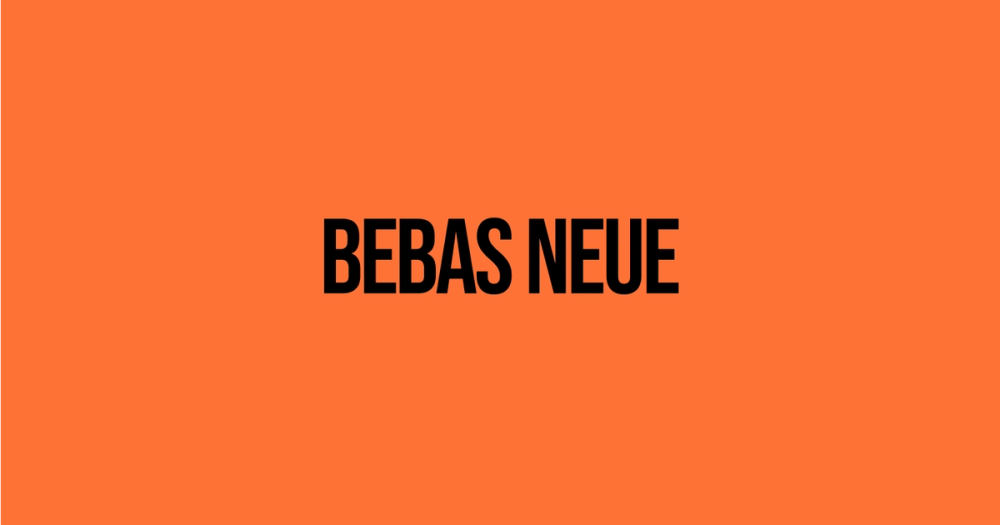
Font type: Sans serif
Bebas Neue is a sans serif display font with a sleek, modern style. Its all-caps design stands out while staying legible, and the tall lettering makes it perfect for bold, high-contrast thumbnails.
Best for: Tech, gaming, and tutorial videos
Font 2: IBM Plex Mono

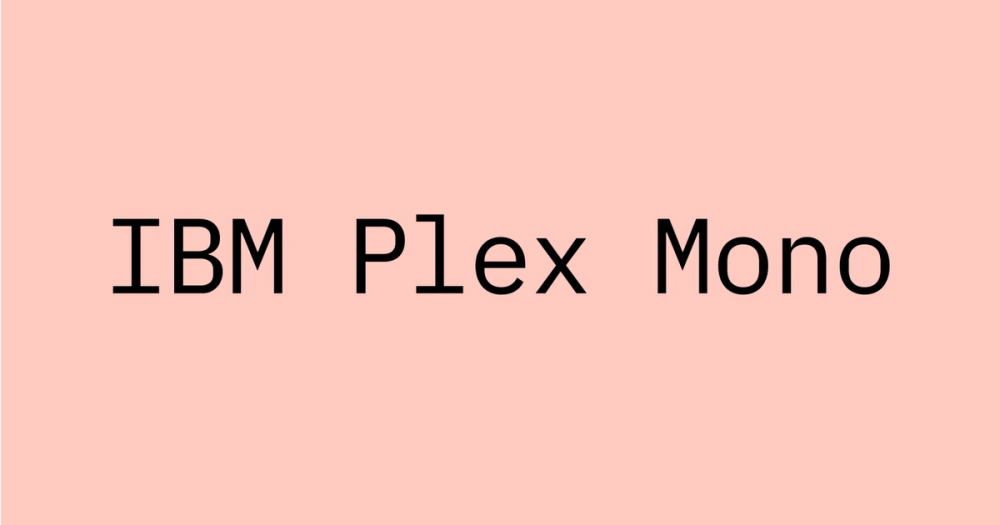
Font type: Monospaced
IBM Plex Mono is a monospaced font with a clean, tech-forward feel. It’s modern and professional, and with 14 different styles it’s both flexible and easy to read at small sizes.
Best for: Coding, tech, finance, and productivity content
Font 3: Anton

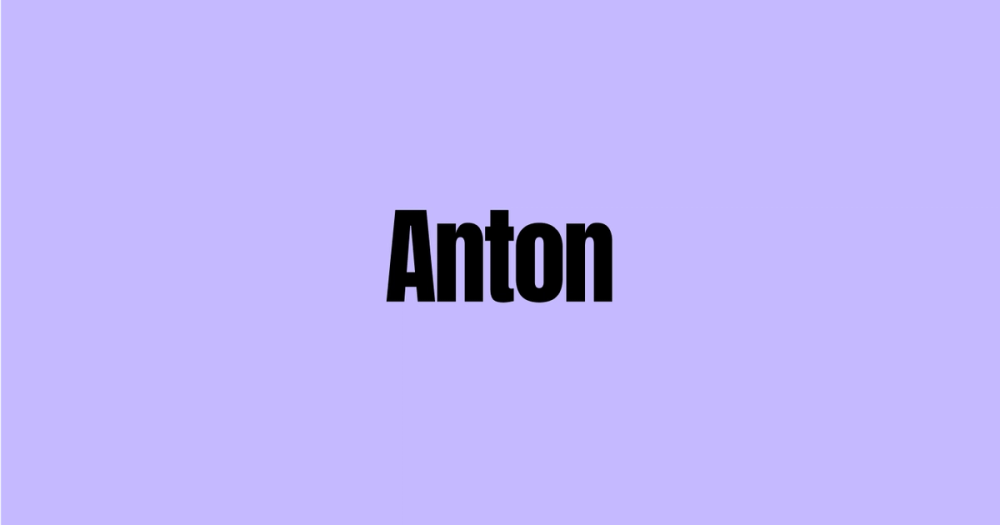
Font type: Sans serif
Anton is a thick, blocky sans serif font designed to grab attention. Its bold shapes and strong presence make it ideal for action-driven and high-energy videos.
Best for: Fitness, sports, gaming, and motivational videos
Font 4: Montserrat

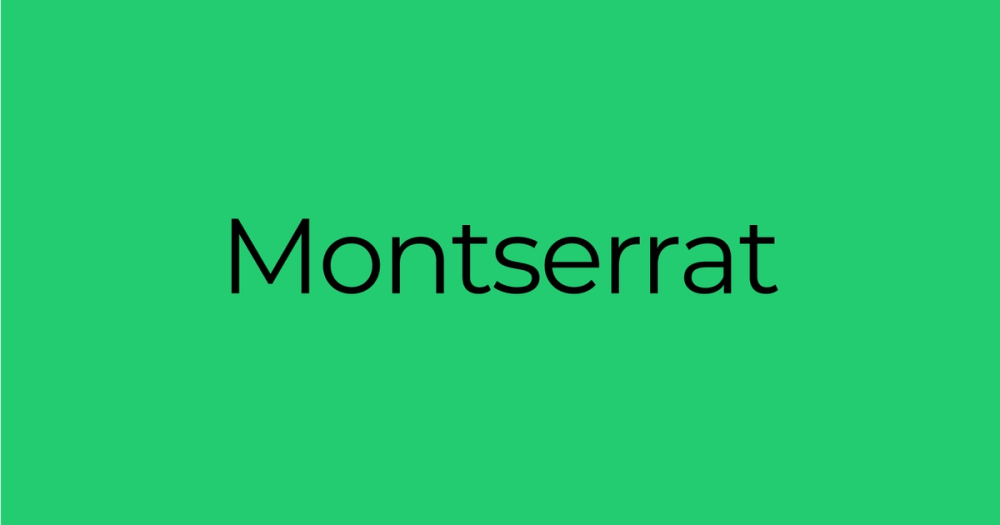
Font type: Sans serif
Montserrat’s clean and modern aesthetic makes it a go-to for polished thumbnails. Its geometric design stays readable at any size, and its flexibility works across styles.
Best for: Lifestyle, travel, fashion, and beauty content
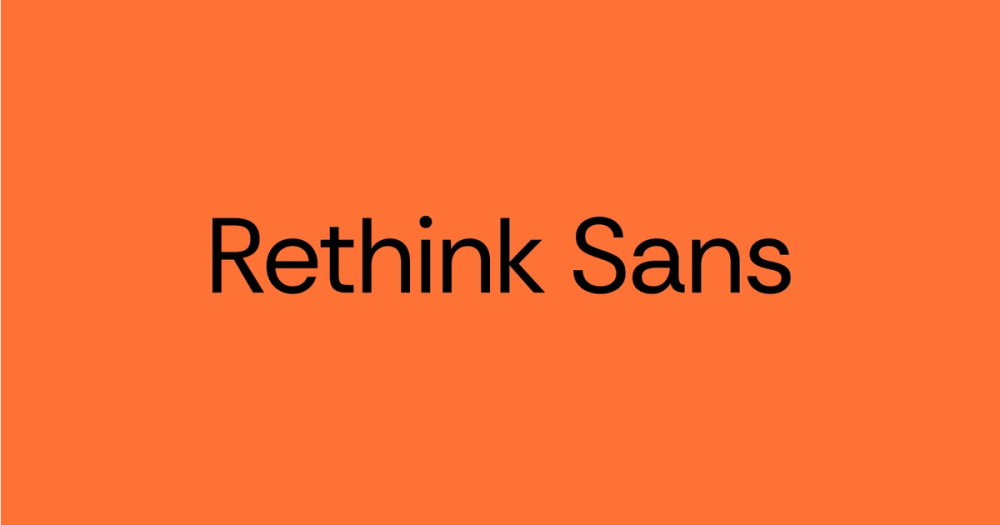
Font 5: Rethink Sans

Font type: Sans serif
Rethink Sans is a clean, modern font with roots in DM Sans and Poppins, two well-known sans serif typefaces. Its precise letterforms and built-in OpenType features make it a strong pick for digital use, especially when clarity matters.
Best for: Corporate presentations, editorial design, user interfaces, and websites
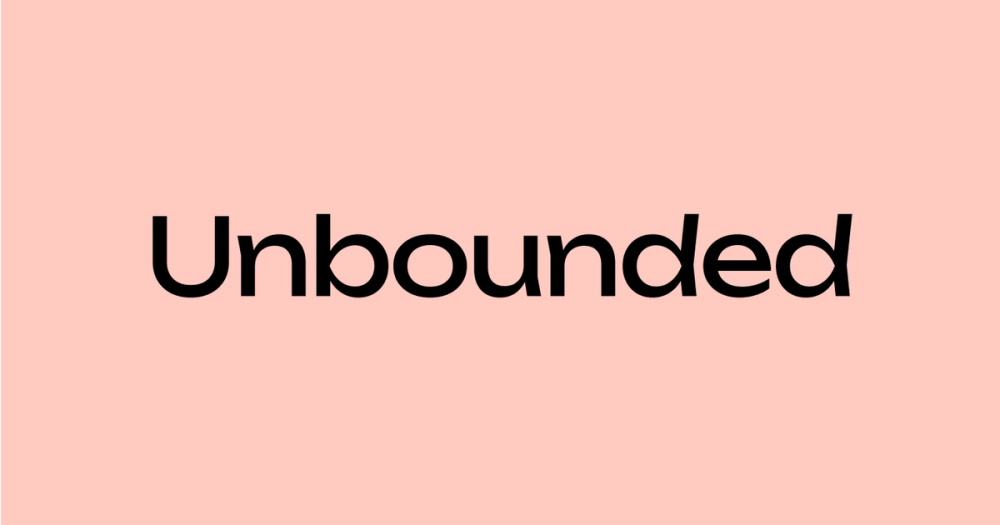
Font 6: Unbounded

Font type: Sans serif
Unbounded balances clarity with personality. Its design blends grotesque and humanist styles, giving it a distinctive look. Details like chevron-shaped stems and pinched counters add subtle flair, while a wide range of weights make it flexible for different thumbnail styles.
Best for: Web design, publishing, tech companies, and startups
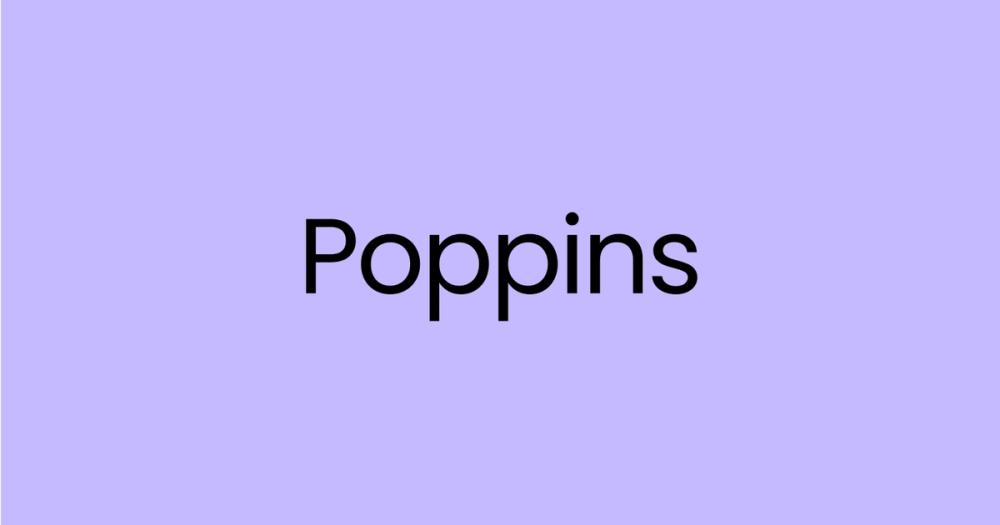
Font 7: Poppins

Font type: Sans serif
Poppins is a clean, modern sans serif with a friendly tone. It stays readable at smaller sizes and works great across a wide range of content, from tutorials to marketing to lifestyle.
Best for: Design tutorials, educational content, marketing videos, food and cooking tutorials
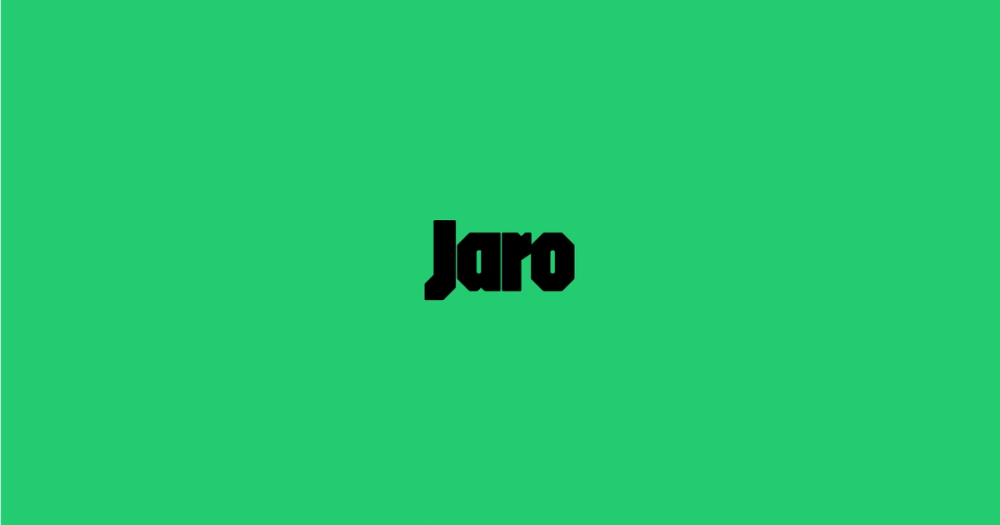
Font 8: Jaro

Font type: Sans serif
Jaro is a bold display font inspired by Czech graphic artist Jaroslav Benda. Its variable design and strong visual style make it great for eye-catching thumbnails. With built-in optical sizing, it stays readable at any scale.
Best for: Sports, gaming, and event promotion
Font 9: Raleway

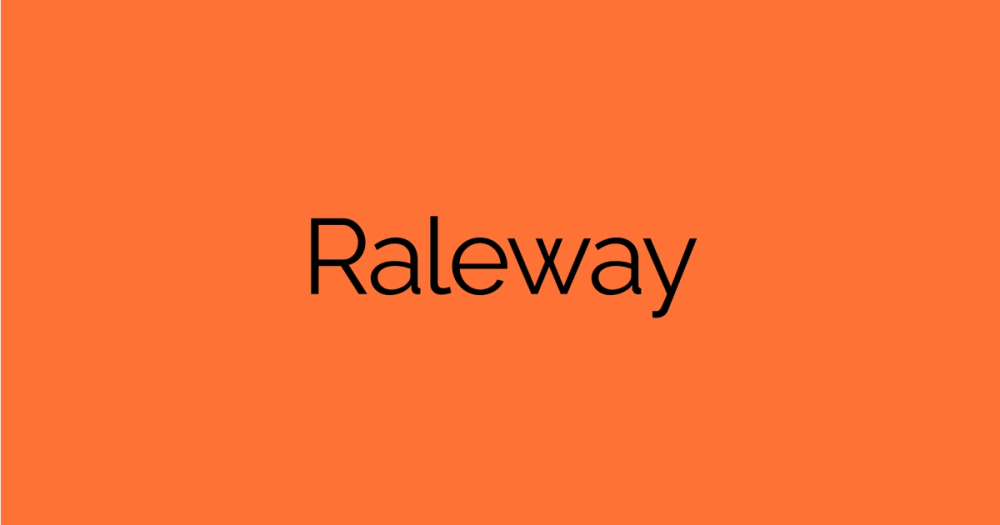
Font type: Sans serif
Raleway adds a clean, elegant feel to thumbnails. It’s best used at heavier weights to stay readable on smaller screen sizes, making it ideal for minimalist designs.
Best for: Fashion, design, lifestyle, luxury, beauty, and minimalist content
Font 10: Albert Sans

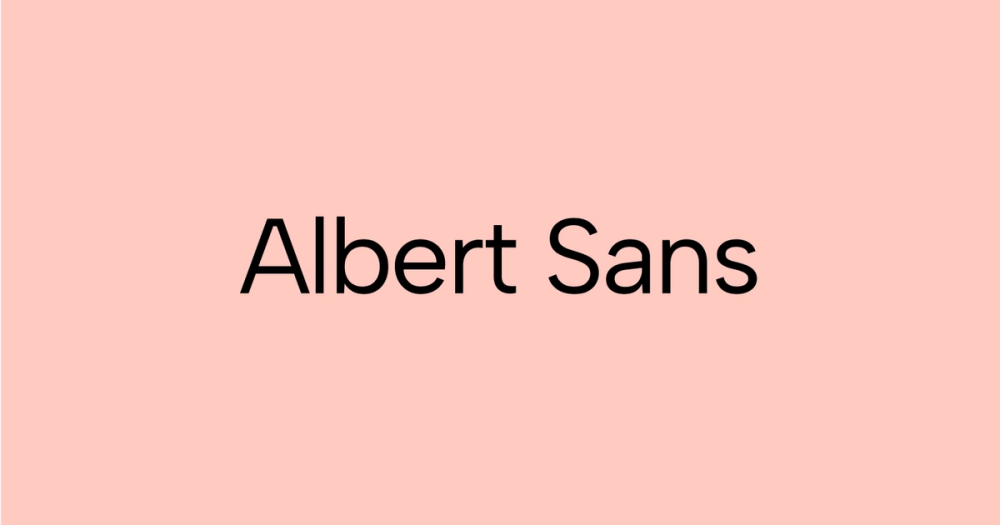
Font type: Sans serif
Albert Sans is a modern geometric sans serif font with a clean, balanced look. Inspired by early 20th-century Scandinavian design, it’s highly readable and works well in bold titles or subtler text, depending on the weight.
Best for: Design, architecture, tech, business, and minimalist lifestyle content
Font 11: Bangers

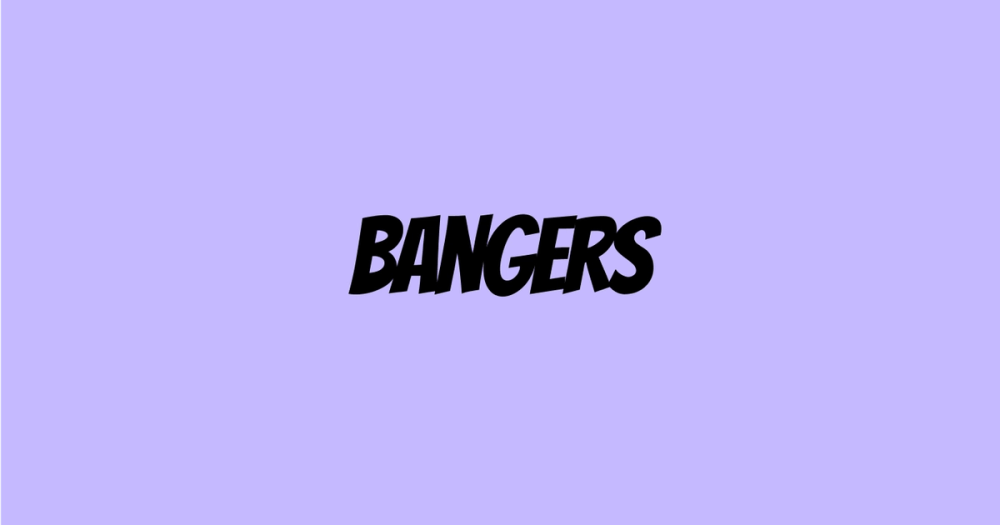
Font type: Display
Bangers is a bold, comic-inspired display font that brings energy andlfun to thumbnails. It’s perfect for content that’s fast-paced, expressive, or meant to make people smile.
Best for: Gaming, comedy, sports, and reaction videos
Font 12: Asset

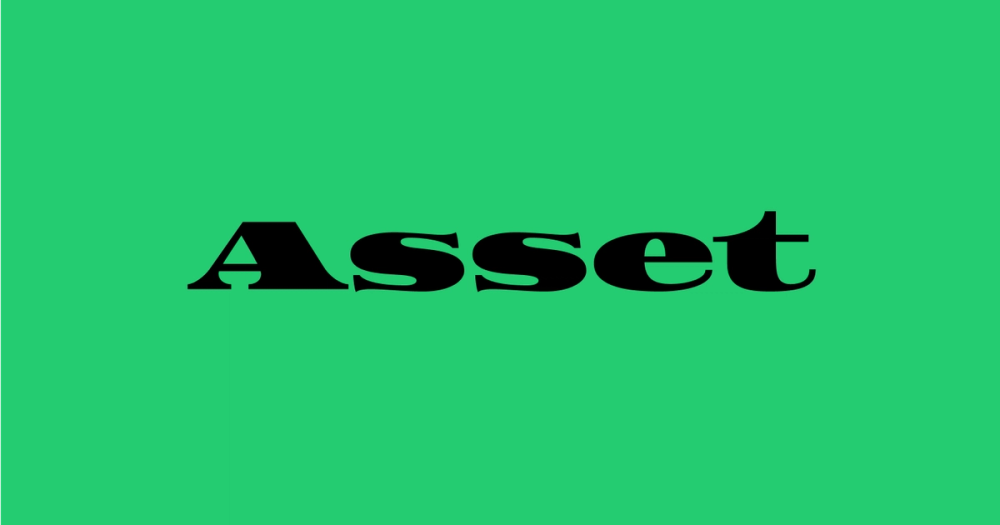
Font type: Display
Asset is a bold serif display font with a striking, attention-grabbing aesthetic. Its strong geometric letterforms and condensed proportions give it a somewhat industrial and technical feel. While unsuitable for body text, Asset's visual impact makes it ideal for thumbnails, headlines, titles, logos, and other branding elements that need a touch of bold flair.
Best for: Sports, technology, and industrial themes
Font 13: Inter


Font type: Sans serif
Inter is designed for screens, with clean letterforms and a minimalist feel. It’s ideal for thumbnails that need to feel modern and clear, especially across different devices.
Best for: Tech and software, design, development, productivity, and informative content
Font 14: Concert One

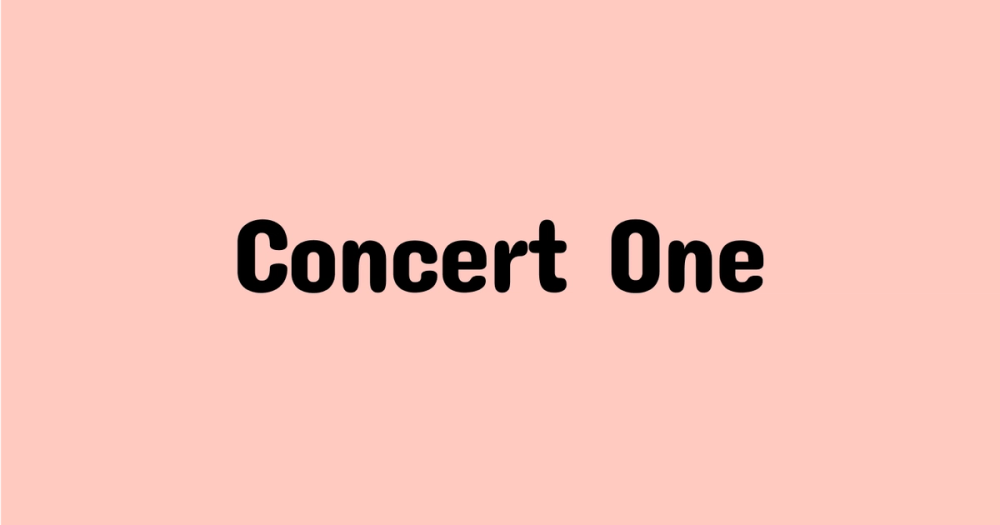
Font type: Sans serif
Concert One has a bold, round style that gives off a playful retro vibe. It’s easy to read and brings a sense of fun to thumbnails, especially for content that leans vibrant or nostalgic.
Best for: Music, retro-inspired, gaming, food, and children’s content
Font 15: Montagu Slab

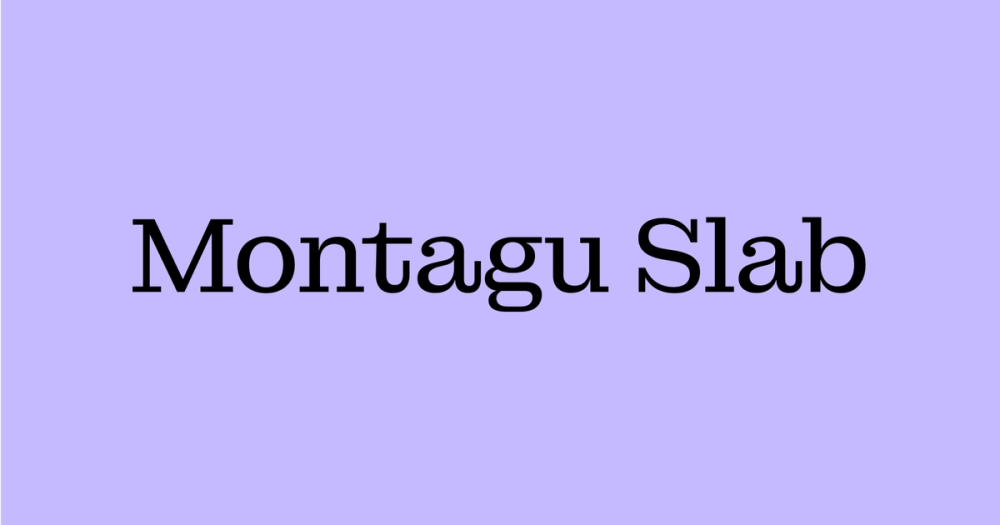
Font type: Slab serif
Montagu Slab brings a classic, grounded feel to thumbnails. Its bold, slab serif strucure makes it great for content with a sense of history, tradition, depth or storytelling.
Best for: Books and literature, outdoor, craft, and history content
Font 16: Lexend


Font type: Sans serif
Lexend was designed with accessibility in mind. Its wide spacing and clean structure help reduce visual stress, making reading easier across all devices. It’s a smart pick for content that values clarity and inclusivity.
Best for: Educational, informative, tech, health, and accessibility-focused content
Font 17: Holtwood One SC

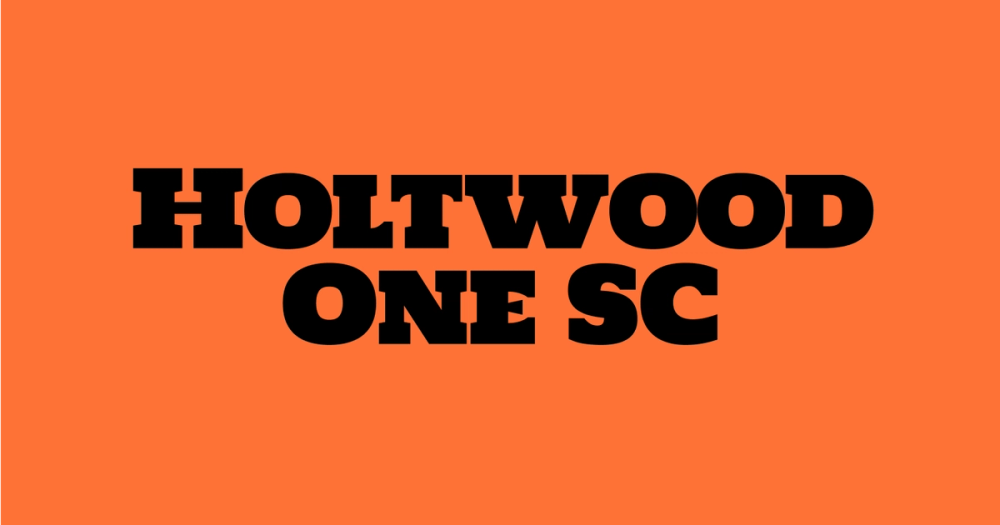
Font type: Display
Holtwood One SC delivers substantial, vintage-inspired impact. Its block letterforms work well at large sizes and give your thumbnails an old-school, poster-style presence.
Best for: Outdoor and adventure, automotive, gaming, DIY, food and beverage content
Font 18: Newsreader

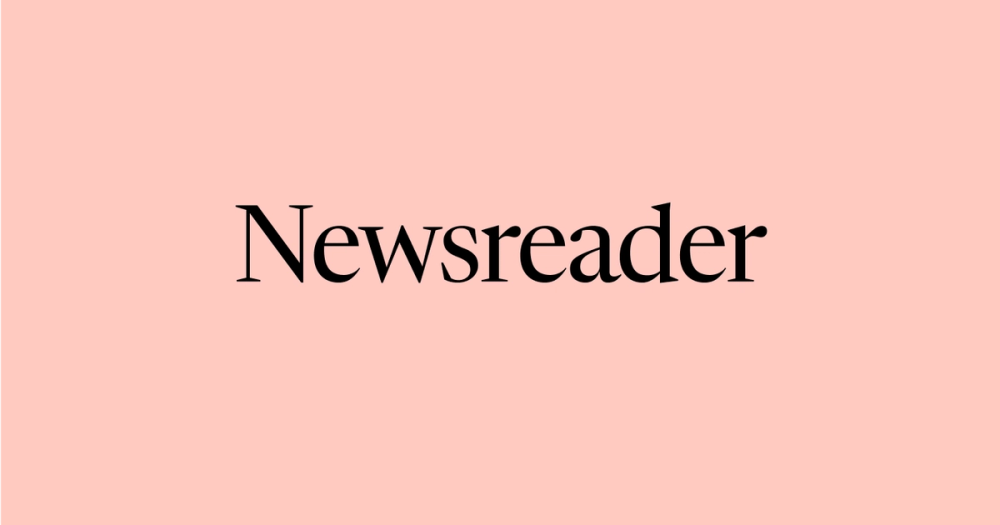
Font type: Serif
Newsreader is a modern serif designed for screen reading. With balanced proportions and subtle contrast, it balances professionalism with comfort — a solid pick for more serious or informative content.
Best for: Corporate presentations and academic content
Font 19: Rubik

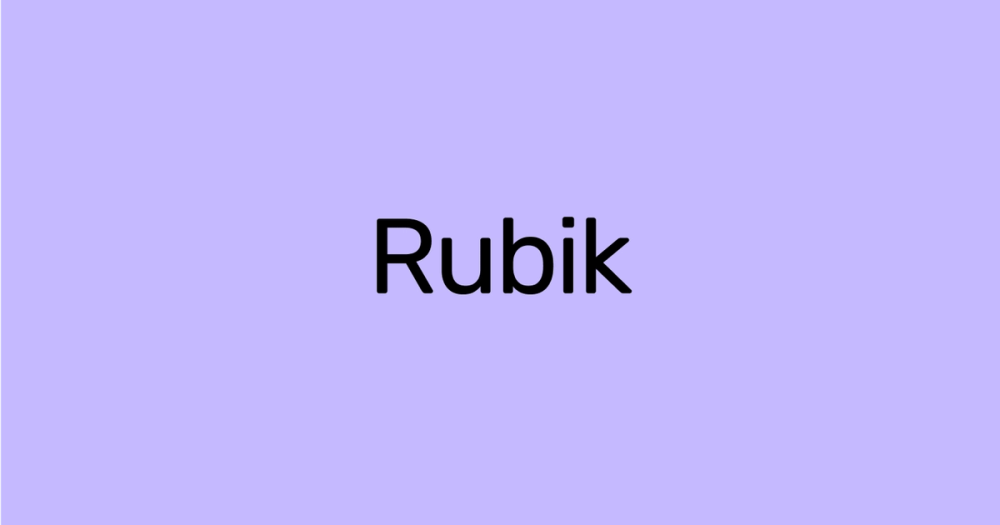
Font type: Sans serif
Rubik is another geometric sans serif font that is versatile and flexible due to its many different weights. Its rounded corners and soft style give it a friendly and approachable appearance, making it a great choice for content that aims to be welcoming and engaging.
Best for: Lifestyle vlogs, food and cooking, creative, and children-focused content
Font 20: Stint Ultra Expanded

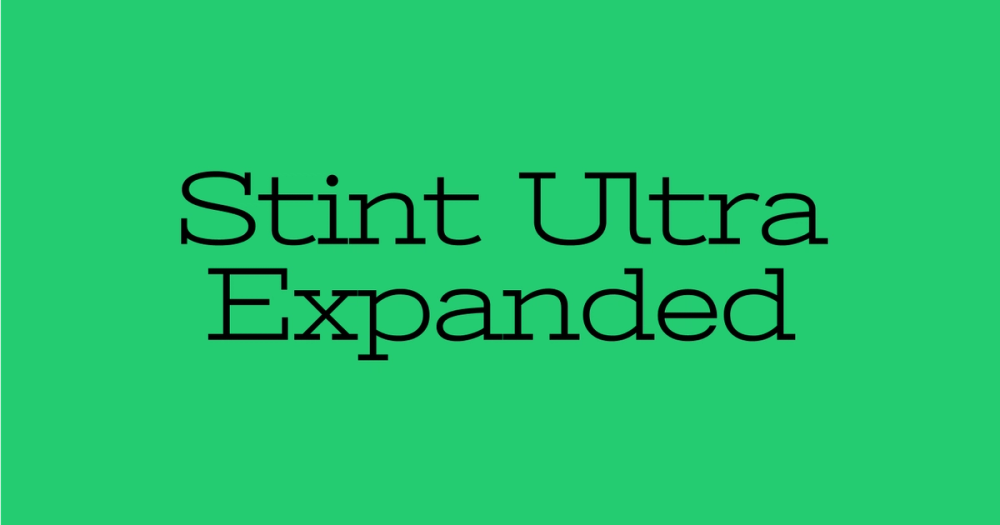
Font type: Serif
Stint Ultra Expanded makes a statement. Its wide letterforms and retro feel give it a distinct look that stands out in short headlines or phrases.
Best for: Sports, automotive, gaming, and fitness content
Font 21: Geist Variable

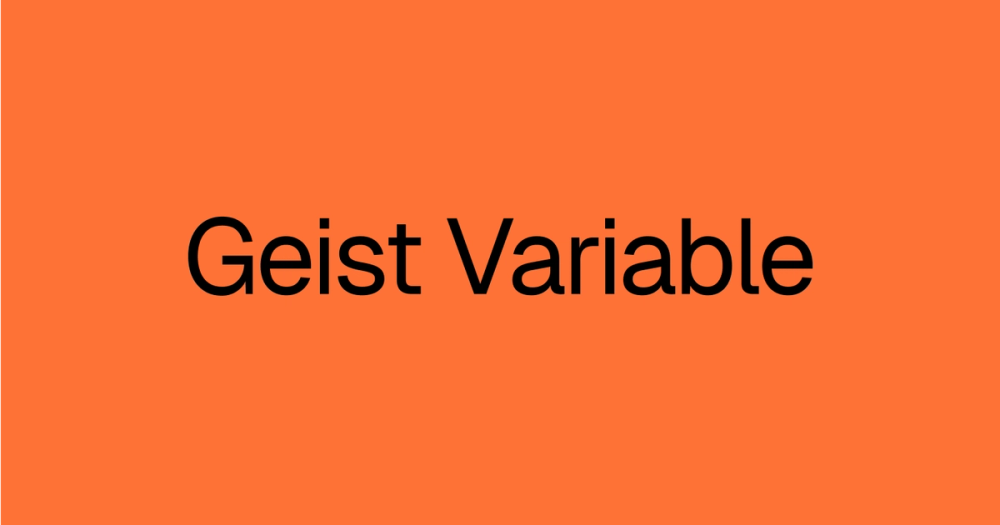
Font type: Sans serif
Geist Variable is a minimalist sans serif typeface inspired by classic Swiss typography. Its variable design makes it easy to customize for weight and width, which helps when adapting thumbnail text across layouts and formats.
Best for: Tech and software, interfaces, branding, editorial layouts, corporate presentations, and Web design content
Font 22: Nunito

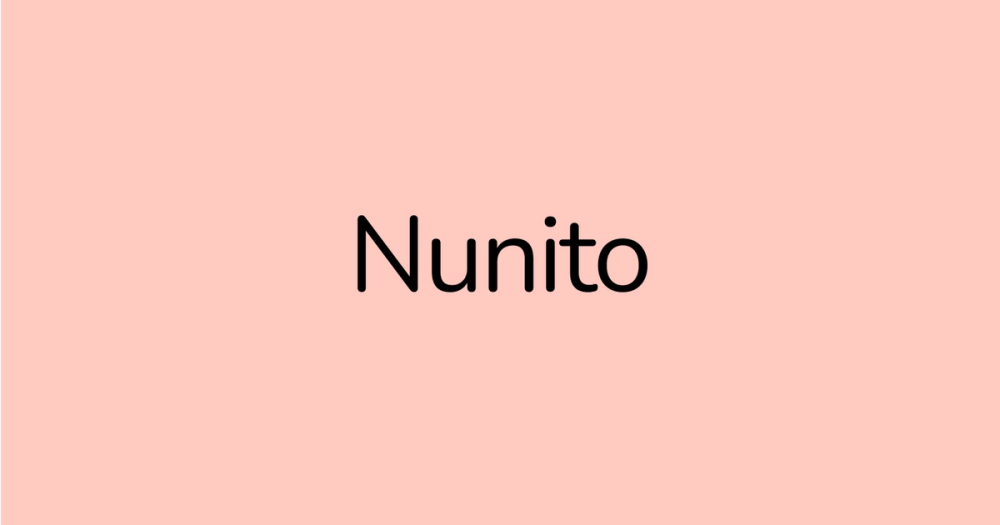
Font type: Sans serif
Nunito has soft, rounded shapes that give your thumbnails a warm, friendly feel. It’s optimized for on-screen reading and comes in a variety of weights to suit different design needs.
Best for: Lifestyle vlogs, food and cooking, education content, wellness, and children’s content
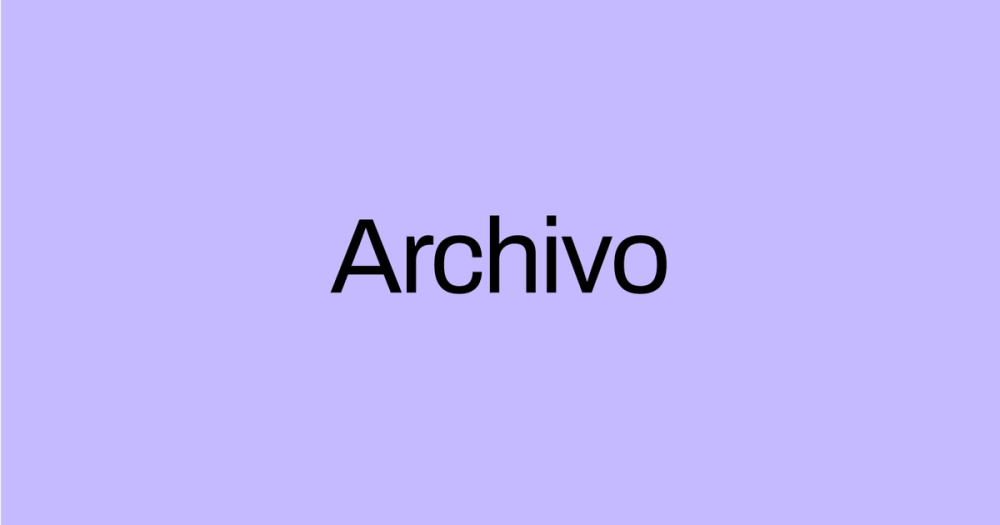
Font 23: Archivo

Font type: Sans serif
Archivo is a sans serif font designed for high-performance typography. Its straightforward structure makes it easy to read at a glance, especially when you’re working with bold, punchy text. Archivo comes in a wide range of weights and styles.
Best for: Tech and engineering, sports and fitness, news, business and finance content
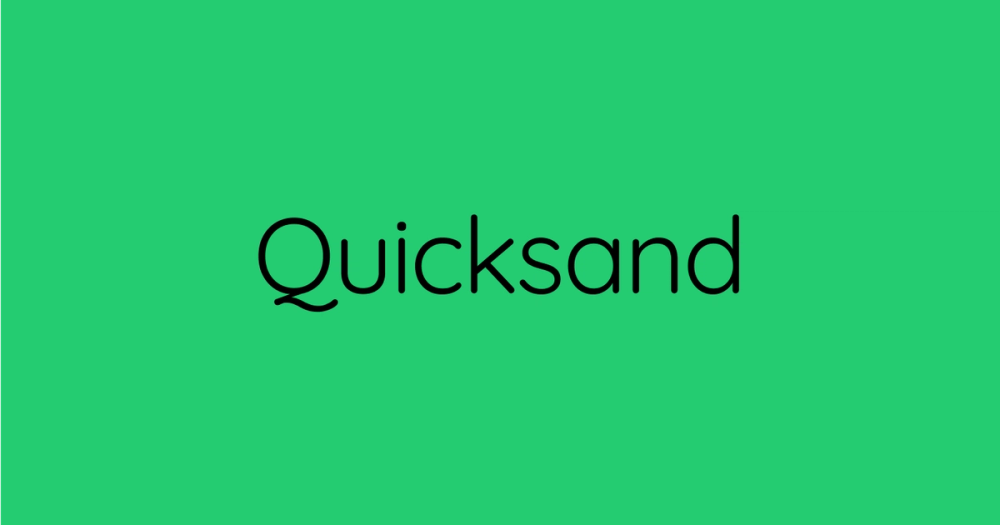
Font 24: Quicksand

Font type: Sans serif
Quicksand features rounded terminals and a modern, playful feel. It balances clean geometry with softness, making it a flexible option for creative and approachable thumbnail designs. Quicksand also comes in many weights and styles.
Best for: DIY, lifestyle, creative tutorials, travel, wellness, and educational content
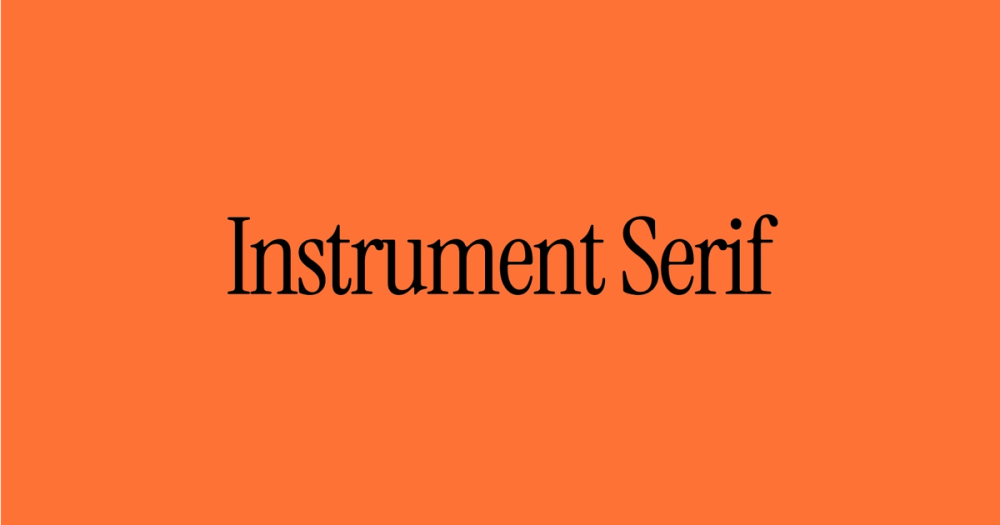
Font 25: Instrument Serif

Font type: Serif
Instrument Serif is a modern serif typeface that blends traditional serif elegance with sharp, modern detail. Its clean lines and high contrast give it a sophisticated and professional appearance. It's best used at large sizes, where its condensed forms and high contrast create a striking visual presence.
Best for: Fashion, beauty, luxury, websites, and editorial design
Why thumbnails are important
Thumbnails play a big role in how your videos perform. Here’s why.
- Attract attention. Bold, eye-catching thumbnail stands out and can stop the scroll.
- Drive brand awareness. Consistent fonts, colors, and design styles make your channel easier to recognize at a glance.
- Convey ideas. A well-designed thumbnails give viewers a quick idea of what your video is about.
- Boost click-through rate (CTR). Compelling thumbnails can improve engagement and performance across your channel.
Four tips for creating YouTube thumbnails
When designing thumbnails, ensure they capture attention, maintain readability, and are optimized for screens of all sizes. Here are some tips for creating eye-catching thumbnail designs:
- Use readable fonts. Make sure your thumbnail text is large, clear, and easy to read — especially on mobile. Avoid thin or overly decorative fonts that might disappear into the background. Sans serif fonts tend to perform best on screen.
- Keep text minimal. Stick to short, high-impact phrases, around three to five words. It’s more effective to write “10 productivity hacks” than “10 hacks to make you more productive.” Keep it tight, and make it clickable.
- Test on all screen sizes. Test your thumbnails on different screen sizes to make sure the text stays legible. Design at the recommended 1280 x 720 resolution, and check how it looks on both desktop and mobile.
- Use the rule of thirds. The rule of thirds allows you to position text, images, and other design elements in a visually balanced way. Figma’s built-in grids can help you align elements and keep your thumbnail design visually engaging.
Create eye-catching thumbnails with Figma
A thumbnail is the first thing your audience sees and will determine whether they click or keep scrolling. The best fonts for thumbnails help capture attention quickly while maintaining a visual aesthetic that aligns with your content.
If you’re ready to create impactful thumbnails, Figma can help. Here’s how:
- Use Figma’s design tool to create a balanced thumbnail design with a variety of font options available.
- Discover the best font for your next project with Figma's Font Library.
- Explore the Figma Community for thumbnail inspiration, or use a YouTube thumbnail template to test and preview your designs in real time.
- Browse Figma’s social media size guides to make sure your visuals are properly proportioned and consistent across all platforms.
Turn Scrolls Into Clicks
Design powerful thumbnails with the best fonts — Start for free in Figma
Keep reading

24 best fonts for websites
Learn more about the best fonts for websites.


60 color combinations to influence your next design
Learn how to pair the right colors together to create harmony in UI designs.


Seven essential UI design principles + how to use them
UI design principles can make your product or site more engaging, useful, accessible, and trustworthy.