25 Shades of Green in Design


Share 25 Shades of Green in Design
Explore more from
Design basics
Master color to elevate your designs
Experiment, refine, and apply color palettes in Figma.

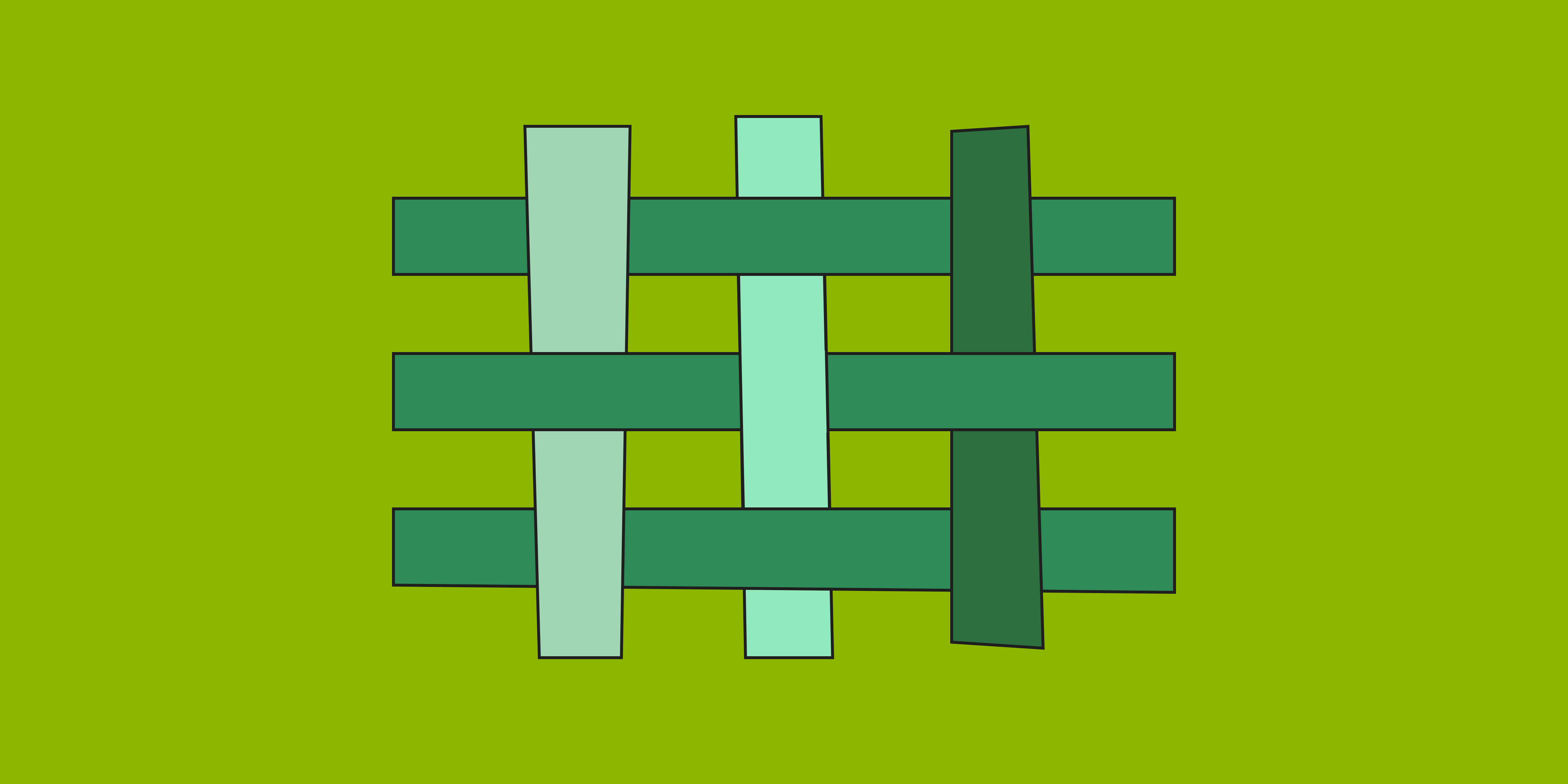
The human eye can distinguish hundreds of shades of green more easily than any other color, from pale pistachio to sporty neon green. Depending on the shade, green can represent nature and growth or luxury and calm. This versatility makes green color combinations a popular choice for brand color palettes among web and graphic design teams.
Read on to learn more about:
- Green color basics
- Benefits of using green hues in design
- Different shades of green to explore with Figma—plus 5 pro tips
Green color basics
Green is a secondary color on the color wheel that combines two primary colors: blue and yellow. Considered a cool color, green often conveys calm and relaxation. But with such a wide range of tones, green can carry many meanings—and provoke very different emotions.
See for yourself: Browse green tones on Figma, flip through the Pantone color wheel, or open a paintbox. Mixing green with black gives you darker shades, from rich emerald green to deep hunter green. Adding white creates tranquil tints of pastel green, from serene celadon to fresh mint green. You can also combine green with other colors to create yellow-greens, blue-greens, gray-greens, and brown-greens.
In the RGB color model used for digital displays, green is a primary color along with red and blue. Primary colors added in varying amounts can produce millions of different colors for digital designs. To help tell them apart, every RGB color comes with a unique hex code. For example, digital designers might recognize jungle green by its color code: #2AAA8A. Meanwhile, graphic design pros who use the CMYK color system know that cyan and yellow produce a green pigment for print.
Benefits of using green in design
Web, graphic, and interior design teams use green color schemes to achieve key creative goals, including:
- Easy visibility. Humans can see light between 400 and 700 nanometers. Green light hovers in the middle, at about 555 nanometers, making green very easy to see.
- A sense of calm. Because we perceive green with such ease, the color can soothe and relax us.
- Eco-friendly message. Since green is commonly seen in nature, eco-savvy brands like Seventh Generation use green color palettes to evoke health and sustainability.
Different shades of green
You can use green in a soothing monochromatic design to relax users, or as part of a complementary color scheme for maximum contrast. No matter what direction you choose, selecting the right shade of green is key to success. Consider your options below.
Yellow-green shades
Yellow-greens are fresh and dynamic. Use yellow-green shades to represent renewal, growth, enthusiasm, and happiness.
- Apple green (#8DB600) is a bright green named after the Granny Smith apple. Use it as an accent color to introduce a fun, playful element to your design.
- Chartreuse (#CCFF00), named after a French liqueur, is an almost neon yellow-green. This vivid hue can help bring a lively and fresh look to UI designs.
- Lime green (#89F336) can provide a vibrant pop of color in web and printed content. Use lime green as a visual cue in your UI design to help guide users as they navigate your website or app.
- Pistachio green (#93C572) is a cooler, more mellow light green that works well with other pastels. Pistachio green can provide a soft, soothing touch to UI designs. It can also lend a sophisticated vibe when paired with black or grays.
- Spring green (#00F0A8) is a vivid hue that symbolizes new beginnings and growth. Use it to represent positive actions, such as successful transactions or confirmation messages.
Blue-green shades
Blue-green shades reflect the ocean’s calming qualities. Go with blue-green to evoke dependability and inspire trust and confidence.
- Sea green (#2E8B57) is a soft, muted hue known also as aquamarine (meaning “seawater” in Latin). Use this color to create a relaxed and welcoming digital environment.
- Teal green (#006D5B) is a deep blue-green named for the colored feathers framing a teal bird’s eyes. This distinctive hue is a great choice for buttons, links, or CTAs.
- Turquoise green (#A0D6B4) is a light blue-green named after the turquoise gemstone. This vibrant color works well for travel, nature, or technology websites or apps.
Gray-green shades
Gray makes green more neutral in tone. Use gray-green shades like sage for a serene, sophisticated vibe.
- Gray asparagus (#465945) is a medium dark shade of green that can convey comfort and elegance. Use this color to draw attention to key UI elements, such as CTA buttons.
- Seafoam green (#93E9BE) combines green, gray, and blue to create a subtle, elegant shade. This soft color pairs well with bolder colors such as coral or sunshine yellow to enhance visual design.
- Sage green (##98A869), named after the sage plant, is a muted shade representing wisdom and peace. Try sage green for calming backdrops or subtle overlays.
Brown-green shades
When combined with brown, green takes on a more formal air. Brown-green shades like olive are versatile—they can represent military might or reflect nature and stability.
- Forest green (#2E6F40) is a dark green color that represents lush foliage (think evergreen trees). Premium brands and services favor forest green for accents and CTA buttons to convey exclusivity and value.
- Moss green (#8A9A5B) is a soft, warm shade with a golden undertone. Use it for a sophisticated yet natural tone for your brand.
- Olive green (#636B2F) mixes brown and yellow to create a versatile shade used in military gear, high fashion, and more. Outdoor sports and adventure apps can lean into this earthy, muted shade to appeal to users, while reducing eye strain.
3 brands that use green shades effectively
Many brands use green shades to convey clear positioning and messaging that connect with target audiences. Here are just a few examples:
- Whole Foods Market: This premium supermarket chain uses a dark green hue (##00674b) to support its position as purveyors of “the highest quality natural and organic foods.”
- Ecoist: Swedish electric car maker Ecoist uses energizing Irish green (#0C9A00) for its website design. This color choice supports the brand’s eco-friendly mission—to develop sustainable products for customers who “share a love of our planet, Mother Earth.”
- Lacoste: This sporty fashion brand uses green (#004526) for its website and alligator logo, conveying vitality and wealth.
5 pro tips when using shades of green in UI design
To use green shades effectively in UI design, consider these five tips:
- Create contrast. Pair green with colors that provide balance and contrast. Check your color contrast to ensure your design is legible and accessible to all—including people with deuteranopia, or difficulty distinguishing green from red.
- Match the mood. Find a green hue that strikes the right tone for your brand. Lighter shades set an upbeat, dynamic mood. Deeper greens create a more dignified or elegant atmosphere.
- Call out key elements. Green is a popular choice for CTA buttons and primary navigation elements. Try a shade that stands out but doesn’t overwhelm the user.
- Test with target users. Different shades of green can evoke a range of emotions in your users, from a sense of calm and well-being to energy and optimism. Choose a green hue that stirs positive emotions in your target audience.
- Take cultural context into account. To select a shade of green with broad audience appeal, research color symbolism and meanings for global audiences—especially in regions where your target audience is located.
Apply shades of green to your color palette with Figma
Want to figure out which shades of green work best for your brand? Check out Figma’s professional design resources:
- Experiment with Figma’s color palette generator to come up with your own signature color combo.
- Dive into Figma’s resource library for insights on color theory, color meaning and symbolism, RGB, and CMYK.
- Get inspired by professional color palettes shared by the Figma design community.
- Create and collaborate with your design team using Figma’s powerful design tool.
Ready to kick off your color explorations?
Keep reading

What is UI design
What is UI design today, and what role does it play in the design thinking process?
Learn more

What is visual hierarchy
If everything looks the same, then you see nothing. Visual hierarchy can change that.
Learn more

UI vs UX
Read on to find out what it takes to design engaging UI, and create a memorable UX.
Learn more
From the blog

How Decagon uses AI for design system saturation
The fast-growing customer experience platform explains how Figma MCP and Figma Make helped them scale a new design system and keep pace with customer requests.
The Figma design agent is here
Starting today, work with an agent that is built for Figma—directly on the canvas.

The TL;DR on MCP: Why context matters and how to put it to work
Figma’s MCP server brings your design decisions into the tools where code gets written—so what gets built actually matches what was designed. Here’s what that unlocks for everyone who builds products.
How to supercharge your design system with slots
Slots give you the ability to customize components without breaking the system. We’re sharing five field-tested tips from early users to help you unlock more freedom without giving up control.
The new business case for design systems
Design systems have evolved from static libraries to key drivers of business revenue, customer loyalty, and product strategy. Here’s what you need to know about how to track and communicate the value of your design system, based on new research from the Design Executive Council (DXC).

5 shifts redefining design systems in the AI era
As AI reshapes how we make products, design systems are evolving from libraries of reusable parts into living frameworks that scale taste and craft. We spoke with product leaders and practitioners about the shifts they’re seeing in how design systems are built, used, and maintained.