

AI prototyping for product managers
Learn how AI prototyping for product managers helps you turn prompts into clickable flows, find logic gaps early, and align your team before you ever hit dev.
Skip to main content
Design basics
All your design work, in one place.

Your team just got an AI-generated prototype back. The screens look polished, the flow makes sense, and it took 10 minutes instead of two weeks. Before it ships, someone in the room asks the question that matters most: who is this actually for, and does it solve their problem?
It’s easy to skip this question when everything already looks ready to ship. Asking user-centered design questions is what keeps a fast, AI-assisted process honest. As tools get better at generating outputs, the questions your team asks before, during, and after that output matter more.
This guide translates core user-centered design principles into concrete questions you can use at every stage of the process, from early research through post-launch iteration.
Read on to learn:
User-centered design questions are prompts that keep your team’s decisions anchored in real user needs, goals, and context, rather than internal preferences or whatever an AI tool defaults to.
The concept builds on human-centered design, a methodology popularized by Don Norman and refined over decades by researchers at places like the Nielsen Norman Group.
The core idea hasn’t changed—design decisions should start with the user, not the solution.
These questions aren’t just for the research phase. They belong at every stage of a project, including discovery, ideation, prototyping, testing, and evaluation.
User-centered design questions only work if they’re grounded in real answers. Those answers come from actual conversations with users, not guesses dressed up as insights. Before your team runs through any list of questions, it needs a solid process for gathering that input in the first place.
A couple of techniques worth building into that process:
The most useful user-centered design questions are the ones asked at the right moment. A question that makes sense during discovery won’t help you much once you’re staring at a working prototype, and vice versa. Here’s what to ask at each stage, from early discovery to post-launch evaluation:
This is where you figure out who your users actually are, not who you assume they are. A few questions to bring into every discovery session include:
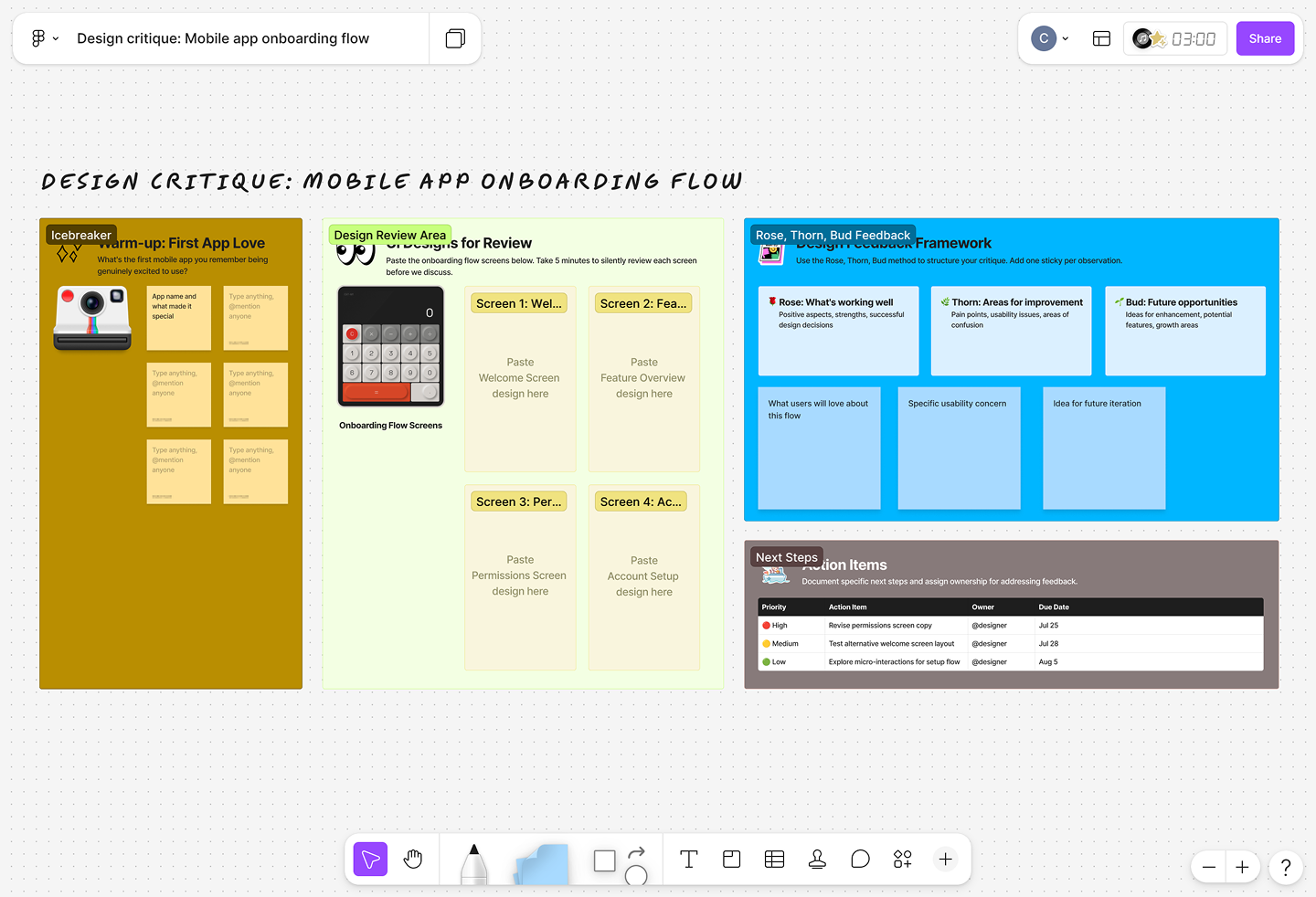
FigJam is a natural home for this kind of work. Teams can map out a user’s current workflow step by step, flag pain points along the way, and group research notes and observations by theme, all on the same shared board in real time.
AI tools can help generate persona hypotheses or suggest a research framework in seconds, but the actual research, the conversations, the observations, and the synthesis still take human judgment.

Once your team understands its users, user-centered design questions shift from “Who?” to “Does this actually work for them?” Answering that well takes an accurate read on what the users need, what frustrates them, and what success looks like from their seat.
A handful of questions worth running every concept through include:
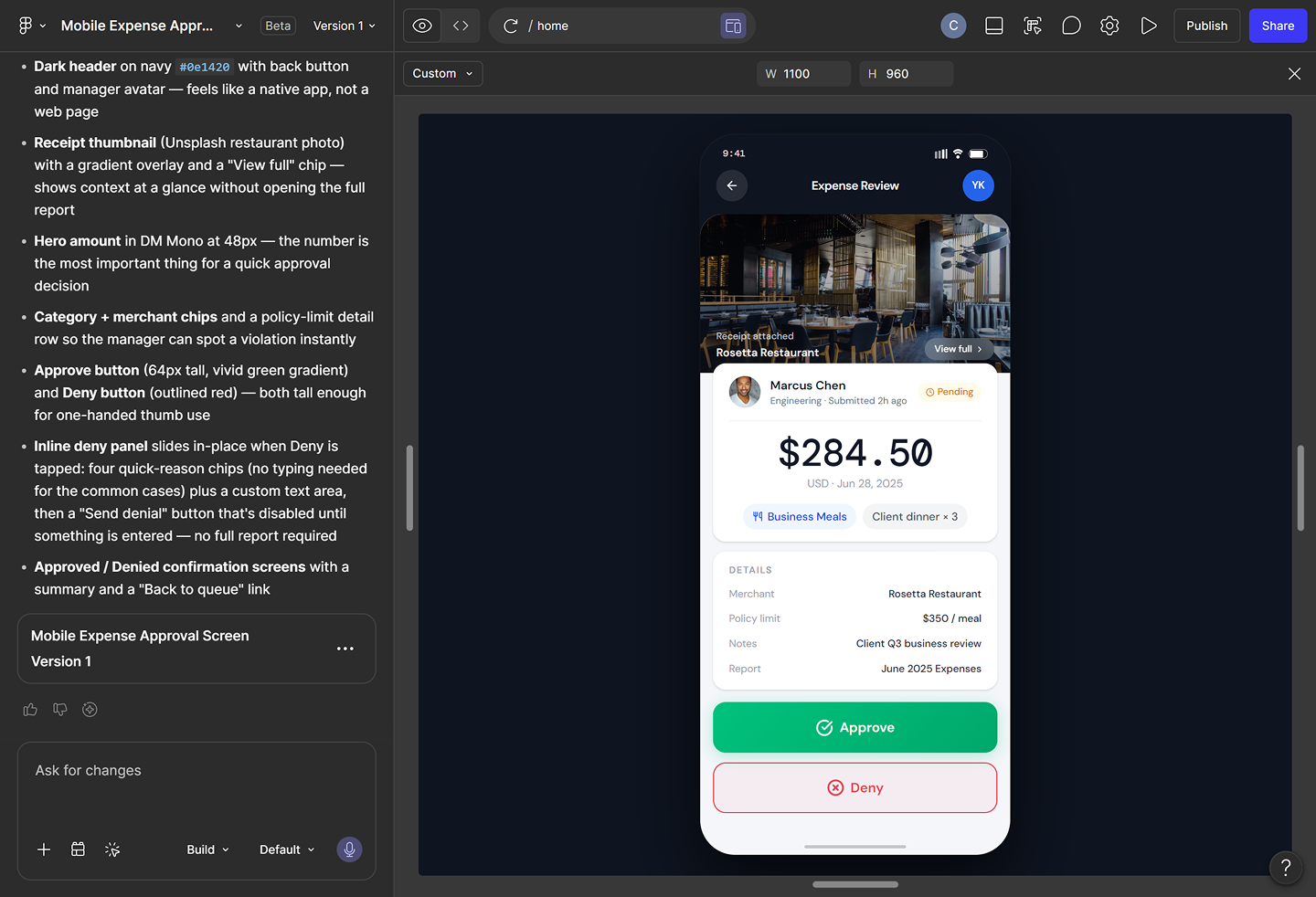
With Figma Make, teams can turn a concept into an interactive prototype fast enough to test these questions instead of debating them in a meeting.

Prototyping is where user-centered design questions move from theoretical to testable. This stage is where you get to watch what actually happens instead of guessing.
Questions to guide what you’re testing for include:
Figma’s agent can generate feedback from multiple simulated perspectives, which is a useful way to surface blind spots before you bring in real users. Treat that output as a starting point for exploration, not a verdict. Real prototyping with real people is what actually validates UX design direction.
The effort pays off. In our 2025 AI report, 75% of respondents who named “creating realistic AI prototypes” as a top challenge also said their projects succeeded. Wrestling with realism tends to come from teams that are testing and iterating in the first place.
Figma Make lets you build interactive prototypes fast, so you can test ideas against real user needs before committing to a direction.
User-centered design doesn't end at launch. These questions help your team evaluate a live product and feed what you learn back into the next cycle:
The Figma canvas is where teams come back together to review findings, plan changes, and keep the cycle moving instead of letting insights sit in a spreadsheet somewhere.
User-centered design questions work best when they’re a shared habit, not a checklist one designer runs through alone. That structure matters more than it might seem—in our State of the Designer 2026 report, 91% of designers said clear goals and expectations help them do their best work.
A standing set of questions gives a team exactly that. Here’s how to make it stick:
Build a standing set of user-centered design questions into every design review. The question isn’t just “does this look right?” It’s “does this serve the user?”
FigJam works well here too, giving your team a shared space to run critiques and workshops where these questions stay visible to everyone in the room.
As AI tools generate more design work faster, user-centered design questions become your team’s quality filter. When a tool produces a wireframe or a prototype, ask:
AI accelerates the work, but your judgment about user needs still calls the shots. That judgment matters because trust in AI output is still shaky. Figma’s 2025 AI report found that only 32% of designers and developers say they can rely on AI’s output in their work.
Figma designer Pablo Sanchez makes a similar case in his post on designing the unexpected, saying that the best outcomes come from treating tools, including AI, as collaborators that still need clear direction from a human who understands the problem.
Capture the answers your team lands on, not just the questions you asked. That record becomes a shared source of truth that designers, developers, and product managers can reference throughout the project.
This close collaboration between design and dev tends to pay off. Figma’s 2025 AI report found that 75% of successful AI product teams said design and dev collaborated closely.
Figma’s shared canvas and Dev Mode help keep that context visible across design and development, so nobody has to relitigate a decision three sprints later.
Answers to user-centered design questions only matter if they change something. Feed what you learn from testing and live use back into your roadmap, and revisit those same questions once the update ships. A user-centered design process is a loop, not a one-time exercise.
Most user-centered design processes don’t fail because teams skip research entirely; they break down in smaller, easier-to-miss ways. Here are some of the most common mistakes to be aware of:
It’s an easy trap to fall into. Your team spends hours in the product every day, so what feels obvious to you, like where a setting lives or what a specific icon means, is often anything but obvious to someone opening the product for the first time. Familiarity quietly replaces user research as the standard for what counts as intuitive.
The fix is checking your instincts against an actual first-time user, even an informal one.
Ask instead: Would a first-time user understand this without help?
A polished AI-generated prototype can look like a finished decision before it’s even been tested. The visual quality signals completeness, so teams move straight to build without stopping to ask whether the flow actually reflects what users need.
Polish is a design output, and that gap between “looks done” and “is validated” is where a lot of rework starts. Treat any AI-generated concept the way you’d treat a rough sketch, as a starting point worth testing, not a decision worth shipping.
Ask instead: What real user evidence supports this design direction?
User-centered design questions tend to get plenty of attention during discovery, then quietly disappear once design and development kick off. Deadlines take over, and decisions start getting made based on convenience or technical constraints instead of what you learned about users just weeks earlier.
The questions don’t stop being relevant once research wraps up. Every design and engineering tradeoff is still a chance to check back against what users actually need.
Ask instead: What do we know about our users that should influence this specific decision?
Dashboards make it easy to see what users do, like where they click or where they drop off, without ever explaining why. Teams often jump straight to a fix based on surface-level data, patching the symptoms without understanding the root cause of confusion or friction.
A drop-off at a specific step could mean the copy is unclear, the layout hides something important, or the user simply didn’t have the information they needed yet. Each of those has a different fix, and getting to the real answer usually takes a follow-up conversation.
Ask instead: What was the user trying to accomplish when they stopped?
FigJam has templates to help your team run user interviews, synthesis sessions, and design critiques, all in one shared space.
FigJam has templates to help your team run user interviews, synthesis sessions, and design critiques, all in one shared space.
UX designers typically ask users open-ended questions about goals, workflows, and pain points. This includes things like, “Walk me through how you currently handle this task,” or “What would make this easier for you?”
The goal is to understand behavior and context, not to collect preferences. Good user-centered design interview questions tend to focus on the user’s actual tasks rather than the product itself.
User-centered design focuses specifically on the needs and behaviors of a product’s end users. Human-centered design is a broader philosophy that considers everyone affected by a design decision, including stakeholders and unintended users. In digital product work, people often use the two terms interchangeably.
AI can speed up parts of the user-centered design process, from generating persona hypotheses to producing prototypes in minutes. But it doesn’t inherently understand user needs or context. Teams still need to work through the same user-centered design questions and answers they always have, then validate whatever AI produces against real research.
Asking the right user-centered design questions is what separates products people stick with from products they abandon after one try. It’s a habit, and it holds up whether your team is sketching an idea by hand or generating ten variations with AI in an afternoon.
Here’s how to put it all together:
Figma Make helps teams prototype, test, and iterate faster so every design decision is grounded in real user needs.
Learn how AI prototyping for product managers helps you turn prompts into clickable flows, find logic gaps early, and align your team before you ever hit dev.

We reviewed 9 AI prototyping tools for product and design teams. See how Figma Make and others help you go from prompt to interactive prototype in minutes.

Discover AI tools for UX designers to streamline your design process, improve productivity, and enhance user experiences with cutting-edge technology.

Human-computer interaction (HCI) studies how users interact with technology. Learn how to apply HCI principles using Figma in this guide.


UX design is the creation of digital products around user needs and expectations. Learn key principles, skills, and how to use Figma for UX design.


Learn how UX validation helps you spot logic gaps and refine interaction patterns before dev. Use Figma Make to ship dev-ready designs with confidence.
Build faster with Figma's agent